


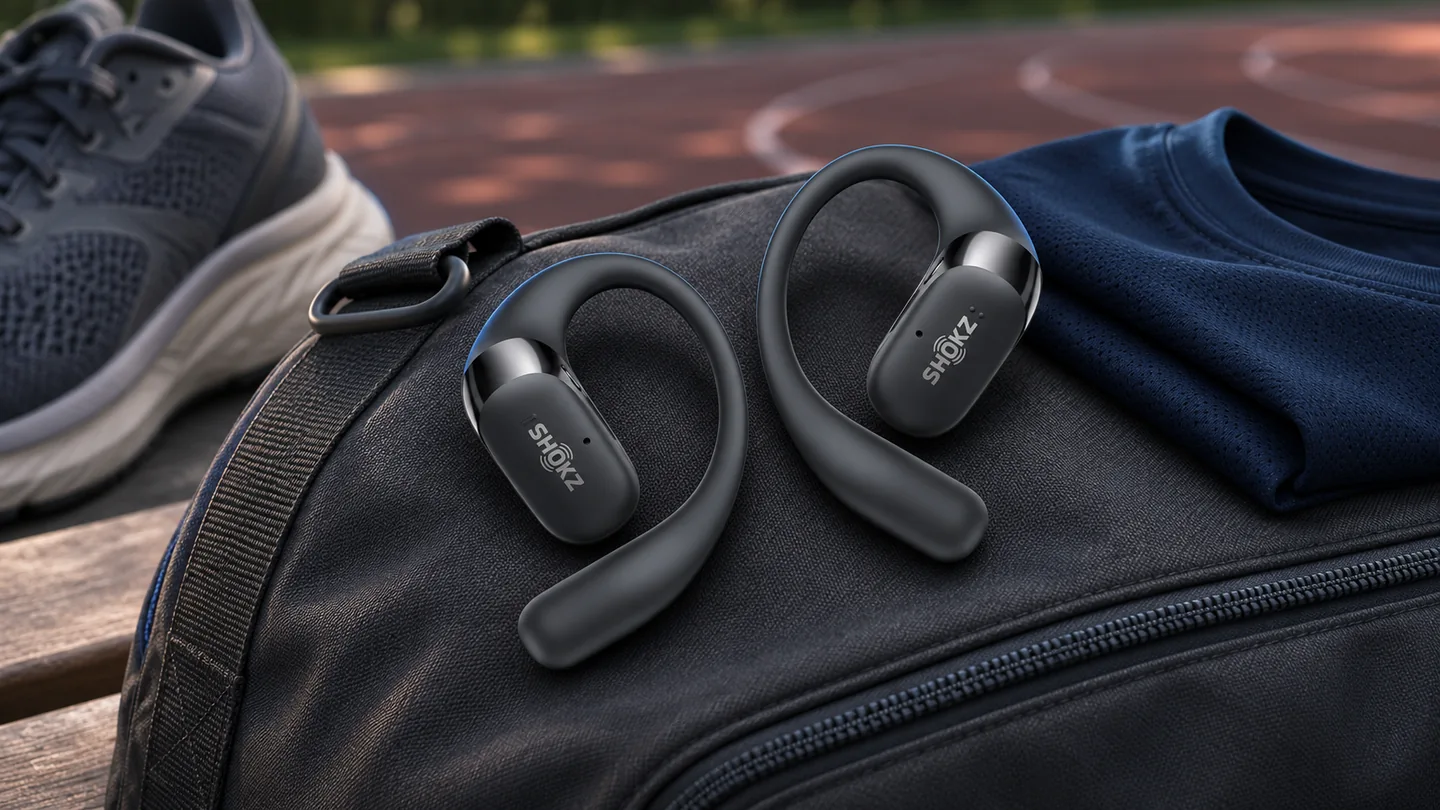
Buying guide · Running audio
Choose the pair that fits your running routine. Check stability with your own glasses and headwear, learn the controls before moving, and read the water-resistance limits for both the earbuds and the case.
Source-based buying checklist checked November 20, 2026. QGH has not performed a comparative running, listening or durability test. Shokz OpenFit 2+ is a documented example, not a tested winner.
Start with your route and what you wear
List the conditions that define a normal run: duration, glasses, cap or headband, where the phone sits, and which controls you need. Those details make a store demonstration or return-period check more useful than selecting by an open-ear label alone.
A hook, clip and connected band put hardware in different places. For a guide to the designs, see what open-ear earbuds are. For the positioning itself, use our wearing guide and the exact manufacturer instructions.
| Design | Running fit question | Check with your own kit |
|---|---|---|
| Ear hook | Does the hook stay in its intended position? | Glasses arms, cap straps and the area behind the ear |
| Clip or cuff | Does the frame sit as the maker specifies? | Movement, pressure and control access |
| Connected band | Does the band have the clearance you need? | Headwear and clothing around the neck |
| Any design | Can you use it without repeated adjustment? | A short, controlled familiarization session |
Make the fit check repeatable
- Fit the correct left and right units using the maker’s instructions.
- Put on the glasses and headwear you actually use, then move your head gently.
- Check whether the housings shift or press on another item. Adjust only in the ways the manufacturer allows.
- Learn pause and volume controls while stationary before trying the setup during movement.
- Use a short, familiar outing within the seller’s return terms before committing to longer sessions.
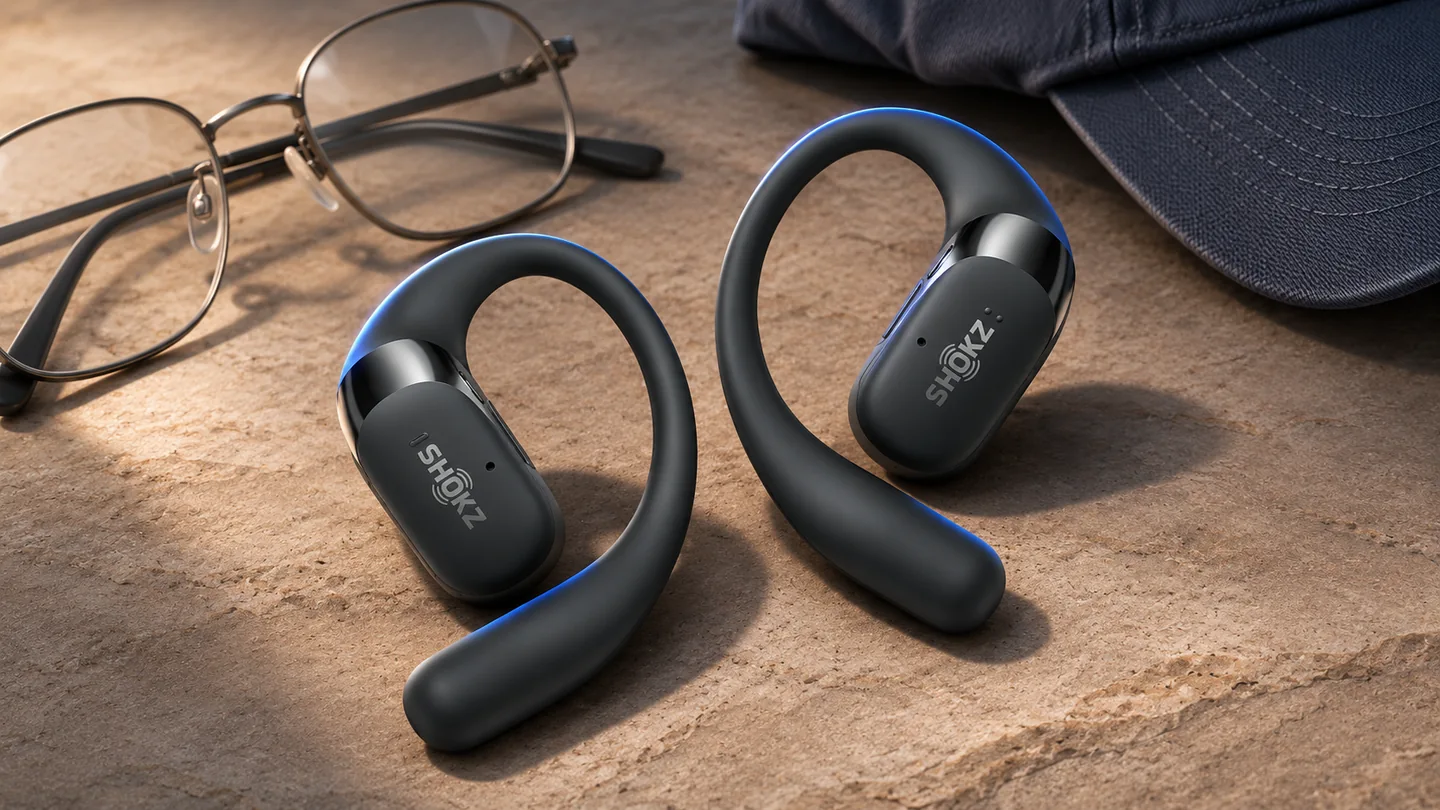
Keep the observations specific: which part moved, which accessory touched it and which action needed a second attempt. That record helps distinguish a poor personal fit from a control setting or a positioning problem. It does not require assigning a product score after a few minutes.
Buttons and touch controls need a practical check
The Shokz OpenFit 2-series page documents physical multifunction buttons and app customization. This is a useful example of why the precise control layout matters: identify how your chosen model pauses playback, changes volume and handles an incoming call.
If you run with gloves or frequently adjust a cap, include those actions in the demonstration. Check whether an accidental touch changes playback, and whether your essential control is available directly on the earbuds. Decide which actions can wait until you have stopped.
Read the water-resistance statement for each part
The OpenFit 2+ manual assigns IP55 to the earbuds, excludes the case and warns against immersion and charging while wet. Its resistance can diminish with use. These are limits for that model, not a universal promise for every open-ear design.
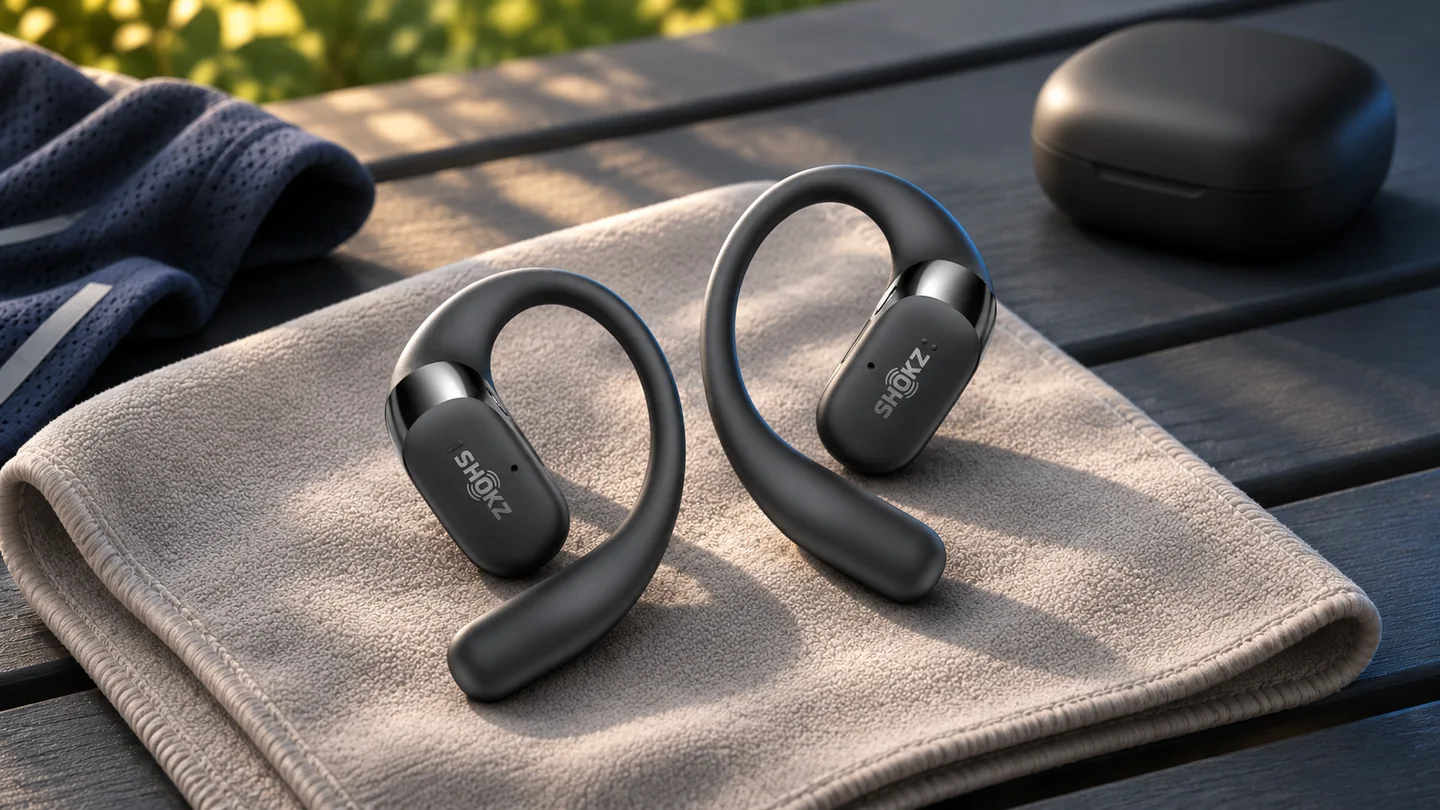
For another model, look up its own manual and care instructions before treating a rating as permission for a particular activity. Keep the case in a suitable dry place, and follow the maker’s drying guidance before charging. A marketing photo taken outdoors does not establish the case’s protection.
Plan battery use around an actual outing
Compare single-charge playback with the length of the outing you want to cover. A headline total that includes the charging case describes several charge cycles, rather than uninterrupted listening. Allow for your own settings and avoid making the first long run the first time you check the battery indicator.
| Before leaving | What to confirm |
|---|---|
| Fit | No repeated repositioning in your own glasses and headwear |
| Controls | Pause and volume actions are familiar |
| Charge | Earbuds are ready for the planned outing |
| Case and care | Case kept dry; charging contacts follow the maker’s drying instructions |
| Phone setup | The intended device and audio source are connected |
An open ear does not guarantee awareness
Leaving the ear canal unsealed is a design choice, not proof that you will notice every sound around you. Shokz advises attention to volume and surroundings. Make the listening decision for the route and conditions, and pause playback when attention needs to be elsewhere.
If you are comparing a hooked earbud with a bone-conduction band, our air-conduction and bone-conduction comparison explains the distinction. For the gym as a separate use case, see the workout audio guide.
Frequently asked questions
Are all open-ear earbuds waterproof?
No. Read the exact model’s rating and exclusions. For example, the OpenFit 2+ manual applies IP55 to the earbuds and excludes the charging case.
Will ear hooks work with every pair of glasses?
Fit depends on the combination. Try your actual frames and headwear, and follow the manufacturer’s positioning instructions.
Does open-ear mean bone conduction?
No. Open-ear describes an unsealed ear canal. Products can deliver sound by air conduction, bone conduction or a combination; compare the exact design and its fitting instructions.
Sources and method
Official documentation checked November 20, 2026. QGH has not performed a hands-on test for this guide. Manufacturer links are direct, non-affiliate links.