

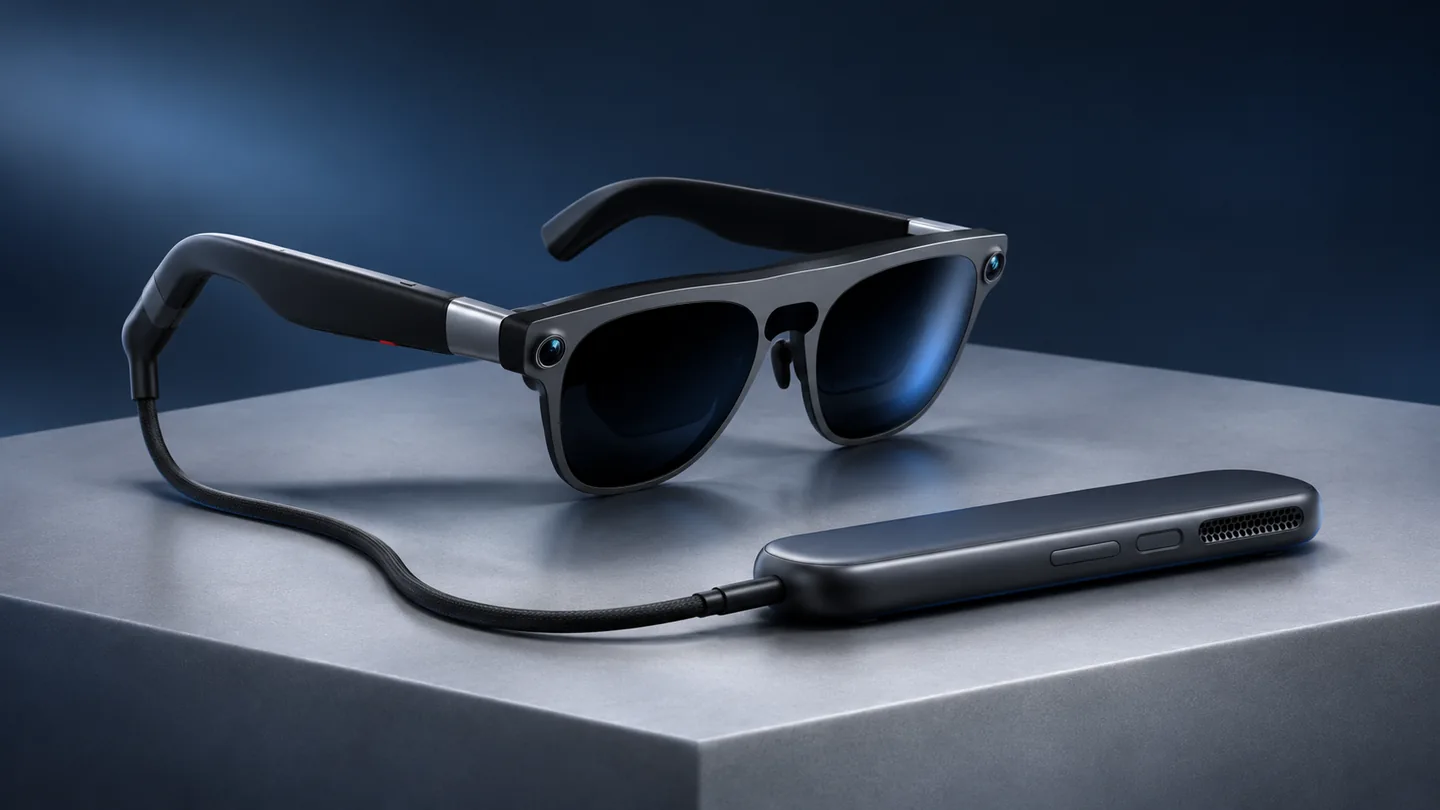

QGH review · Android XR
Our assessment: XREAL AURA is most interesting if you want both an Android XR system and a wearable display for a compatible computer. Its value depends on the apps you need, the connection you will use and whether the optical fit works for you.
Research-based review. QGH has not tested a retail unit. Specifications and US offers checked November 20, 2026; comfort, image quality and battery endurance are not independently measured. Our 3.8/5 editorial rating is the equal-weight average of documented features (4.5), compatibility (3.9), ownership fit (3.5) and value at the reference price (3.3). It weighs the documented capabilities against connection limits, the wired setup, optical fit checks and total cost.
The most useful way to evaluate AURA is to choose your main task first. Watching a video from a laptop, working inside an Android XR app and taking calls while walking are different needs. A purchase that makes sense for the first two may add unnecessary equipment for the third.
Two ways to use AURA, with different requirements
XREAL documents a wired glasses-and-puck Android XR setup, plus direct display use with a compatible host. Connecting the glasses directly does not reproduce the full Android XR experience. The official connection FAQ is the starting point for checking your own device.
| Your goal | Connection path | What to verify |
|---|---|---|
| Android XR apps | Glasses connected to the compute puck | Account activation, app availability and input method |
| External laptop display | Glasses connected to a supported video-output port | USB-C DisplayPort Alt Mode output and a suitable cable |
| External video inside the puck setup | Supported host output into the puck’s DP-in route | The specific input, adapter and power requirements in XREAL’s guide |
Start with the exact laptop model and port, rather than its USB-C connector shape. A port that charges a phone may not send video. For an HDMI source, identify a compatible conversion path before buying an adapter; a cable with the right plugs is not enough evidence.
What the hardware specifications tell you
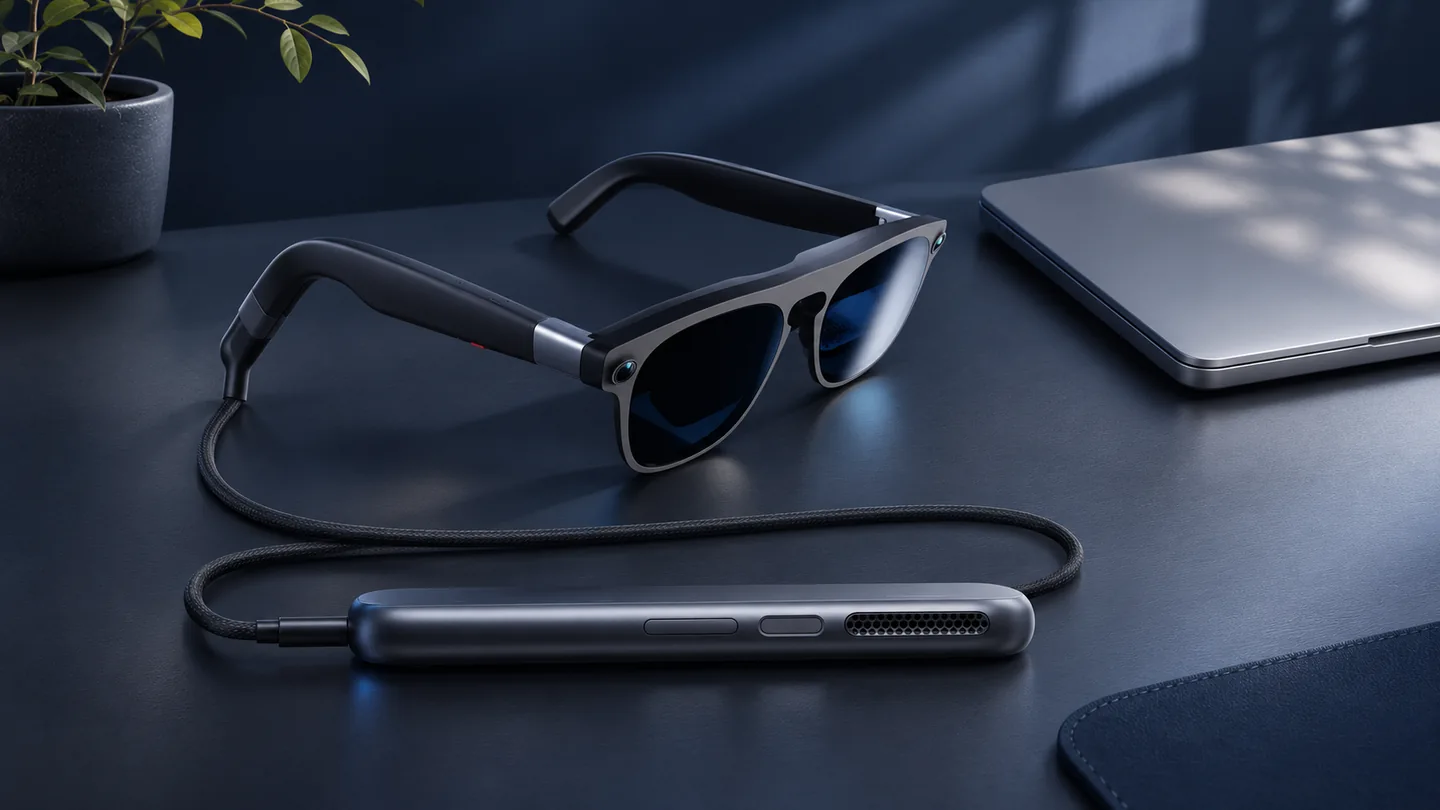
The published specification sheet lists 1920 × 1200 pixels per eye, a 70-degree diagonal field of view and refresh rates up to 120Hz. It gives separate weights of 95g for the glasses and 265g for the puck. The latter stays off your face, but it still belongs in the equipment you carry.
Those numbers help describe the hardware; they do not establish how small text will look to your eyes. For document work, use a return period to assess your actual reading distance, edge clarity and whether you can comfortably position a keyboard. A virtual display is only useful if the everyday task becomes easier.
Why it may fit
A documented path to Android XR, alongside direct display use, gives the system more than one role.
Why to pause
A wired setup, a separate puck and optical fit requirements add decisions before it can replace part of an existing routine.
Fit and prescription planning come before accessories
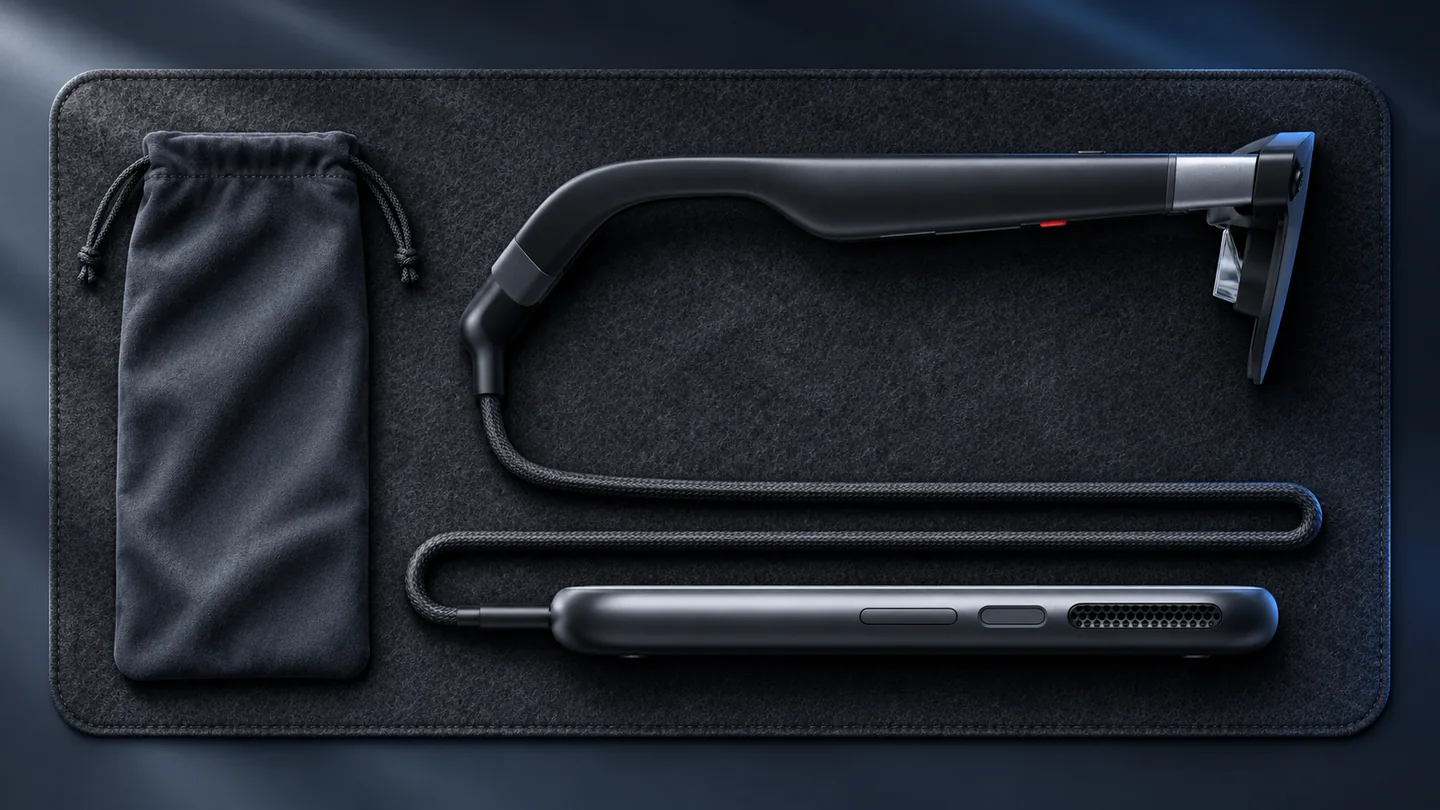
XREAL lists medium fit for 60–66mm IPD and large for 66–72mm, with an optical insert frame in the package. Match the fit guidance to your measurements and ask the lens provider about your prescription before ordering inserts. A frame included in a box is not a set of finished prescription lenses.
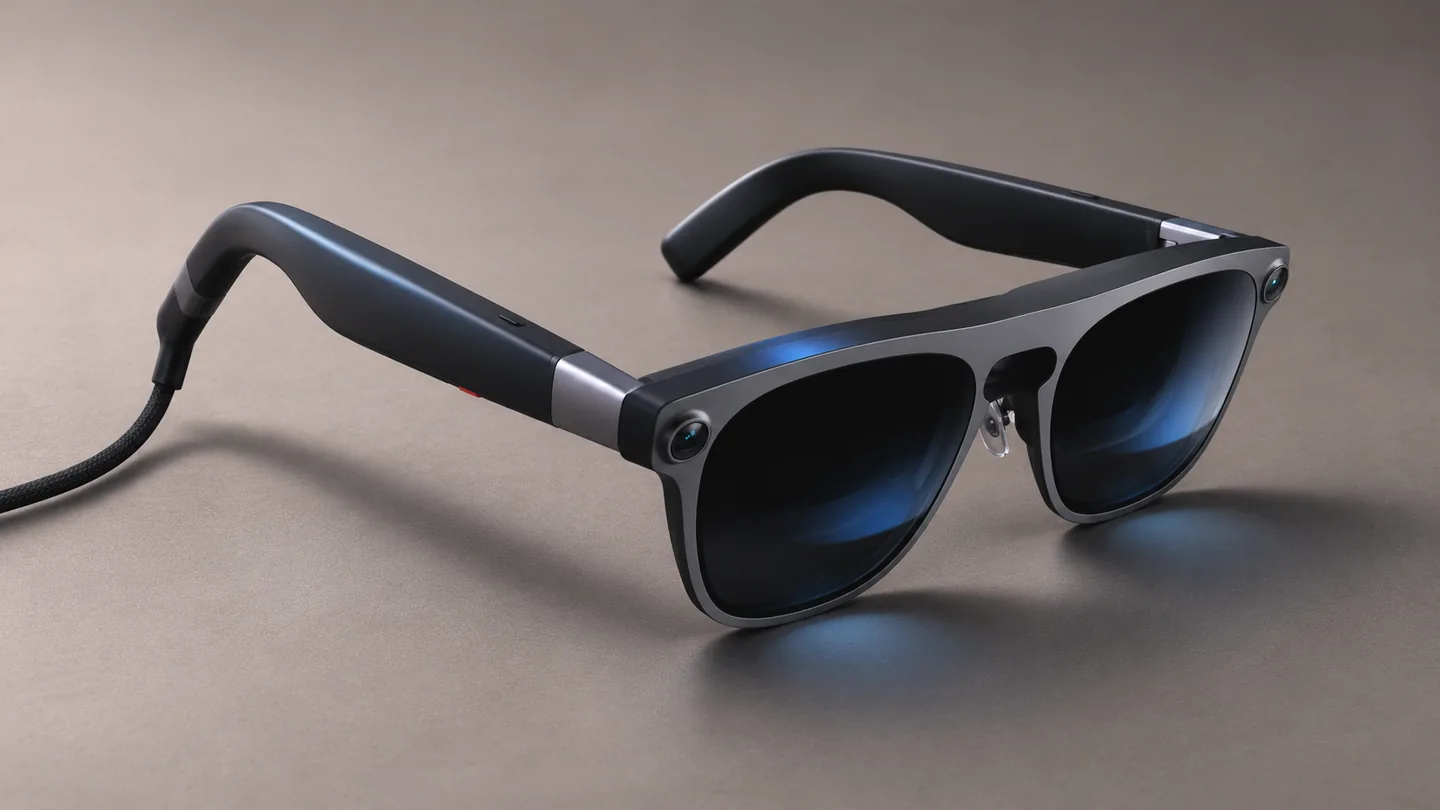
Plan a short first-session checklist: read the same paragraph you normally read on your laptop, switch between your main apps, and try the input device you expect to carry. Note any friction while it is easy to return the product. QGH cannot confirm long-session comfort from a specification sheet.
US price and configuration: compare the full order
On November 20, XREAL’s US shop displayed promotional prices of $1,099 for 12GB/256GB and $1,299 for 16GB/512GB. The listing still referenced expected mid-November batch shipping. Check the selected fit, bundle and checkout delivery estimate; an announced shipping window does not confirm immediate dispatch.
For a buyer mainly seeking a laptop screen, compare the complete AURA purchase with simpler display glasses that support that exact computer. For Android XR use, first list the apps you cannot do without. Extra memory and storage will not solve a missing app or an unsuitable input workflow.
Who should consider it?
- Consider AURA if you can name a useful Android XR workflow, have checked your host connection, and can evaluate optical fit during a return period.
- Compare other display options if your main goal is a private laptop screen and you expect to leave the puck unused.
- Consider audio glasses instead if you mainly want calls, music and spoken assistance without a visual workspace.
Camera and microphone settings also deserve a setup check. A display does not tell you what a device captures or processes. Review the permissions for the apps you activate, and avoid assuming a privacy indicator replaces your own recording choices.
Frequently asked questions
Can XREAL AURA work without its compute puck?
XREAL documents direct external-display use with a compatible host. That path does not include the full Android XR setup provided by the puck.
Will any USB-C laptop work?
No. Check the exact port for supported video output, including DisplayPort Alt Mode where required. Charging support alone does not establish compatibility.
Has QGH measured AURA battery life or display quality?
No. This assessment uses official documentation and a dated shop check. It does not provide measured endurance, optical test results or a hands-on rating.
Sources and editorial method
Manufacturer links are direct, non-affiliate links. Check the current XREAL configuration before ordering. For an audio-focused alternative, read our Ray-Ban Meta Audio review.