


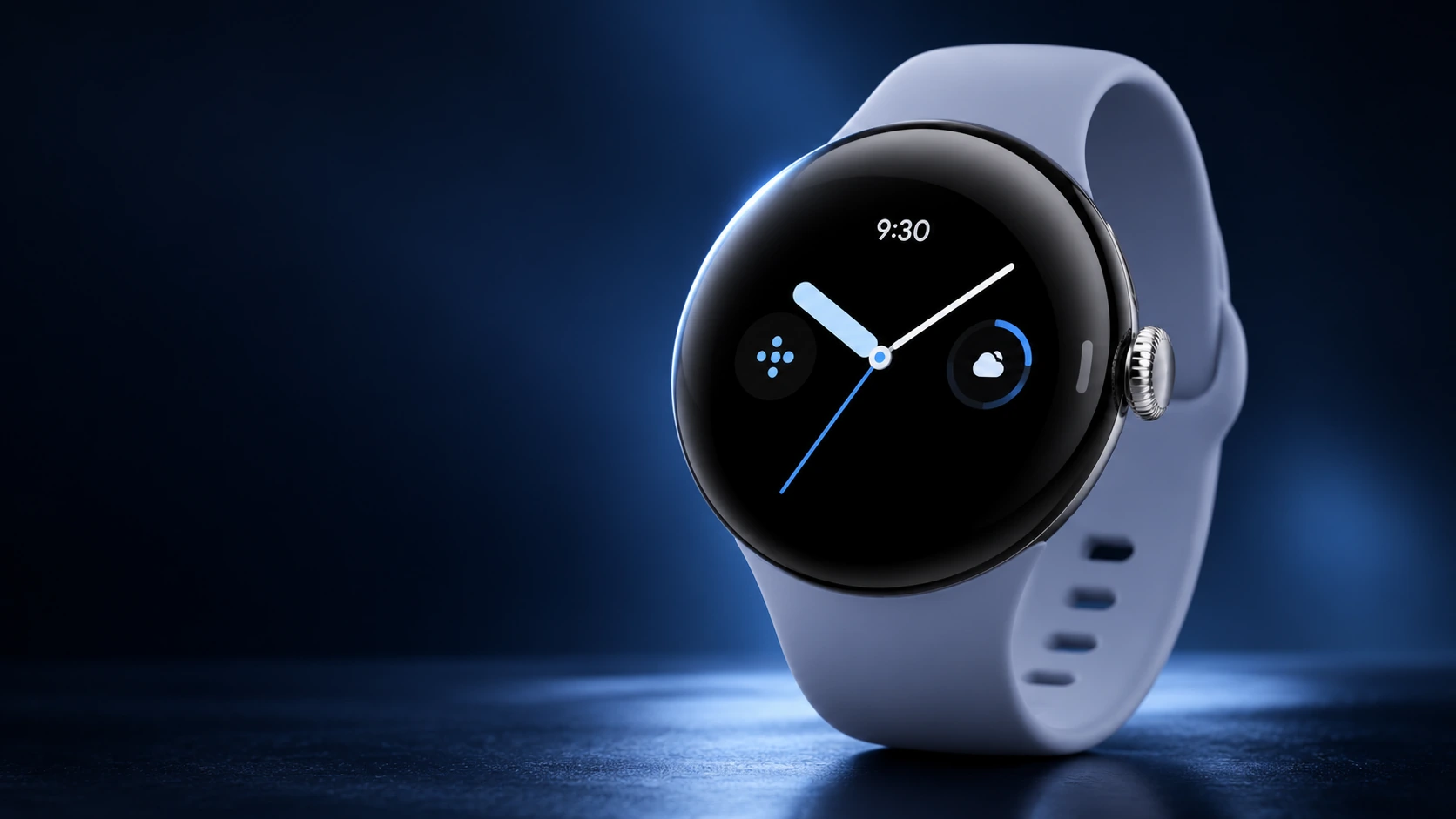
QGH quick answer
Use the Pixel Watch 4 Quick Charge Dock
Connect the dock to power, seat the watch with its crown pointing upward and look for the charging animation. If charging fails, identify the screen alert before changing accessories.
The useful starting point for a Pixel Watch 4 charger is the watch-to-dock connection. A USB-C plug describes how an accessory connects to power; it does not establish that the accessory can charge this watch. Separate those two decisions before buying a spare or replacing equipment that appears faulty.
This guide follows Google’s model-specific documentation. For battery life between charging sessions, use our Pixel Watch 4 battery settings guide; for a purchase decision, start with the Pixel Watch 4 buying guide.
Which charger does Pixel Watch 4 need?
| Part | What Google specifies | What to check |
|---|---|---|
| Watch charging dock | Pixel Watch 4 Quick Charge Dock; fits both 41mm and 45mm | Exact watch generation and dock, rather than the USB-C connector alone |
| Power adapter | USB-C adapter rated at least 7.5W; sold separately | The adapter and a working power source |
| Older Watch 3 charging cable | A different charging accessory | Do not treat it as the supported Watch 4 replacement |
The dock and adapter details are from Google’s Pixel Watch 4 specifications. Google’s charging troubleshooting guide distinguishes the Watch 4 dock from the cable supplied for Watch 2 and Watch 3.
How to charge Pixel Watch 4
- Connect the Quick Charge Dock to its power supply.
- Place the watch into the dock with the crown facing upward.
- Look for the charging animation before walking away.
- If it does not appear, read any notification and use the matching check below.
Google shows the placement in its charging instructions and illustration. Follow the Watch 4 section: the same help page also covers earlier models and Watch 5, whose instructions and charging claims should not be mixed together.
Pixel Watch 4 not charging: start with the alert
| What you see | First check | Next decision |
|---|---|---|
| Alignment alert | Lift the watch out, remove any obstruction and reseat it | Check whether the charging animation returns |
| Unsupported charger | Compare the accessory with the official dock | Use the supported dock rather than buying another generic pad |
| Moisture alert | Stop and wipe the watch and charger; do not charge while wet | Wait until dry before trying again |
| No visible charging screen | Confirm the dock and seating, then allow another 10 minutes | Google notes a deeply depleted watch can take longer to show charging |
These checks come from Google’s charging alerts and its no-charge troubleshooting sequence. That sequence also includes checking battery status and updating the watch’s software. If the supported setup still fails, use Google’s assistance options on the troubleshooting page.
Keep a short record of the dock used, the adapter used and the exact alert. Changing several parts at once makes it harder to identify what solved the problem. If charging starts after reseating, record that result before deciding you need a new dock.
Can Pixel Watch 4 charge wirelessly from a phone?
Google does not support reverse wireless charging from Pixel phones. Its supported Watch 4 method is the Quick Charge Dock. A phone’s Battery Share feature or an accessory advertised as Qi is not evidence of Watch 4 compatibility; check the exact supported device list. See Google’s charger compatibility instructions.
How to assess a 3-in-1 charging station
Start with the watch module, then assess the rest of the station. A product photo showing a phone, earbuds and a round watch is not a compatibility statement. Before buying, look for answers to these questions:
- Does the manufacturer explicitly name Pixel Watch 4?
- Does the station include the required watch charging hardware, or only provide a place to mount your own dock?
- What power adapter is required, and is it included?
- Can the accessory be returned if the stated compatibility does not match your setup?
Keep phone charging specifications separate from the watch section. A high advertised wattage for the phone does not establish how the watch is charged. This is a buying checklist, not a tested ranking of third-party stations.
Slow charging or short battery life? Identify the problem first
A watch that charges but then runs down quickly needs a different investigation from one that never begins charging. Note the starting percentage and whether the percentage rises while docked. For daily endurance, review your display, connectivity and activity settings in the battery guide instead of immediately replacing the charger.
Charging-time estimates are also specific to a watch generation and case size. An accessory seller’s headline should not be compared with a different model’s claim. This guide does not report QGH stopwatch measurements or promise a charging time for an untested setup.
Pixel Watch 4 charger FAQ
Can I use a Pixel Watch 3 charger with Watch 4?
Google specifies different charging accessories for these generations. Use the Watch 4 Quick Charge Dock; do not buy the Watch 3 cable as its documented replacement.
Does the 45mm watch need a different official dock?
Google lists the Pixel Watch 4 dock as compatible with both the 41mm and 45mm versions.
Should I buy a replacement as soon as charging fails?
First identify the alert and check the supported dock, seating and power setup. Those observations make a replacement decision more useful than choosing another accessory solely because it has USB-C.
Related QGH guides
- Pixel Watch 4 battery settings: what to change first
- Pixel Watch 4: sizes, battery ratings and buying considerations
- Pixel Watch 4 bands: case fit, wrist sizing and replacement
Sources and methodology
Documentation checked on 11 October 2026. This is a research-based support and buying guide, not a hands-on charger test. Google supplies the compatibility and operating instructions; the accessory checklist and order of investigation are QGH editorial guidance.