


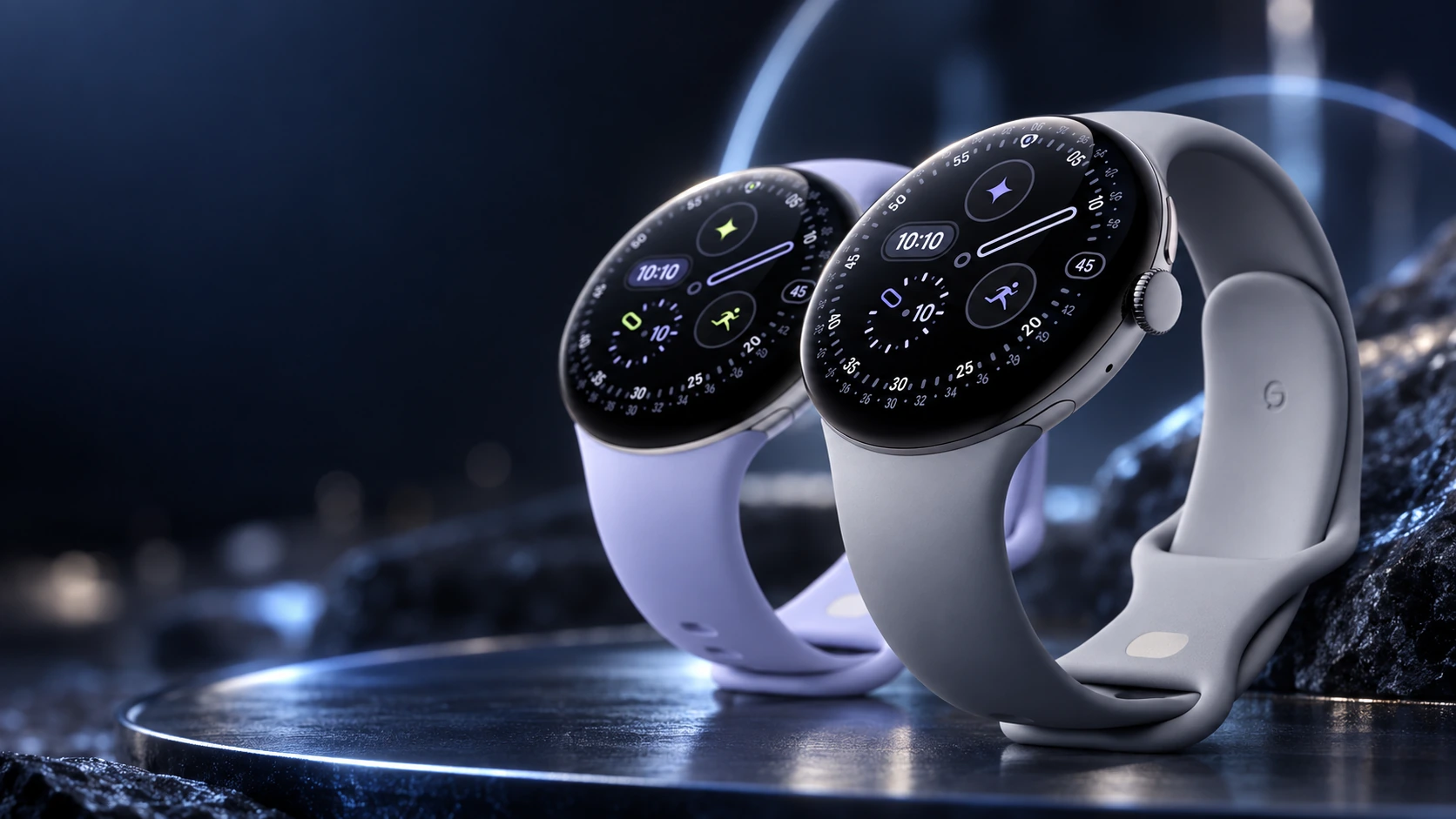
Buying a Pixel Watch 4 band requires two separate checks: compatibility with the watch’s case size and a suitable length for your wrist. A product description saying small or large usually addresses wrist fit. It does not, by itself, tell you whether the attachment matches a 41mm or 45mm watch.
Start with the case size
Find whether your watch is the 41mm or 45mm Pixel Watch 4. Use that information when selecting a band variant. A listing that mentions several Pixel Watch generations can still offer different versions or have restrictions for a particular band family.
Google’s accessory specifications are more useful than a broad compatible-with-Pixel-Watch label. For example, the Metal Slim band is listed for 41mm watches, while other band families have options for the larger case. Match the exact product variant and size before relying on the family name.
Then measure the wrist
Use a flexible tape around the position where you normally wear the watch, and record the result in millimeters. If you do not have a tape, measure a piece of string against a ruler. Avoid pulling it so tightly that the result only works with an uncomfortable fit.
Google gives the following wrist ranges for the Active Band supplied with Pixel Watch 4:
| Pixel Watch 4 | Small Active Band | Large Active Band |
|---|---|---|
| 41mm | 130–175mm | 165–210mm |
| 45mm | 150–185mm | 165–215mm |
These ranges apply to that supplied band. A Stretch, leather or metal band can have different sizing. Use the table for the band you are actually buying rather than transferring the Active Band measurements to every accessory.
Reusing a band from an older watch
Check the manufacturer’s current compatibility list for the band reference you already own. A familiar design is not enough evidence, especially when moving between case sizes. If the band has no identifiable model or reliable compatibility information, confirm it with the seller before attaching it to the new watch.
Treat a third-party adapter as another component to verify. Google’s guidance notes that third-party bands may fit improperly. A useful return policy is particularly important when the listing does not clearly identify the connector, compatible case size and wrist range.
Match the material to the activity
The watch’s water resistance does not automatically apply to the band. Google’s specifications identify some metal and leather accessories as unsuitable for sweat or water. A band chosen for appearance at work may therefore be a poor choice for a swimming or exercise routine.
Consider how you will clean it, whether you want length adjustment and whether you need to change bands regularly. These are practical purchase criteria; this guide does not rank untested accessories for comfort or durability.
A quick purchase checklist
- Exact watch generation and 41mm or 45mm case identified.
- Exact band variant lists that case size as compatible.
- Measured wrist circumference falls within the band’s own range.
- Material suits the activities you plan to do.
- Seller identifies the product clearly and explains returns.
- Band locks securely into position when fitted according to Google’s instructions.
If a band does not click into place securely, stop and check the reference and fitting instructions. Do not force it. Choose the correct connector first, the right wrist length second, and the material third. That order avoids most confusion in a band listing.
Related QGH guides
- Google Pixel Watch 4 Review: Is Google’s $349 Smartwatch Worth It?
- Google Pixel Watch 4 in 2026: 7 Things to Know Before You Buy
Sources and methodology
This guide combines manufacturer documentation with QGH buying and setup analysis. Sources were checked on October 6, 2026. Model, software, regional and carrier conditions can change; follow the current linked instructions for your device.