


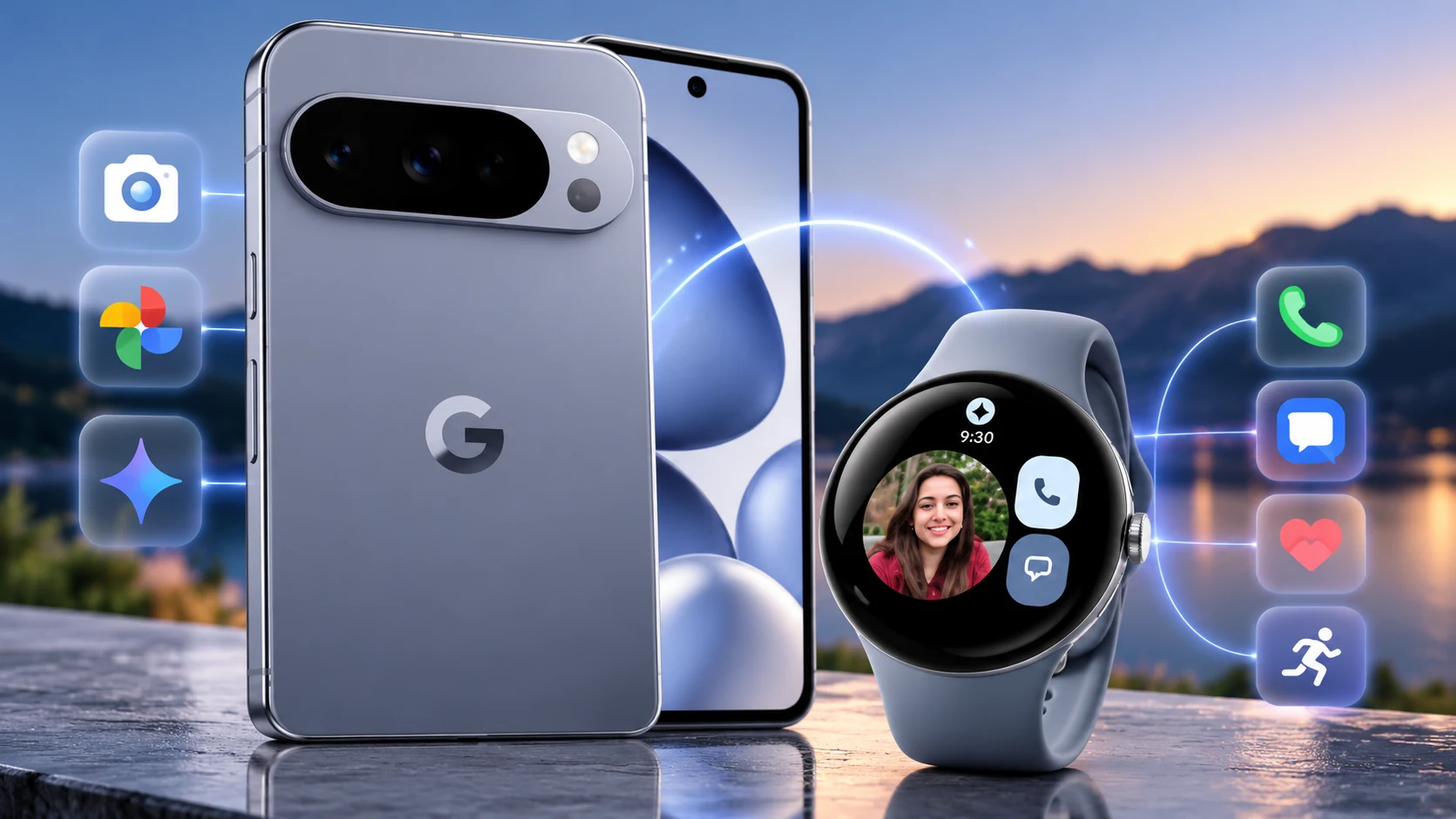
If you are considering a Google Pixel 11, the Pixel Watch 4 is more than a matching accessory. Together, they form a tightly connected Android setup built around notifications, calls and messages, Google services, fitness tracking, safety features and Gemini. This guide focuses on what the pair actually adds to everyday use rather than repeating our individual device buying guides.
Pixel 11 + Pixel Watch 4: the ecosystem in brief
The Pixel Watch 4 works with most compatible Android phones, so you do not need a Pixel 11 to use it. The reason to pair the two is convenience: one Google account, the Pixel Watch app, shared Google services and a phone-watch experience designed around the same software ecosystem.
1. Setup is designed to feel like one system
Google’s setup flow pairs the watch with a compatible Android phone over Bluetooth and walks you through Google Health, cellular service where supported, safety features, Gemini, Wallet and additional apps. For a Pixel 11 owner, that makes the watch an extension of the phone rather than a separate gadget that needs its own workflow.
2. Calls, messages and notifications move to your wrist
The Pixel Watch can handle calls and text messages from your wrist. The Wi-Fi model relies more heavily on the nearby phone, while an LTE Pixel Watch can make and receive calls without the phone nearby when cellular service is properly activated. This is one of the clearest practical reasons to combine the Pixel 11 with the watch: routine interactions can stay on your wrist while the phone remains in a pocket or bag.
3. Pixel-specific continuity adds useful safeguards
Google supports a “Notify when left behind” feature on Pixel Watch 2 or newer with supported Pixel phones including Pixel 8 and newer. That means the Pixel 11 falls within the supported phone family, subject to Google’s software requirements. It is a small feature, but exactly the kind of cross-device convenience that makes an ecosystem useful.
4. Health and fitness become the watch’s job
The Pixel Watch 4 carries the sensors and wrist-based tracking role, while the phone provides the larger screen for reviewing information and managing the broader Google Health experience. The watch includes heart-rate sensing, ECG-capable electrical sensors, SpO2 sensors, skin-temperature sensing and dual-frequency GPS in the U.S. Rather than buying the Watch 4 for features already handled well by a phone, you are adding continuous wrist-based data and workout tracking.
5. Gemini makes the watch more than a notification screen
Gemini is part of Google’s Pixel Watch setup and Google also supports AI-assisted watch-face creation when the required Google account and Gemini settings are enabled. The more important ecosystem story is that Google’s AI layer now spans multiple personal devices. We cover that topic separately in our upcoming Gemini on Pixel 11 and Pixel Watch 4 explainer so this guide can stay focused on the ecosystem itself.
6. Battery life changes how you use the pair
Google rates the Pixel Watch 4 at up to 30 hours with the always-on display enabled for the 41mm version and up to 40 hours for the 45mm model. Battery Saver extends those figures to as much as 48 and 72 hours respectively. In practice, the larger watch is the more interesting choice for buyers who prioritize endurance, while the smaller model favors a more compact fit.
7. LTE matters if you want to leave the Pixel 11 behind
The choice between Wi-Fi and LTE changes the ecosystem more than it may first appear. A Wi-Fi Pixel Watch still depends on the connected phone for some communication and emergency scenarios. The LTE version can operate more independently when service is active, and Pixel Watch 4 LTE also supports Satellite SOS in supported circumstances and regions. U.S. buyers should check carrier compatibility and service requirements before paying extra for LTE.
Who benefits most from the Pixel 11 + Pixel Watch 4 combination?
The pairing makes the most sense for someone who already wants a Pixel 11 and values fitness tracking, glanceable information, Google services and fewer reasons to pull out a phone. If you only need basic notifications, the Watch 4 may be more smartwatch than you need. And because it supports other compatible Android phones, buying a Pixel 11 is not a prerequisite for owning the watch.
Read the individual buying guides first
Before deciding on the ecosystem, read our Google Pixel 11 buying guide and our Google Pixel Watch 4 buying guide. If you are comparing phones, our Galaxy S26 Ultra vs Pixel 11 comparison covers the smartphone decision separately.
Bottom line
The strongest reason to combine Pixel 11 and Pixel Watch 4 is not any single headline feature. It is the reduction in friction between phone, wrist, Google services, communications, health tracking and AI. The Watch 4 can work beyond the Pixel ecosystem, but pairing it with a recent Pixel gives Google’s cross-device features their most natural context.
QGH research note: This ecosystem guide is based on manufacturer documentation and research available at publication time. Quantum Gadget Hub did not conduct a long-term hands-on test of the Pixel 11 and Pixel Watch 4 together for this article. Features, regional availability, carrier support and software behavior can change after updates.