


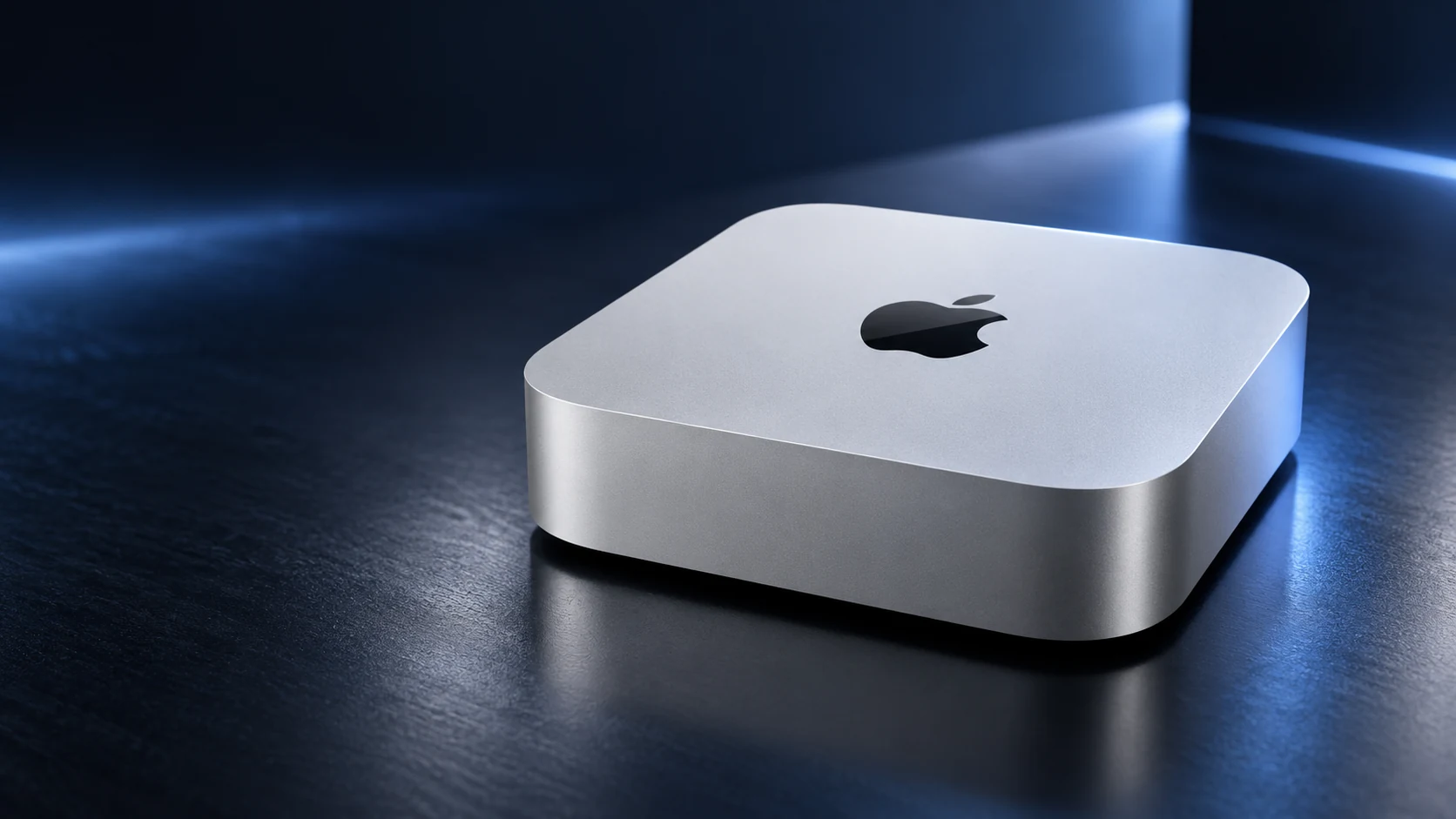
Choose a larger internal SSD when ordering a Mac mini M6 if you need more of your daily work available without managing another device. Consider an external SSD when you want additional space for suitable files or projects and can plan for the connection, backup and desk setup.
Here, “internal upgrade” means selecting a larger configuration at purchase. This is not a guide to opening the Mac or replacing its internal components.
Budget the files that must stay internal
Start with the operating system, applications and working data you expect to keep on the built-in drive. Inspect your existing Mac’s usage if possible, and allow for project growth and temporary files. Do not compare the advertised SSD capacity only with the size of your documents folder.
Apple’s current specification lists the M6 model with a 256GB SSD and configurable 512GB, 1TB or 2TB options. Check the live local purchase page for the actual configurations and price difference; those figures vary by market and offer.
| Priority | Internal capacity at purchase | External SSD |
|---|---|---|
| Simple daily setup | No extra drive to attach for stored files | Requires the relevant drive to remain connected |
| Large project libraries | Keep more in one place | Can place suitable projects on a separate device |
| Later expansion | Choose sufficient initial capacity | Add a compatible drive when needed |
| Desk connections | Leaves an external port available | Budget a port, cable and possible enclosure |
| Data protection | Still requires backup | Also requires backup of important external files |
Match an external drive to the port
The M6 specification distinguishes the front USB-C ports, with USB 3 support up to 10Gb/s, from the rear Thunderbolt 4 ports, which support up to 40Gb/s. Those are interface ratings, not a measured file-copy speed for a particular SSD.
Compare the drive, enclosure if applicable, cable and port as a complete path. A fast enclosure connected through a slower cable or unsuitable hub cannot be evaluated solely from the SSD’s headline claim. Keep the product references together when checking compatibility.
Price the complete alternative
For an illustrative comparison, record the additional cost of the internal configuration alongside the external drive, required cable or enclosure and backup capacity. Use current prices from the sellers you can actually buy from rather than a universal cost-per-gigabyte claim.
Include the value of convenience. Someone maintaining a compact, fixed desk may be comfortable with a connected project drive. Someone who frequently rearranges equipment or uses software with tightly managed library locations may prefer a larger internal configuration.
Decide where projects and backups belong
Check an application’s current requirements before moving its library or working files. Use its supported relocation procedure and test the project from the new location before deleting the original copy. Simply dragging a folder does not establish that the application will find every linked file.
An external working drive is not automatically a backup. Apple’s Time Machine documentation provides supported backup destinations and setup instructions. Plan a recoverable copy of important work and verify that your chosen backup arrangement includes the intended data.
Choose from the workload
- Estimate the files that must remain on the built-in SSD.
- Check supported external locations for large applications or projects.
- Match the drive, cable and port rather than the connector alone.
- Compare total purchase costs, including backup.
- Test access before removing any original files.
Buy enough internal capacity for a comfortable everyday baseline. Add external storage when it provides useful expansion for your workflow, with its connections and data protection planned from the start.
Related QGH guides
- Apple Mac mini M6 Review: Is Apple’s $899 Desktop Worth It?
- Gaming Setup Guide 2026: Essential Accessories for PC and Console
Sources and methodology
This guide combines manufacturer documentation with QGH buying and setup analysis. Sources were checked on October 6, 2026. Model, software, regional and carrier conditions can change; follow the current linked instructions for your device.