


QGH review methodology: Quantum Gadget Hub has not tested the Mac mini M6 hands-on. This research-based review combines Apple’s official U.S. specifications and launch information with independent testing from established technology publications. Manufacturer performance claims are identified as such, and configuration pricing can change.
Quick verdict
The 2026 Mac mini with M6 is a much faster and more capable version of Apple’s compact desktop. The new 2nm M6 chip brings a 12-core CPU, 12-core GPU and dual 16-core Neural Engine, while Apple also upgrades wireless connectivity to Wi‑Fi 7 and Bluetooth 6 and makes 2.5Gb Ethernet standard.
The biggest issue is price. The base Mac mini now starts at $899 in the United States, substantially higher than the previous entry-level generation. That makes this less of an impulse-buy desktop and more of a deliberate productivity machine for people who will actually benefit from the extra CPU, graphics and local AI performance.
Design: the same tiny desktop still works
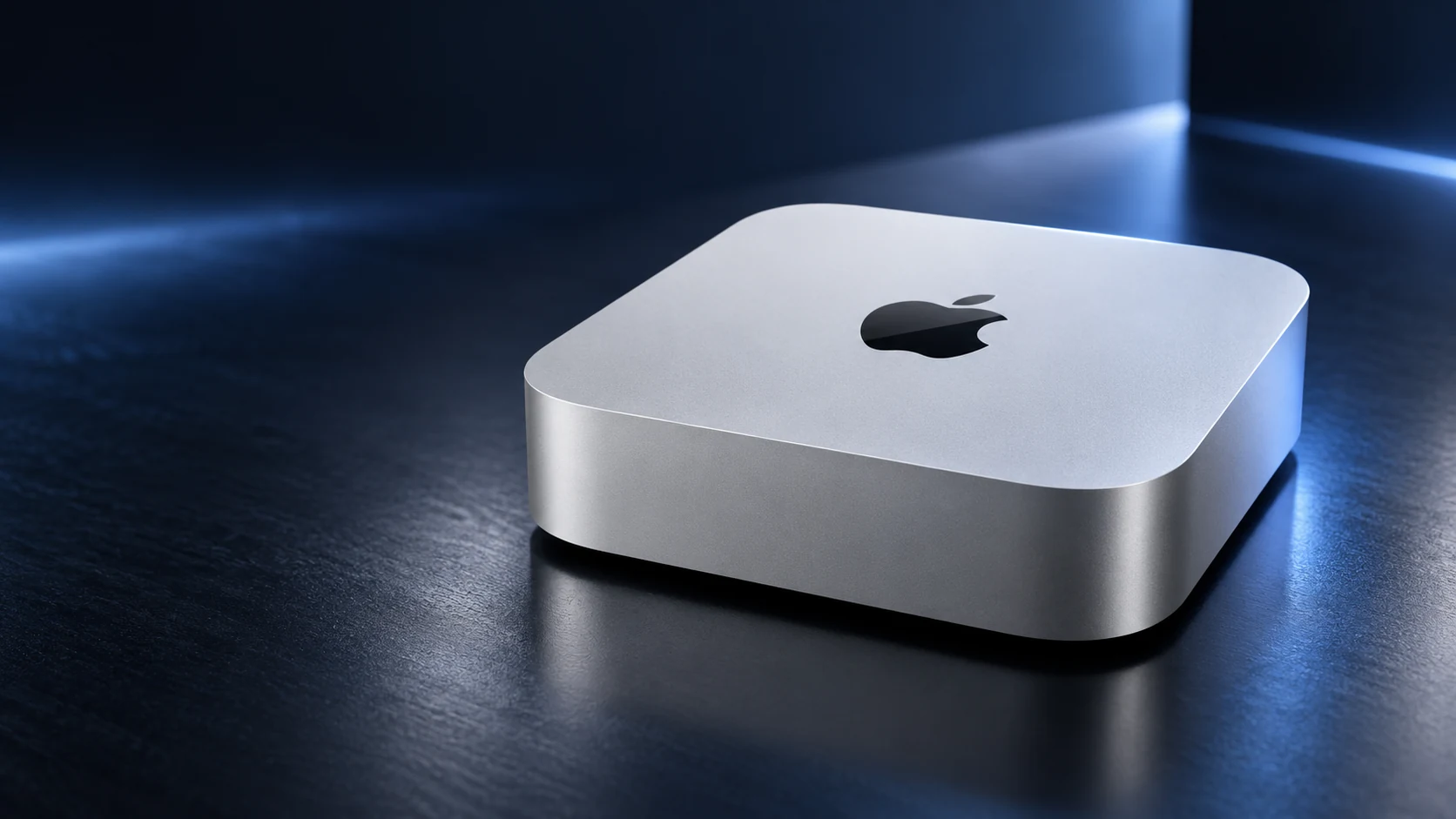
Apple keeps the compact 5-by-5-inch footprint introduced with the previous design. The enclosure remains small enough to disappear under a monitor or fit into a minimalist desk setup, yet it includes an internal power supply rather than relying on a large external brick.
Independent reviews from Tom’s Guide and The Verge generally agree that the unchanged chassis remains one of the Mac mini’s strengths. It is easy to position, easy to move and far smaller than a conventional desktop tower. The downside is that buyers hoping for a redesign, new colors or easier internal upgrades will not find them here.
M6 performance is the headline upgrade
The base Mac mini uses Apple’s M6 system on a chip. Apple says it includes a 12-core CPU and 12-core GPU built on a 2nm process, with up to 170GB/s of unified memory bandwidth and dual 16-core Neural Engines for local AI workloads.
Tom’s Guide measured a large performance gain over the older M4 model, including dramatically stronger single-core results and multi-core performance approaching the prior M4 Pro in some workloads. The practical benefit is broader than benchmarks: app launches, large photo projects, software compilation, multitasking and video work all benefit from the faster chip.
For everyday office use, web browsing and streaming, the M6 is more power than most people need. The upgrade makes much more sense for developers, creators, photographers, students working with heavier software and users experimenting with local AI models.
Graphics and gaming finally feel more credible
The 12-core GPU is another important improvement. Apple supports hardware-accelerated ray tracing and positions M6 as a major step forward for graphics performance. Independent testing shows that the Mac mini can now handle modern games at 1080p more convincingly than earlier base models while also accelerating creative workloads in apps that use Metal.
This still is not a gaming PC replacement for users who want the broadest Windows game library or an upgradeable graphics card. But for people already committed to macOS, the performance gap is narrower than it used to be.
Local AI is a bigger part of the pitch
Apple is increasingly positioning the Mac mini as a compact machine for local AI and agentic workflows. The M6 includes a dual 16-core Neural Engine, while macOS 27 adds newer Apple Intelligence and Siri AI capabilities.
That matters for users who want to run smaller models, transcription, image tools or coding assistants locally without relying entirely on cloud services. Apple’s own performance claims should still be treated as manufacturer benchmarks, but the combination of unified memory, high bandwidth and dedicated neural hardware makes the Mac mini unusually capable for its size.
If you are exploring practical AI workflows beyond the desktop itself, QGH’s AI Tech Agent section covers how AI tools are moving into everyday technology.
Ports and connectivity
The M6 Mac mini has two front USB-C ports with USB 3 support and a 3.5mm headphone jack. On the back are three Thunderbolt 4 ports, HDMI and Ethernet. Apple now includes 2.5Gb Ethernet as standard, with 10Gb Ethernet available as an option.
Wireless connectivity also improves to Wi‑Fi 7 and Bluetooth 6. For most desk setups, this is a strong port selection, and the front USB-C ports remain convenient for drives, card readers and accessories. The main limitation is that the base M6 model uses Thunderbolt 4 rather than the Thunderbolt 5 ports found on the more expensive M5 Pro configuration.
Display support is unusually flexible
Apple says the M6 model can drive up to three external displays. Depending on resolution and refresh rate, it can support combinations that include 6K displays at 60Hz, high-refresh 4K panels and even an 8K display in a two-monitor setup.
That makes the Mac mini attractive for productivity desks, editing stations and development setups where a laptop screen is not enough. Buyers should still check Apple’s exact display matrix before purchasing expensive monitors, because supported combinations vary with resolution and refresh rate.
Memory and storage: choose carefully at checkout
The base M6 configuration starts with 16GB of unified memory and 256GB of SSD storage. Apple offers higher memory and storage configurations, but these upgrades are expensive and cannot be replaced later in the way conventional desktop RAM or SSDs can.
For light office use, 16GB is adequate. For heavier creative workloads, development, virtual machines or local AI models, 24GB or 32GB can be a more sensible long-term choice. Storage is easier to supplement with an external Thunderbolt or USB-C SSD, so many buyers may be better off prioritizing memory first.
Price and value
Apple lists the Mac mini with M6 from $899 in the United States, with education pricing starting lower. That price increase changes the product’s identity. The Mac mini is still one of the least expensive ways to get current Apple desktop performance, but it no longer feels like the extraordinary bargain the previous base model represented.
The value case is strongest for buyers who already own a monitor, keyboard and mouse. If you need to purchase an entire setup from scratch, the total cost can quickly approach laptop territory. The Mac mini also becomes less compelling when heavily upgraded, because higher-spec configurations can overlap with more powerful Mac desktop options.
Who should buy the Mac mini M6?
- Users upgrading from an older Intel Mac mini or early Apple silicon Mac.
- Creators and developers who want strong desktop performance in a tiny footprint.
- Mac users who already own a monitor and peripherals.
- People experimenting with local AI workflows and Apple Intelligence.
- Anyone who values quiet, compact, energy-efficient desktop computing.
Who should skip it?
- Budget buyers who only need basic web and office performance.
- Users who want internal RAM, SSD or GPU upgrades after purchase.
- PC gamers who need the widest possible game compatibility.
- Anyone who needs a complete portable computer rather than a desktop.
QGH final verdict
The Mac mini M6 is technically one of Apple’s most impressive compact desktops. It keeps the tiny footprint that made the previous generation attractive while delivering a substantial jump in CPU, GPU, connectivity and local AI performance.
The $899 starting price is the reason to think carefully before buying. For users who will use the extra performance, the M6 model remains a powerful and unusually compact workstation. For basic home or office tasks, the value proposition is weaker than before. Our current editorial score reflects official specifications and independent testing rather than a hands-on QGH test.
Where to buy and link disclosure
Merchant: Apple. The product button links to Apple’s official U.S. Mac mini page. The current link is not an affiliate link. Final pricing depends on memory, storage and networking configuration.
Sources & methodology
This is a research-based editorial review, not a hands-on Quantum Gadget Hub test. Specifications and pricing were checked against Apple’s Mac mini technical specifications and Apple’s U.S. availability announcement. Independent performance and usability observations were cross-checked against Tom’s Guide and The Verge. For more technology coverage, visit our Tech News section.