


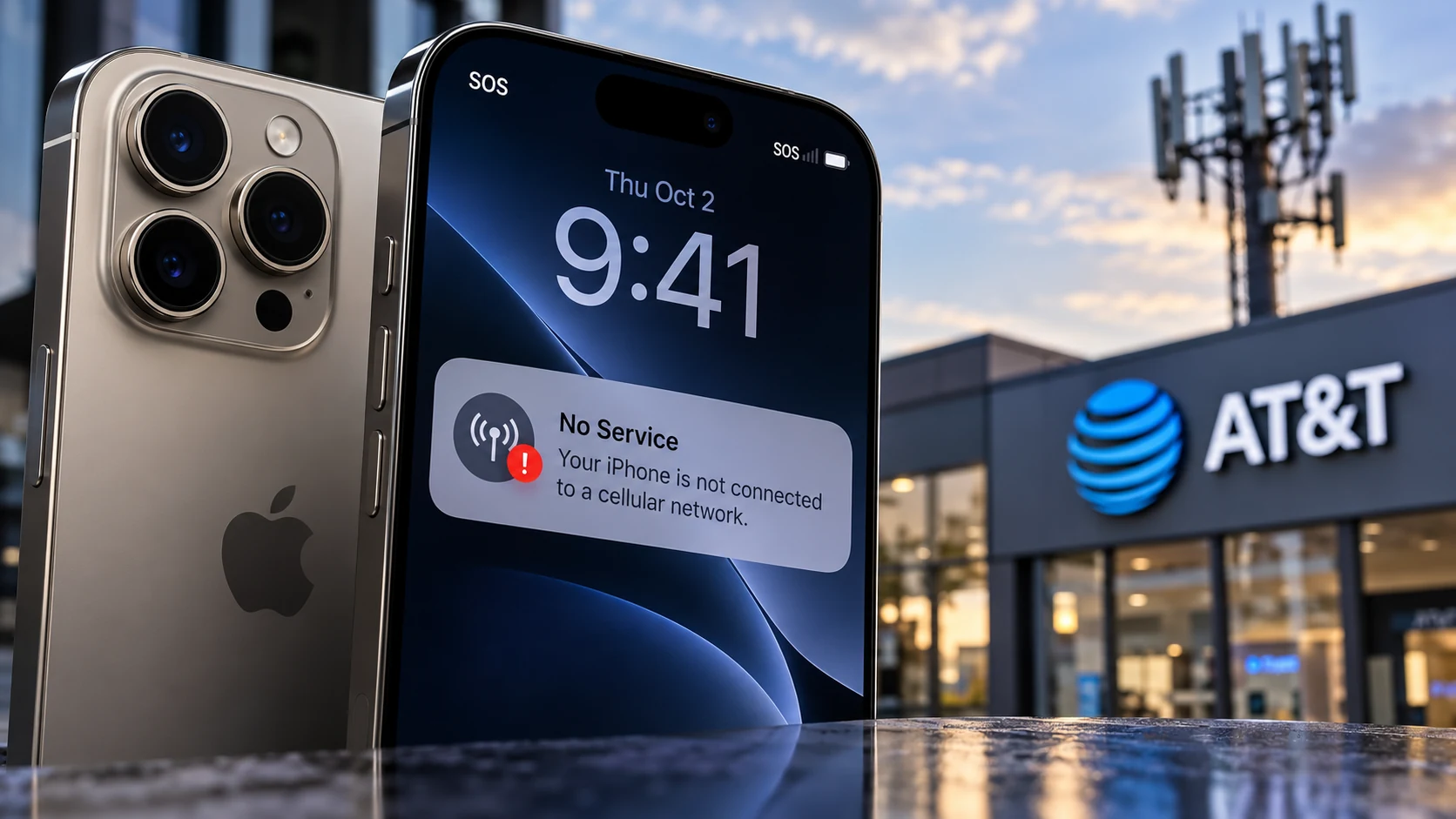
The iPhone 18 Pro Max cellular bug is causing some AT&T units to lose service and become stuck in SOS mode. Apple has confirmed the issue affects a small number of devices, while AT&T says calls, texts, mobile data and even 911 access may be affected. The important distinction is this: iOS 27.0.1 and a carrier settings update are intended to help prevent the problem, but an iPhone that has already lost service because of this issue may need to be replaced.
What is the iPhone 18 Pro Max cellular bug?
Since the Apple iPhone 18 Pro Max launched in the United States, some AT&T customers have reported intermittent or complete loss of cellular connectivity. Affected phones can display SOS in the status bar and may be unable to make or receive calls, send texts or use cellular data.
Apple has now acknowledged the problem. In a statement shared with 9to5Mac and MacRumors, the company said it had identified an issue affecting a small number of iPhone 18 Pro Max users on AT&T that may cause the device to lose service.
Does iOS 27.0.1 fix the iPhone 18 Pro Max cellular bug?
Not if your phone has already been affected. Apple strongly recommends that all iPhone 18 Pro Max owners on AT&T install iOS 27.0.1. AT&T gives the same advice.
Apple says iOS 27.0.1 and a separate AT&T carrier settings update work together to help prevent additional devices from developing the issue. However, Apple also says that devices which have already lost service because of this problem cannot have service restored through a software update alone.
What should you do right now?
- Update to iOS 27.0.1: open Settings → General → Software Update.
- Check for the carrier update: open Settings → General → About and wait for the carrier settings prompt.
- If your iPhone still shows SOS or has lost service: contact Apple Support or AT&T, or visit an Apple Store or AT&T location.
- Do not rely on repeated resets as a permanent fix: Apple says phones already affected by the confirmed issue may require replacement.
Can the bug affect 911 calls?
Yes. AT&T’s support guidance specifically warns that the issue can affect phone calls, data, texts and 911 calls on some iPhone 18 Pro Max devices. That makes the update more than a routine bug fix. If your device is currently unable to connect to the cellular network, treat it as a service issue that requires prompt support.
Which iPhones and carriers are affected?
Apple says it has observed the problem on the iPhone 18 Pro Max using AT&T in the United States. At the time of writing, Apple has not identified the iPhone 18 Pro, iPhone Duo, iPhone 17 or other carriers as affected by this specific cellular bug.
The U.S. iPhone 18 Pro Max uses a Qualcomm Snapdragon X85 modem, while other new iPhone configurations use Apple’s C2 modem. That difference has attracted attention, but Apple has not said the modem is the cause, so it would be premature to blame the hardware platform.
Carrier settings update: what changes?
Apple also released an AT&T carrier settings update. MacRumors reported carrier version 72.1 replacing 72.0.2. Apple says the carrier update will roll out automatically, while users can trigger a manual check by visiting Settings → General → About.
Carrier settings can change how an iPhone connects to and communicates with a mobile network. In this case, Apple describes the carrier update and iOS 27.0.1 as preventive measures rather than a recovery method for phones that have already lost service.
Do affected iPhones need to be replaced?
According to Apple, yes, when a device has already been hit by the confirmed cellular failure and service cannot be restored. Apple advises affected customers to contact Apple Support or AT&T, or visit a retail location for assistance.
Apple has not publicly detailed the underlying technical cause, and it has not announced a separate service program specifically for this issue at the time of writing. Replacement eligibility and the exact process should therefore be confirmed directly with Apple or AT&T for the individual device.
Should you avoid buying the iPhone 18 Pro Max?
There is not enough evidence to treat this as a problem affecting every iPhone 18 Pro Max. Apple describes the affected population as small, and the preventive updates are already being distributed. For a prospective buyer, the sensible approach is to ensure the phone is fully updated during setup and verify cellular service before relying on it as a primary device.
If you are comparing Apple with Samsung, our Galaxy S26 Ultra vs iPhone 18 Pro comparison covers the broader flagship decision. For camera changes in Apple’s latest Pro generation, see our iPhone 18 Pro variable aperture explainer.
QGH bottom line
The key message for AT&T iPhone 18 Pro Max owners is simple: update immediately if your phone is still working normally. If the device has already lost cellular service and remains stuck in SOS mode, software alone may not bring it back. Contact Apple or AT&T and be prepared for a hardware replacement process.
Sources and methodology
This article is based on current reporting and official carrier guidance available on October 4, 2026. QGH has not reproduced the fault on a review unit. Primary and corroborating sources include AT&T Support, 9to5Mac, MacRumors, and Apple’s iPhone 18 Pro announcement. Because Apple and AT&T may update their guidance, affected users should confirm the latest instructions directly with those companies.