


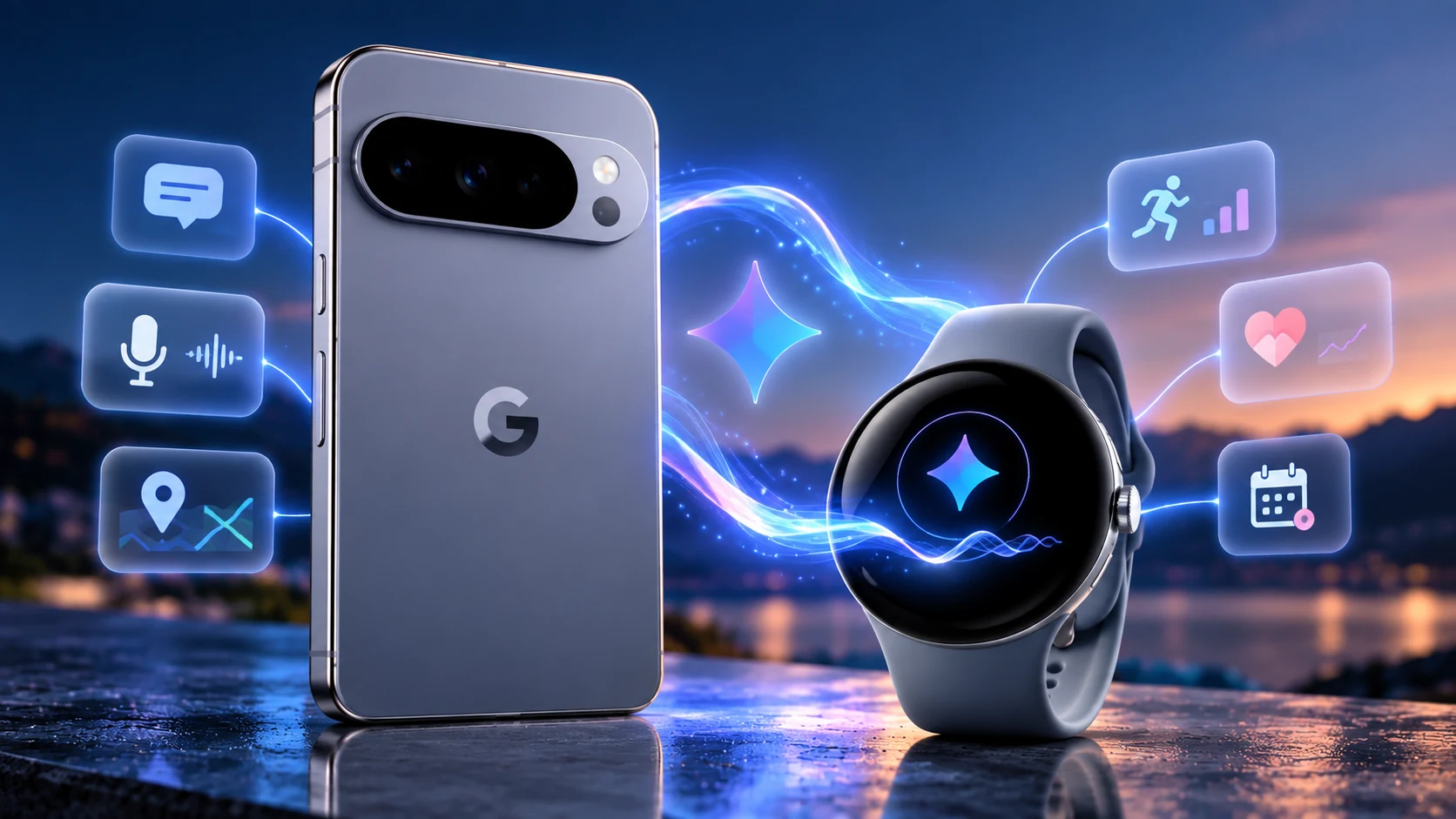
Gemini is becoming the connective AI layer across Google’s Pixel devices, but the experience is not identical on a phone and a smartwatch. On Pixel 11, the phone is the richer interface for longer AI interactions. On Pixel Watch 4, Gemini is designed for fast, voice-first actions from your wrist. This explainer focuses on that division of labor rather than repeating our Pixel 11 or Pixel Watch 4 buying guides.
Gemini on Pixel 11 vs Pixel Watch 4: the short version
Think of the Pixel 11 as the main Gemini workspace and Pixel Watch 4 as the quick-access companion. Google requires Gemini to be set as the digital assistant on the paired phone for the watch experience, and the watch must use a supported region and language with its apps kept up to date.
What Gemini adds to Pixel Watch 4
On Pixel Watch, Gemini can help with everyday voice interactions without forcing you to reach for the phone. Google documents voice controls for starting, pausing, resuming and stopping workouts, as well as asking for current health metrics such as heart rate or step count. You can also create quick Gemini actions on the watch for tasks you use frequently.
Raise to Talk is the standout Pixel Watch 4 interaction
Pixel Watch 4 supports Google’s Raise to Talk feature. Once enabled, you can bring the watch toward your mouth and speak to Gemini without first saying “Hey Google” or pressing a button. A visual indicator appears when the watch is ready to listen. Google notes that Raise to Talk is disabled by default and can be enabled from the watch’s gesture settings or through the Pixel Watch app.
Why the Pixel 11 still matters
The watch experience depends on the connected phone more than the reverse. Gemini must be configured as the digital assistant on the paired phone, and Google’s Raise to Talk documentation specifically requires a compatible Pixel phone for Pixel Watch 4. The phone also remains the more practical place for interactions that need a large display, more context or extended input.
How to activate Gemini on Pixel Watch 4
- Set Gemini as the digital assistant on the connected Pixel phone.
- Make sure the watch apps are current and Gemini is supported in your region and language.
- Launch Gemini by holding the button above the crown, using the Gemini complication, or using “Hey Google” while the screen is active.
- For Raise to Talk, open Settings → Gestures on Pixel Watch 4 and enable the feature.
What Raise to Talk does — and does not do
Raise to Talk removes an activation step; it does not turn every Gemini capability into an offline watch feature. Google’s current documentation says offline Gemini commands are a Pixel Watch 5 feature, not a Pixel Watch 4 feature. That distinction matters for buyers expecting the Watch 4 to provide the same independence as newer hardware.
A useful ecosystem, with important limits
Gemini on Pixel Watch currently requires a personal Google Account rather than a work or school account. Availability also varies by device, language and region, and Google warns that some features can require subscriptions or change over time. U.S. buyers should therefore treat Gemini as an evolving software layer rather than a fixed hardware specification.
Where Gemini fits in the Pixel ecosystem
If you are evaluating the devices themselves, start with our Google Pixel 11 buying guide and Pixel Watch 4 buying guide. For the broader phone-watch relationship beyond AI, see our Pixel 11 + Pixel Watch 4 ecosystem guide.
Bottom line
Gemini gives Pixel 11 and Pixel Watch 4 complementary roles. The phone remains the deeper AI interface, while the watch turns Gemini into a faster voice-first assistant for short actions, workouts and information at a glance. Raise to Talk is the feature that most clearly distinguishes the Watch 4 experience because it reduces the friction of invoking the assistant from your wrist.
QGH research note: This explainer is based on current Google documentation and research available at publication time. Quantum Gadget Hub did not conduct a long-term hands-on test of Gemini across Pixel 11 and Pixel Watch 4 for this article. AI features, account requirements, regional availability and software behavior may change through updates.
[…] Apple is expanding intelligence features through the S11 chip, watchOS 27 and Apple Intelligence, including Siri AI and new Audio Intelligence capabilities. Google takes a more visibly assistant-first approach with Gemini on Pixel Watch 4, including voice interactions and Raise to Talk when used with a compatible Pixel phone. For a deeper look at Google’s implementation, read our Gemini on Pixel 11 and Pixel Watch 4 explainer. […]