


Buying guide · Apple Home
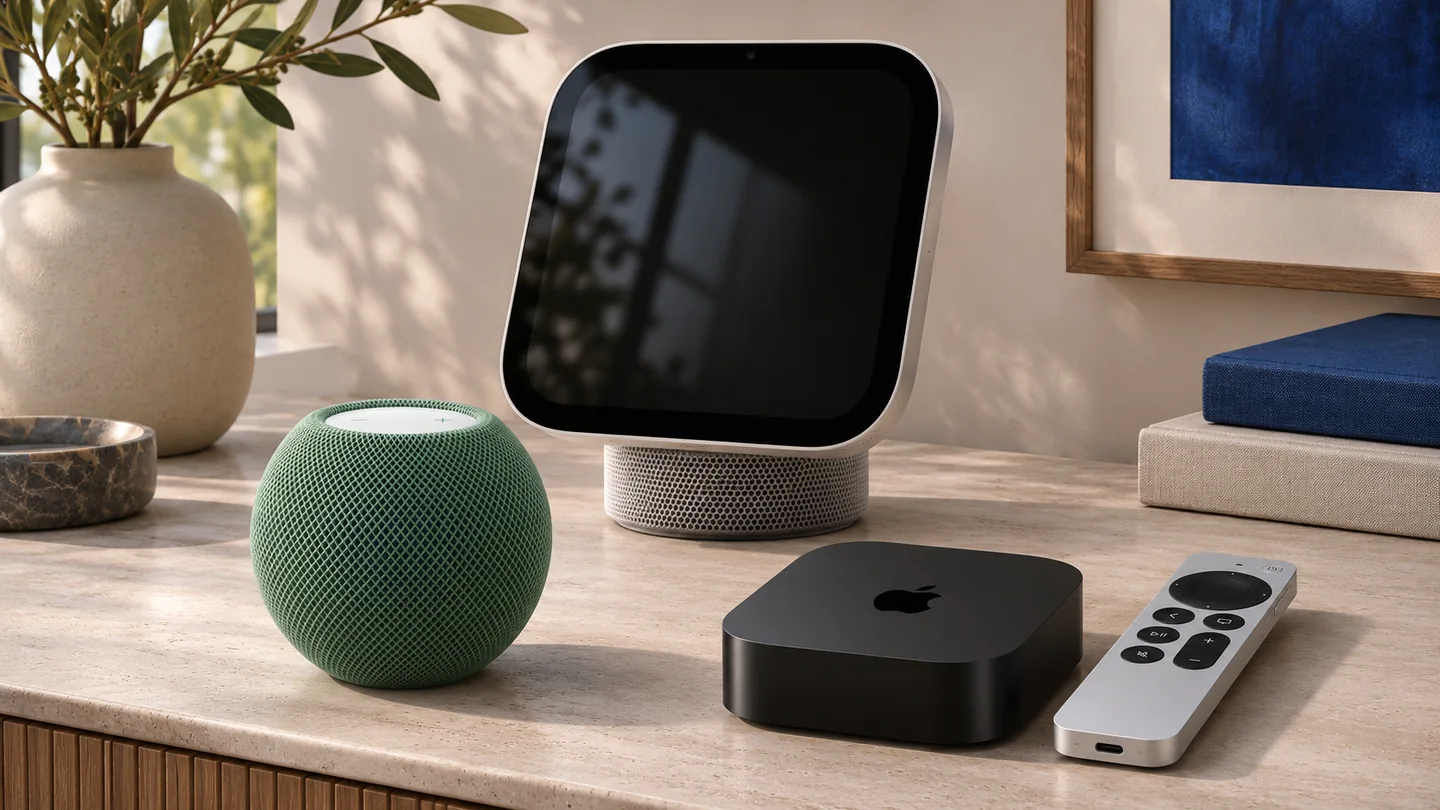
Check for a working hub before buying another one. If you need new hardware, choose the extra function you will use: a compact speaker, a TV streaming box or a shared display. Confirm the accessory network requirements separately.
Documentary guide checked November 20, 2026. QGH has not compared network coverage, response time, audio or camera performance. Model specifications and software conditions come from Apple; the buying decisions are editorial guidance.
Start in Home Hubs & Bridges
Apple’s home hub setup instructions explain how to find the active hub: open Home, choose the More button, then Home Settings and Home Hubs & Bridges. Check the hardware already assigned to your home, its power and network connection, and whether its software is current.
If your existing hub supports the accessories and functions you need, identify the remaining problem before shopping. Perhaps you want a shared screen in the kitchen, a speaker in another room or a new TV interface. Each is a clearer reason to add equipment than assuming that a recently announced hub is required for every accessory.
Separate the home hub from the accessory network
| Term | Question it answers | Buying check |
|---|---|---|
| Apple Home hub | Which supported device provides the home’s hub role? | Check Home Hubs & Bridges and Apple’s setup requirements |
| Thread networking | How will a Thread-based accessory join the supported network? | Confirm a Thread-enabled hub or supported border-router route |
| Home compatibility | Can this exact accessory and its functions work in Home? | Read the accessory maker’s model and firmware requirements |
| Home Wi-Fi/router | How is the household network connected? | Keep its setup requirements separate from the hub purchase |
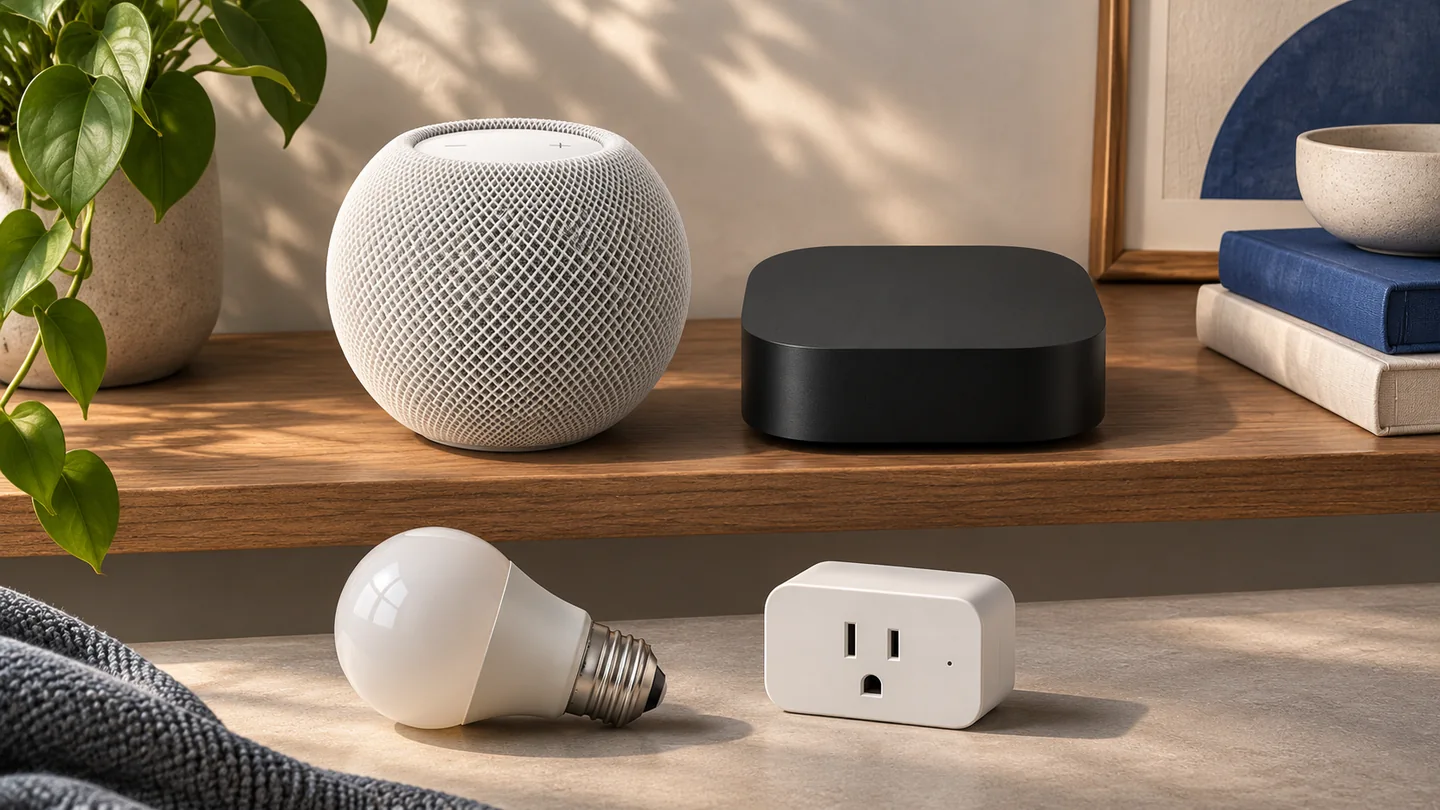
Apple says a home hub is required to add Matter accessories in Home. Thread-enabled Matter accessories also need a supported Thread route. A Wi-Fi specification, a Matter logo and a Thread capability answer different questions; copy the exact requirements from the accessory documentation rather than treating those terms as interchangeable.
For background on adoption and accessory features, see Matter 1.6 explained. A standard’s new feature list does not establish that every existing accessory, hub or software version has implemented it.
Choose the second job you want the hub to do
| Option | Useful reason to consider it | Documented detail to check |
|---|---|---|
| HomePod mini 2 | You want a compact speaker and voice control in a room | Apple lists Thread; setup needs a compatible iPhone/iPad and Wi-Fi |
| Apple TV 4K, fourth generation | You want a TV streaming box as well as a hub | The 2026 specification lists Thread and Gigabit Ethernet; an HDMI cable is sold separately |
| Apple HomeView | You want a dedicated shared touchscreen | Both listed HomeView models support Thread; compare tabletop and wall-mounted power/mounting needs |
The table draws on Apple’s HomePod mini 2 specifications, fourth-generation Apple TV 4K specifications and HomeView specifications. It compares purchase roles, not measured networking or audio quality. Confirm the exact generation when considering older or discounted stock, especially the variant’s Thread support.
For an existing TV setup, our Apple TV 4K 2026 vs 2022 comparison covers the generation decision. If a speaker is the missing item, the HomePod mini 2 review explains its hardware and software trade-offs. Neither choice requires adding a separate display merely to complete the product family.
Already have a suitable hub?
Keep it in the shortlist as the zero-new-hardware option. Spend only when you can name the capability or placement that the additional device will provide.
Starting from scratch?
List the accessories first, then choose one documented hub route and the useful extra function. Compare the complete setup before adding more rooms.
Price the installation, not just the device
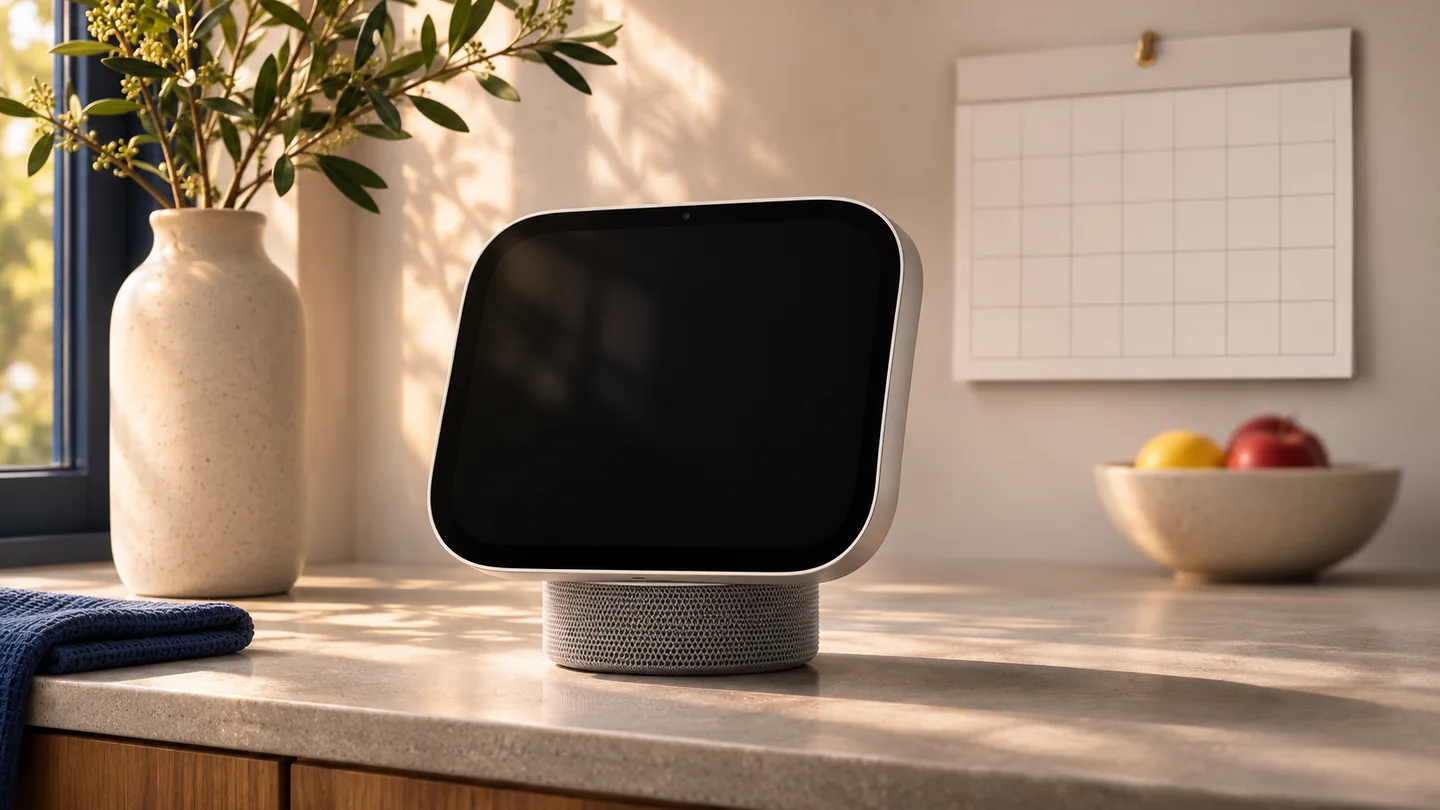
HomeView’s tabletop model includes its USB-C cable and 30W power adapter. Apple lists the compatible wall mount, USB-C cable and a minimum-20W adapter separately for the wall-mounted model. Both need wired power. The lower device-only price, if offered, would therefore need an installation-cost comparison.
Sketch where the device will live, how power reaches it and who will use it. A visible kitchen screen, a shelf speaker and a box beside a television have different placement needs. Check access for setup and updates, leave the manufacturer’s required space and include any cable or mounting work in the budget.
Keep Siri AI eligibility separate from the hub decision
Apple’s HomeView announcement ties Siri AI beta to HomeView software 27.2 and lists additional paired-device, language and usage conditions. The HomePod mini 2 page describes Siri AI as coming in a future software update. Recheck current availability rather than assuming identical feature timing across the family.
For a broader look at the shared display, read what Apple HomeView is. Before ordering any hub, keep a short record of the accessory models, chosen placement, required extras and software conditions. After setup, confirm the active hub and try the specific accessory action you bought the hardware to support.
Frequently asked questions
Do I need HomeView if I already have a suitable Apple Home hub?
First check the active hub and your accessory requirements. HomeView is worth considering when its dedicated shared display solves a need in your home.
Is every Apple TV 4K variant the same for Thread?
Check the exact generation and variant in Apple’s specifications. Do not transfer the fourth-generation feature list to every older Apple TV listing.
Does the HomeView wall-mounted model include installation accessories?
Apple lists the compatible wall mount, USB-C cable and power adapter separately for the wall-mounted model. Include those items and any installation work when comparing the total cost.
Sources and method
- Apple home hub setup and active-hub selection
- Apple Home app overview
- HomeView specifications and box contents
- HomePod mini 2 specifications
- Fourth-generation Apple TV 4K specifications
- HomeView announcement and Siri AI conditions
- HomePod mini 2 software availability
Official documentation checked November 20, 2026. QGH has not performed a hands-on test for this guide. Manufacturer links are direct, non-affiliate links.