


Quantum Gadget Hub · Technology guide
Apple HomeView is a shared 7-inch screen, speaker and Apple Home hub. It makes the strongest case in a room where several people want a screen for accessories, timers and video calls. Before choosing one, check what the household can do together and what each person needs on a paired Apple device.
Pick the place where a shared screen solves a recurring task.
Verify the Apple devices, accounts, software and language needed for personal features.
Compare the tabletop model with the wall model and its separately priced mount.
This guide uses Apple’s U.S. announcement and technical specifications, checked November 3, 2026. Apple announced availability for November 13. Prices are announcement references and stock can vary.
At a glance
| What you want to do | What Apple describes | What to verify |
|---|---|---|
| Control the home | Home controls, scenes and automations | Compatibility of the exact accessory and required hub or network |
| Make a video call | FaceTime with a 12MP Center Stage camera | FaceTime-capable endpoints and Wi-Fi |
| See personal information | Personalized screen and access for recognized people | Enrollment, paired device, current software and recent unlock where required |
| Ask a Siri AI question | English-language Siri AI beta in supported markets | HomeView software and personal-context prerequisites |
| Mount it at an entrance | Separate wall-mounted model and powered mounts | Mount price, location and available power |
A screen that belongs to a room
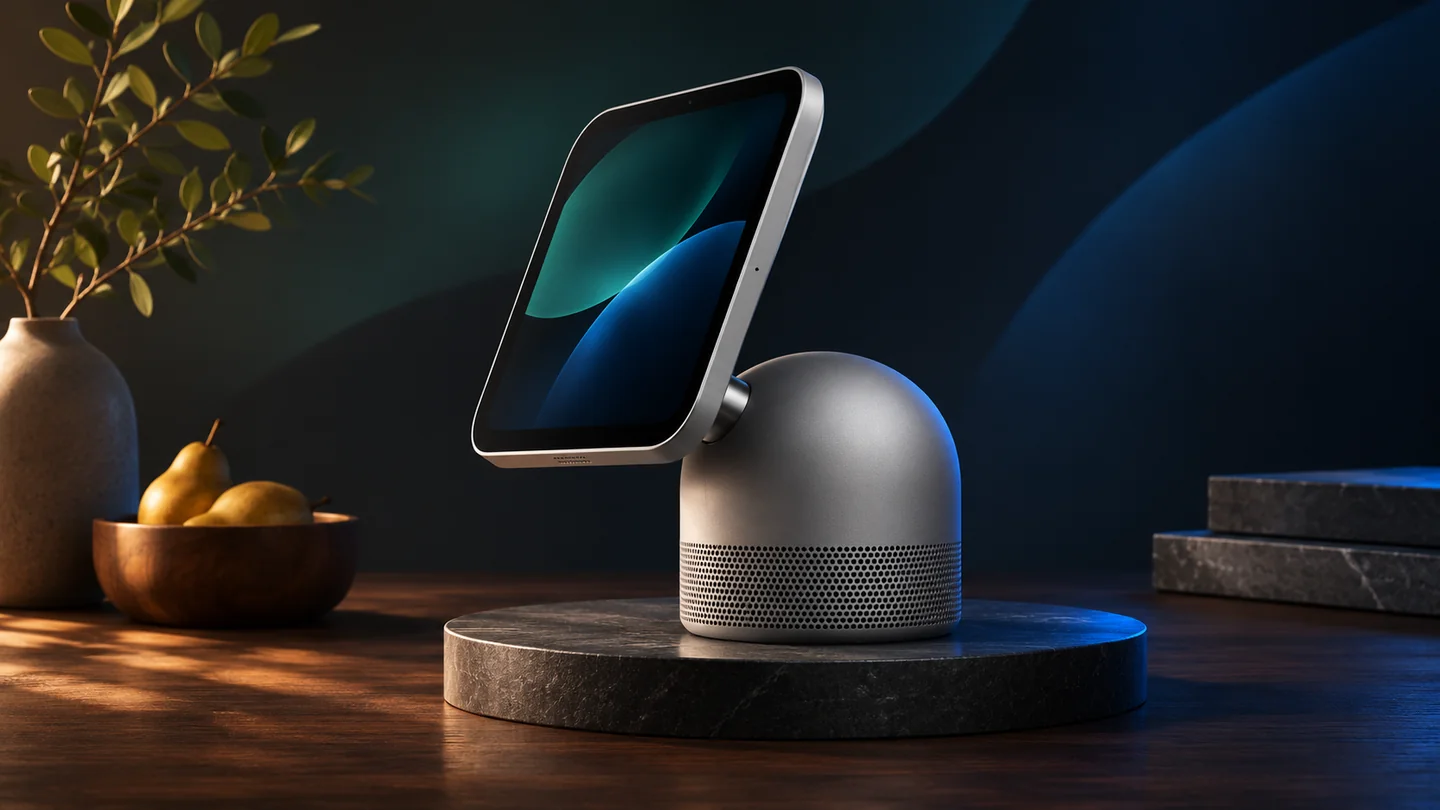
The tabletop HomeView combines a tilting display with a speaker base. Apple also offers a separate wall-mounted model. The screen is useful when you want to see something without taking out a phone: a timer while cooking, a doorbell view from a compatible camera or a scene that controls several accessories.
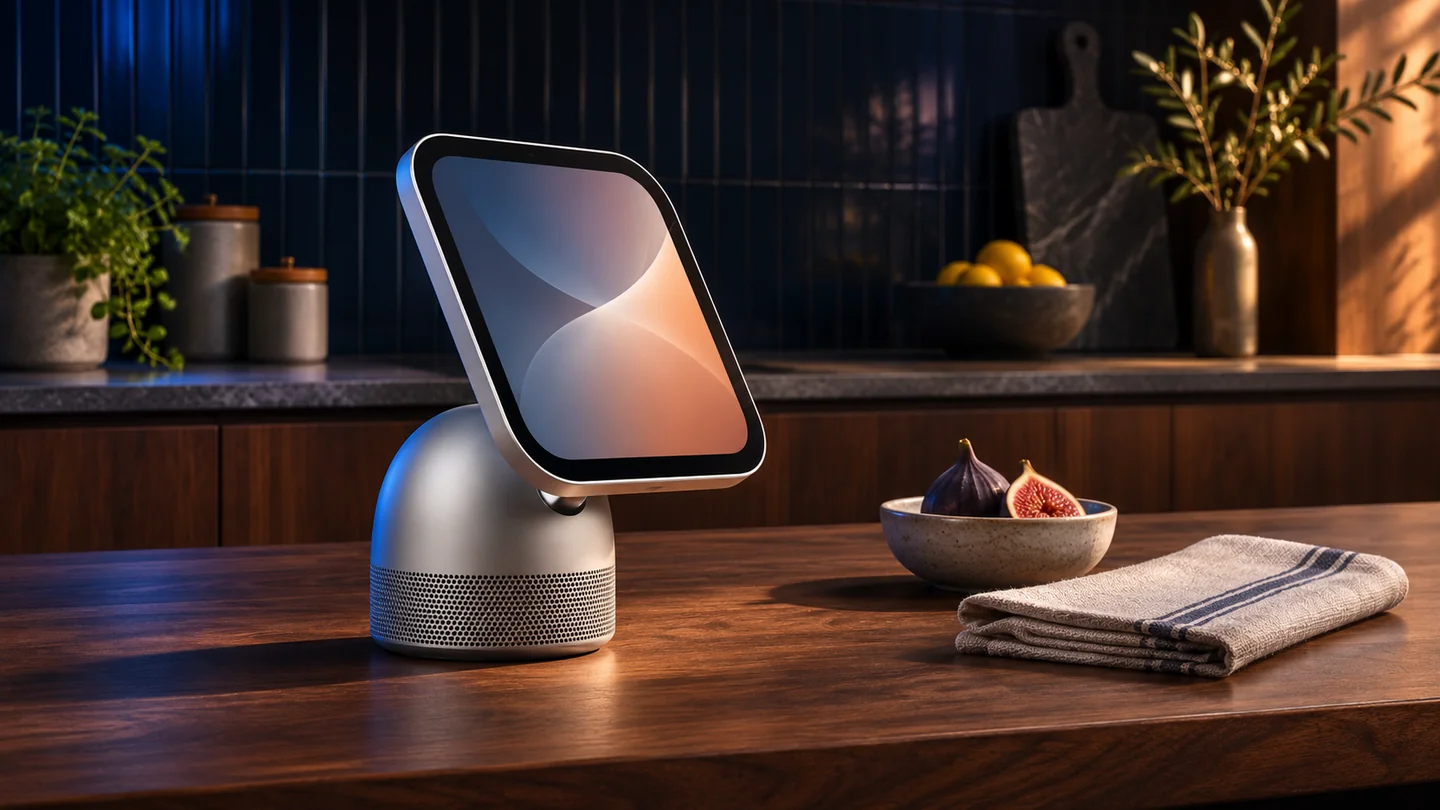
Placement is a better starting point than the feature list. In a kitchen, put the screen where it can be read from the working area without sacrificing counter space. In an entryway, decide whether people will actually stop to interact with it. A HomePod may already cover music and voice commands. HomeView adds a screen and camera to that part of the house.
Separate shared controls from personal information
Apple says HomeView can recognize up to six enrolled people and offer each a personalized Home Screen. Shared content and room controls are a different use from opening an individual’s messages or calendar. For personal content, Apple describes recognition of the enrolled user and a paired iPhone or iPad that is present and has been recently unlocked.
Siri AI is described as a beta in HomeView software 27.2. For requests that use personal context, Apple additionally specifies a paired Apple Intelligence-enabled iPhone or iPad with current software, Siri AI enabled and a supported language. Check the device each household member actually owns. Some server-dependent features have usage limits, so the beta should not be the sole reason to add a screen.
What the home hub can control
Apple lists Wi-Fi 6E and Thread in the specifications. That can matter for a household adding compatible accessories. Start with the exact action you want, such as viewing the front-door feed or running a lighting scene. Check whether the accessory exposes that action in Apple Home and whether it needs a bridge or another service.
Apple describes richer camera features with compatible cameras and a supported iCloud+ subscription. A camera appearing in an app does not establish that every recording or recognition feature is available. If home monitoring is the primary reason for buying, verify the camera model, plan and feature requirements together.
Tabletop or wall mounted
Apple announced each model at $299 in the U.S. The company separately listed Schneider Home USB-C Wall Connector and AC Wired mounts starting at $59.95 and $79.95 respectively. That puts the hardware at roughly $359 or $379 before tax and installation if you buy one of those mounts at its announced price. Apple announced its PoE mount for early 2027.
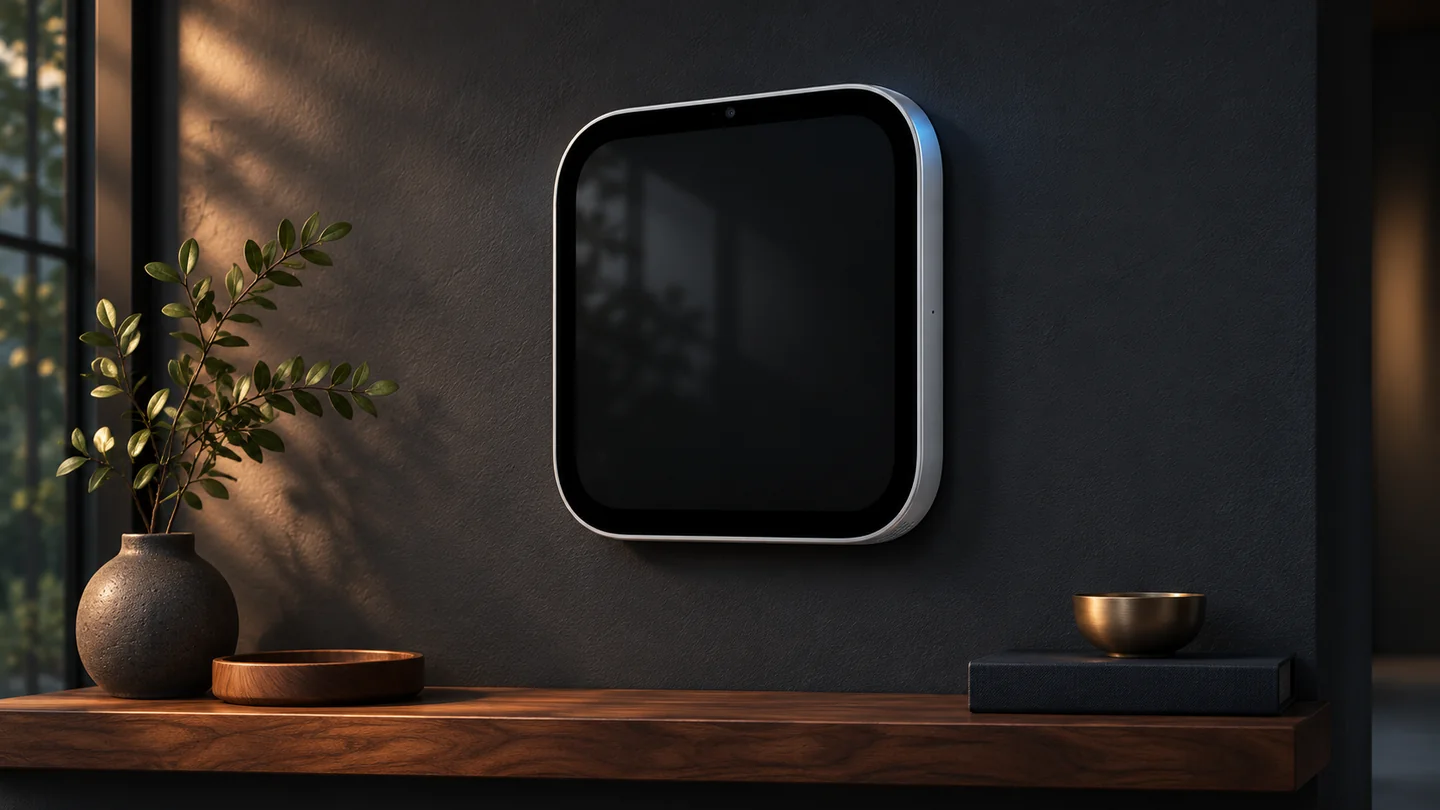
The tabletop model is a simpler choice when you are still deciding where the screen belongs. A wall model makes sense when you have a defined spot, a suitable power route and a reason to keep the surface clear. Compare that installed cost with a speaker or an existing tablet if calls and a shared screen are the only tasks you need.
Frequently asked questions
Do I need a compatible iPhone for every HomeView feature?
Requirements depend on the feature. Personal-context Siri AI requests require a paired Apple Intelligence-enabled iPhone or iPad with the eligible software and settings.
Can HomeView replace every smart home hub?
It can act as an Apple Home hub. Check the accessory’s ecosystem, features and bridge requirements before replacing existing equipment.
Is the wall mount included in the $299 announcement price?
Apple announced the wall model at $299 and listed powered mount options separately. Confirm the actual package and installation cost before ordering.
Related QGH guides
Sources and methodology
Official documentation was checked on November 3, 2026. Prices are dated U.S. references where listed. Product images are AI illustrations by QGH.