


Explainer · Item finding
AirTag has nearby finding and a wider network-assisted route. Bluetooth, compatible Precision Finding and Find My map updates serve different purposes. A distant location report does not mean your phone is directly connected to the tag.
Source-based explanation checked November 24, 2026. QGH has not measured Bluetooth distance, UWB range, speaker audibility or network update intervals. No fixed universal distance or continuous tracking guarantee is claimed.
Which kind of range are you asking about?
An Apple AirTag range question usually begins with one of two situations: your keys are somewhere nearby, or a bag is no longer with you. The first is a local search. The second depends on what Find My can report about the item’s location. Keep those situations separate when reading a specification or choosing what to try in the app.
| Situation | Relevant feature | What the result tells you |
|---|---|---|
| The item is nearby | Bluetooth and the sound control | You may be able to hear the selected tag |
| You are near it with supported hardware | Precision Finding | Compatible devices can guide the nearby search |
| The item is away from your phone | Find My network report | A network-assisted location and its timestamp |
| Only an older location is available | Last-known position | Where and when the item was previously located |
Nearby sound and Precision Finding are different tools
Apple’s AirTag specifications list Bluetooth for proximity finding, Ultra Wideband for compatible Precision Finding and NFC for Lost Mode. Those functions are not three versions of the same range number. Sound helps you search within hearing distance; compatible precise finding provides a different kind of guidance when you are close enough.
In its second-generation announcement, Apple describes Precision Finding from up to 50 percent farther away than the previous generation, plus expanded Bluetooth range. That is a relative manufacturer claim, not a universal distance in feet or meters for every room, bag, phone and country.
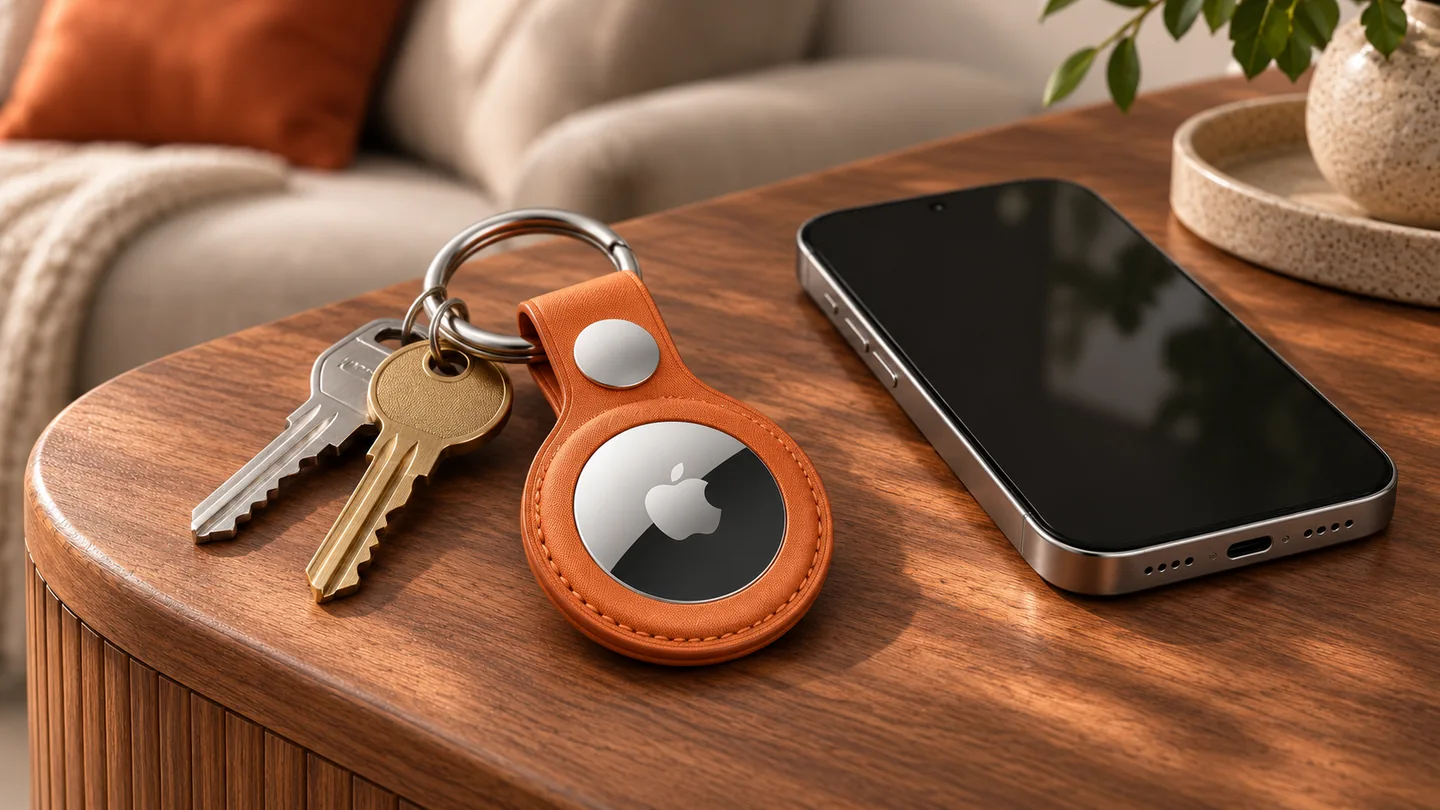
For a buyer, the useful follow-up is specific: which AirTag generation, which phone and which feature does the claim concern? Do not turn a Precision Finding comparison into a Bluetooth radius, or apply a second-generation statement to the older tag already on your keys. QGH has not run a controlled distance comparison for either generation.
A distant map update comes through the Find My network
Apple explains that the Find My network uses other Apple devices to detect an accessory through Bluetooth and report an approximate location to its owner. This can help when the tag is out of range of its paired iPhone. The distant report is a different connection path from your phone finding the tag directly nearby.
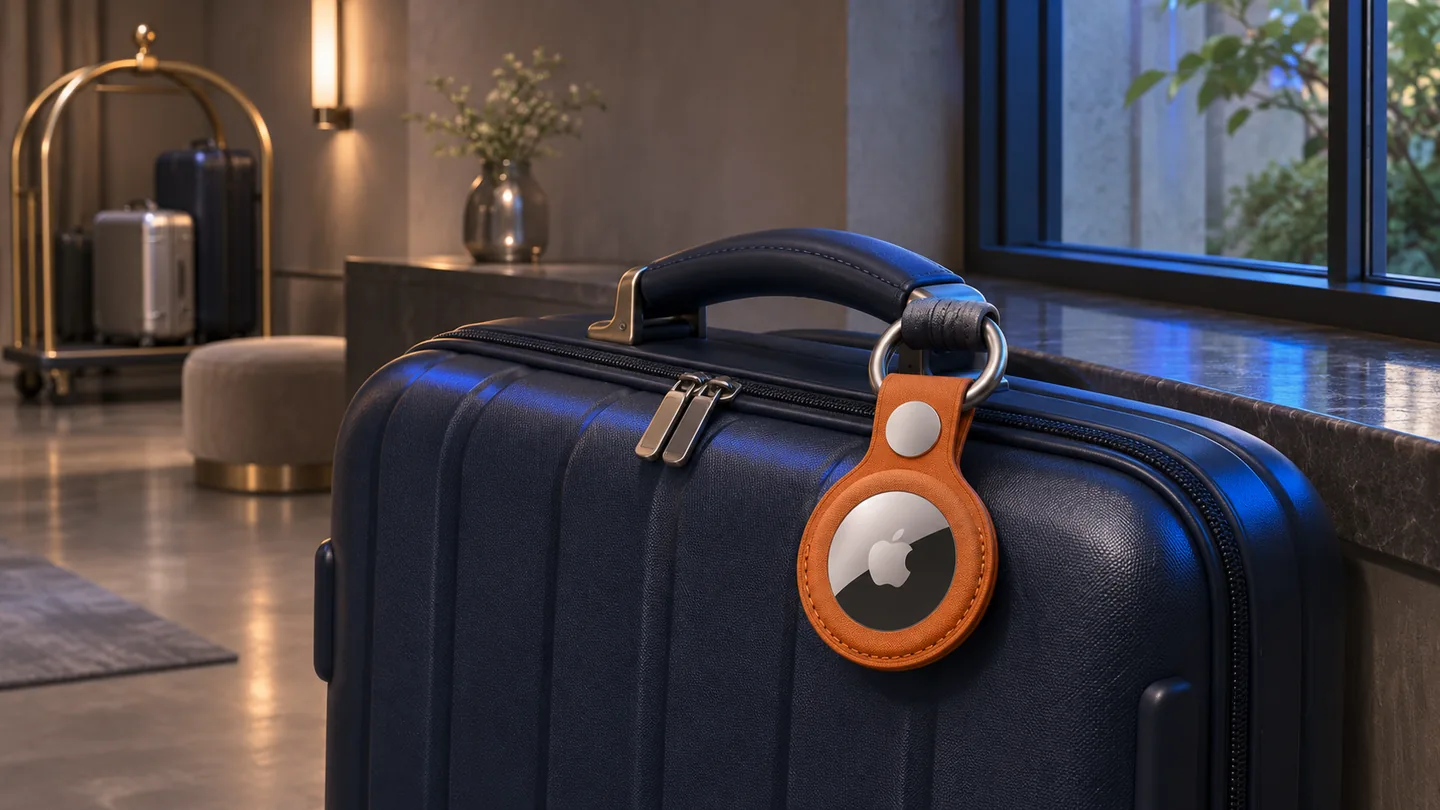
Imagine leaving a bag at a hotel and viewing its location from another city. A location report does not establish a direct radio link across that distance. It also does not establish that the report was generated at the exact moment you opened the map. Read the timestamp before deciding how current the information is.
Read the location and timestamp together
The Find My item guide says the item’s location updates when it connects to the Find My network. If it cannot be located, the app shows where and when it was last located and offers Notify When Found. The same guide describes a nearby sound control and the supported-iPhone precise-finding route.
| What you see | What to check next | Avoid assuming |
|---|---|---|
| A location with a recent timestamp | Confirm that you selected the correct item | That the item is still at exactly that spot |
| An older timestamp | Treat the position as last known and review the available finding options | That the map is a live feed |
| A nearby sound control | Use it for the selected item and listen | That a sound from a different tag confirms your item |
| No precise-finding option | Check exact hardware, software and regional support | That the tag needs replacing solely because that control is absent |
A timestamp is part of the result, not a minor detail beneath the map. When asking someone to help recover a bag, tell them both the reported place and when it was reported. If the information changes, use the newer record to reassess the search rather than treating the first pin as permanent.
Check UWB support for your exact phone and region
Apple’s Ultra Wideband availability page lists supported hardware and regional restrictions. It identifies the second-generation UWB chip in AirTag 2 and supported newer iPhones, with exceptions such as iPhone 16e and iPhone 17e. That page also describes regional feature differences, including limits on expanded finding in Japan.
Use the current support list rather than the assumption that every recent iPhone offers identical finding features. Check the phone, AirTag generation, software requirements and country together. For the distinction between locating technologies, our Bluetooth Channel Sounding vs UWB guide provides the background.
Choose the next check for the problem you have
A nearby tag does not respond
Confirm the selected item and review the battery state. Our AirTag battery guide covers the compatible cell and the nearby check after replacement.
You are choosing an ecosystem
Start with the phone you own and its supported finding functions. Compare the routes in our Pixel Tag vs AirTag comparison.
AirTag is intended to help locate belongings. Apple describes it as a product for objects, rather than people or pets. A requirement for predictable live movement, a fixed reporting interval or a guaranteed recovery result therefore needs its own assessment; do not infer those properties from a successful map update.
Frequently asked questions
How many feet can an AirTag reach?
There is no single distance in this guide that covers Bluetooth, compatible Precision Finding and network-assisted reports. Compare the exact feature, generation and supported device.
Can Find My show a tag that is far from my iPhone?
The network can provide an approximate location through other Apple devices. Read the location timestamp; this is not a direct long-distance link from your phone to the tag.
Does an old map location mean the AirTag is there now?
It is evidence of the reported location at the stated time. Use the timestamp and available finding options, and wait for a new report where appropriate.
Sources and method
- AirTag connectivity and features
- Second-generation range claims and Find My network
- Find My location, timestamps and nearby controls
- UWB devices and regional availability
Official documentation checked November 24, 2026. QGH has not performed a hands-on test for this guide. Manufacturer links are direct, non-affiliate links.