


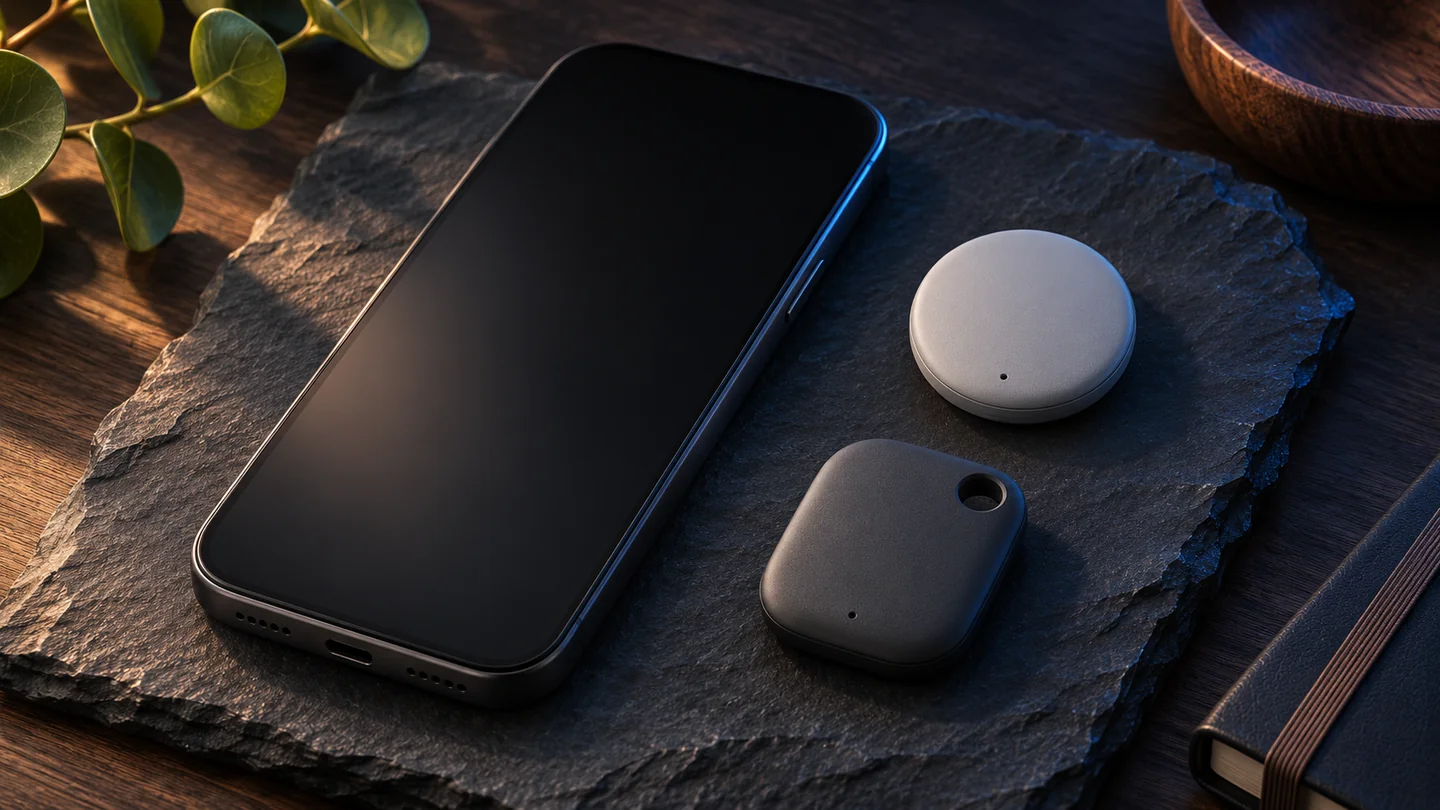
Quantum Gadget Hub · Technology guide
Bluetooth Channel Sounding and ultra-wideband both help devices estimate how far apart they are. Directional arrows depend on the hardware and the software delivering the experience. For a tracker purchase, verify the exact phone, tag and app combination before assuming a radio spec gives you precision finding.
Check the finding network, account and phone platform first.
Distinguish ringing, distance readouts and directional guidance.
Look up the exact phone and tracker in the vendor’s compatibility guide.
Technical explainer based on Bluetooth SIG, Android developer documentation and Google’s Pixel Tag announcement, checked November 3, 2026. This article does not present lab accuracy or range measurements.
At a glance
| What to compare | Bluetooth Channel Sounding | Ultra-wideband ranging |
|---|---|---|
| Radio basis | A ranging feature between compatible Bluetooth LE devices | A separate wideband radio capability on compatible endpoints |
| Distance method | Phase measurements across frequencies and round-trip timing | Short radio exchanges used to estimate time of flight and distance |
| Direction in the app | Requires additional direction capability or another input | May be available with supported antenna hardware and software |
| Typical purchase check | Compatible controller, accessory, OS and feature exposure | UWB on the exact phone and tag, plus app and regional support |
| Relationship to network finding | Can refine nearby locating when a compatible link is available | Can refine nearby locating during a supported ranging session |
Why signal bars feel different from ranging
A basic Bluetooth proximity indicator can use received signal strength. Your body, a drawer or the way you hold the phone can change that signal even if the tag stays put. A stronger reading may help you orient yourself, but it is a rough clue. Ranging features try to measure distance from properties of the exchanged radio signals.
The Bluetooth SIG describes two methods in Channel Sounding. Phase-based ranging compares phase changes across frequencies to estimate distance. Round-trip time checks how long a signal exchange takes and can provide a separate bound for comparison. A more direct distance estimate can make a hot-or-cold interface more useful, but a distance is still just a radius around your phone.
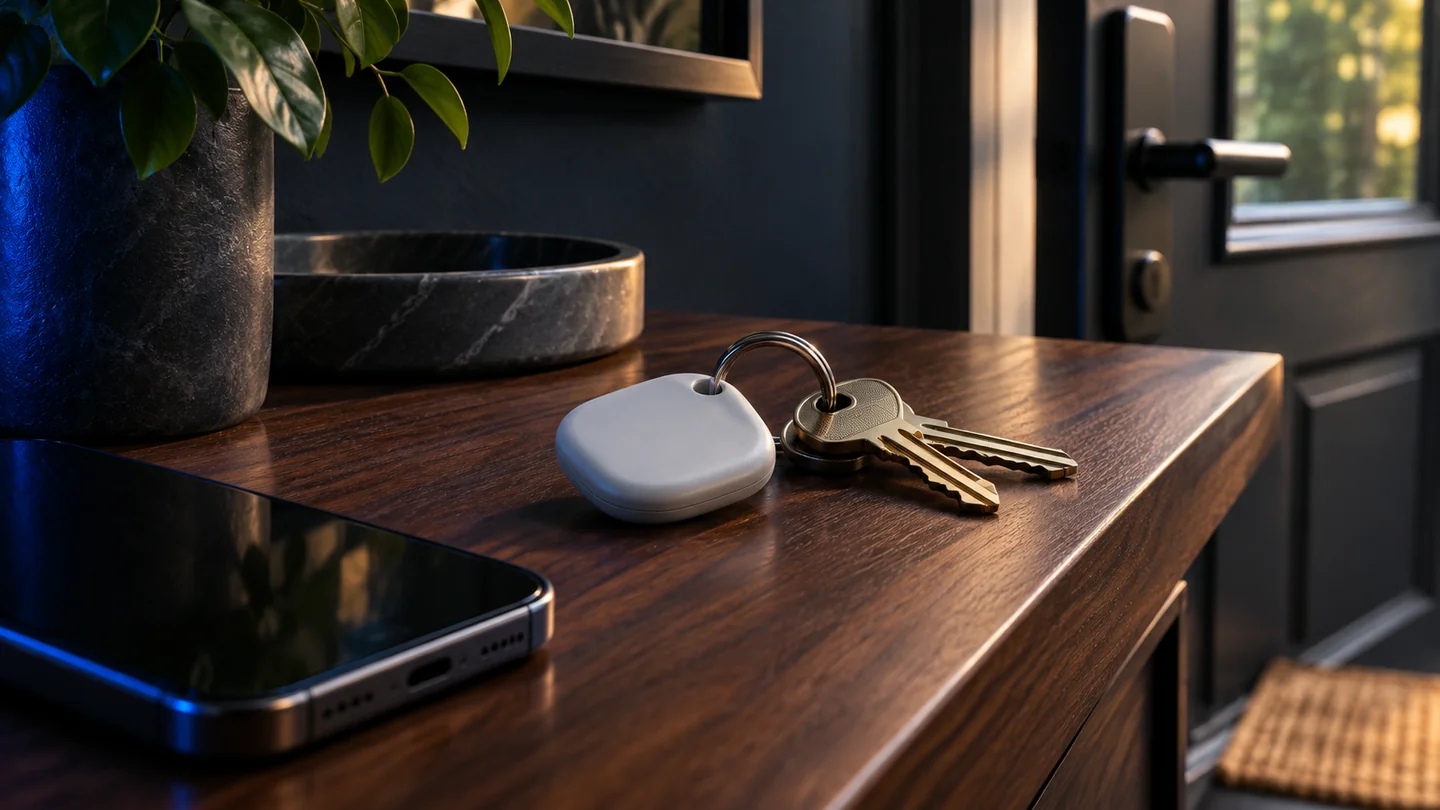
What UWB adds to the conversation
Ultra-wideband uses short, wideband radio exchanges for ranging. In compatible setups, direction can also be estimated using suitable hardware and processing. The Android developer guide describes separate controller and controlee roles and notes that apps can use Bluetooth LE to exchange session parameters before UWB ranging. A product can use both radios for different jobs.
An arrow on the screen is an interface built from available inputs. It may stop updating or disappear when a supported session is interrupted or when the phone and tag are in a difficult position. Published accuracy under particular conditions should not be treated as a guarantee through walls, in a crowded area or inside a packed bag.
What a tracker can do at each distance
A network location can point you toward a general area. It depends on the finding ecosystem and reports from participating devices. Once you arrive, a ring may be enough to find keys nearby. A distance estimate helps when the sound is hard to hear, and a directional cue can help decide where to move next. These are different features with different requirements.
Google describes Pixel Tag as using UWB with Bluetooth Channel Sounding for precision finding on compatible devices. That example illustrates how vendors can combine technologies. General pairing eligibility and precision-finding eligibility are separate. Check the latest support page for your exact phone model and software rather than reading a broad Bluetooth or Android version as proof of every feature.
A practical way to choose
Start with the network your household can use. An item tracker is less useful if the person who needs to find it cannot use the intended app. Next check whether the tag can ring from that app and whether the manufacturer documents precise distance or direction for the exact phone. Read the manufacturer’s compatibility table as a list of endpoints and features, not as a single supported-or-unsupported checkbox.
If you already own the devices, try a short indoor check. Leave the tag at a known spot, walk away and return. Check whether the app reports a network location, rings the tag and offers distance or direction when you come close. A brief check in your own space answers the question a version number cannot: which guidance can you actually use? The term UWB here refers to nearby radio ranging and is distinct from carrier branding for cellular service.
Frequently asked questions
Does Bluetooth 6 automatically enable Channel Sounding?
Verify feature support for both devices and the software that exposes it. The version label by itself is insufficient to verify a tracker’s nearby-finding experience.
Can Channel Sounding give me an arrow?
Channel Sounding supplies ranging data. An arrow requires a direction estimate, which may come from other supported hardware or positioning inputs.
Do I need UWB to ring a tracker?
Ringing and UWB ranging are separate features. Check the tag and app documentation for how the audible alert works on your phone.
Related QGH guides
Sources and methodology
Official documentation was checked on November 3, 2026. Prices are dated U.S. references where listed. Product images are AI illustrations by QGH.