


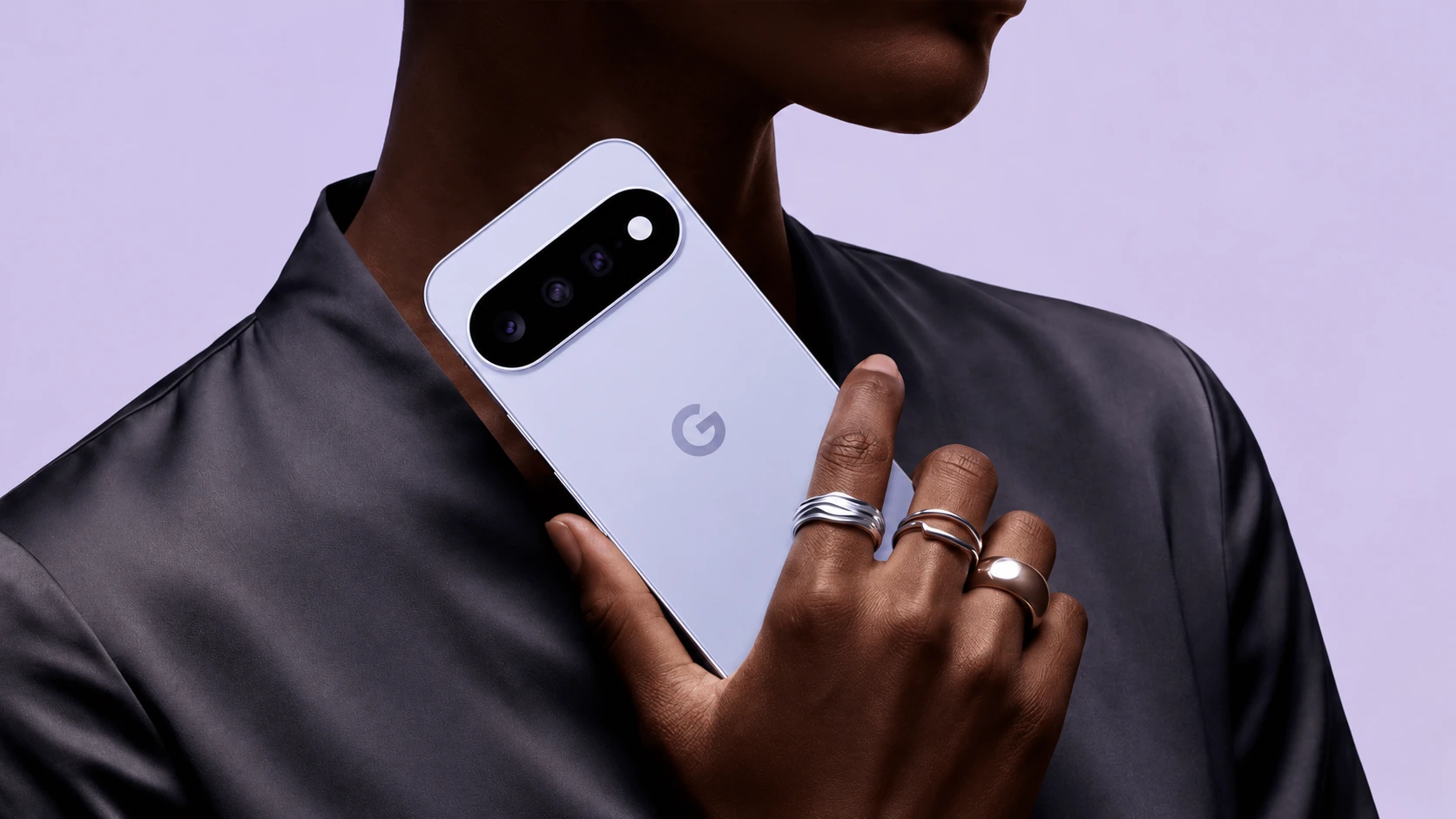
USB-C describes the connector. USB Power Delivery, usually shortened to PD, and Programmable Power Supply, or PPS, concern compatible charging behavior. Choose a charger by matching the phone’s requirements, the adapter’s documented output and the cable you will actually use.
The largest wattage on the box is only one part of that check. A multiport adapter can advertise an overall maximum while offering a different output on the particular port serving your phone.
Start with the phone’s charging specification
Find the official charging requirements for the exact model, including any recommendation for PD or PPS. Google’s Pixel charging guidance distinguishes compatible USB-C PD adapters from PPS adapters and directs users to model-specific charging specifications for the relevant maximum.
That does not justify applying one phone’s peak charging figure to every model in the same family. Treat a published maximum as a capability under the manufacturer’s stated conditions, rather than a promise that the phone will draw it throughout a charging session.
| Item | What to inspect | Mistake it prevents |
|---|---|---|
| Phone | Supported charging standard and official adapter guidance | Buying for the wrong protocol |
| Adapter port | PD/PPS support and available output on that port | Confusing the adapter total with phone power |
| Cable | Connector type, documented rating and condition | Using an unsuitable or damaged cable |
| Shared adapter | Power allocation with your other devices connected | Expecting the single-port rating in every setup |
PD and PPS in a buying decision
For a phone whose manufacturer recommends PPS for its faster charging mode, look for an explicit PPS specification. The words “USB-C fast charger” are too vague to settle that point. For a phone requiring a particular PD capability, compare the documented output profiles with the manufacturer’s guidance.
A higher-rated compatible adapter may be useful for a laptop or several devices. It does not, by itself, make a phone exceed its supported charging capability. Pay for extra capacity when your other equipment needs it, rather than assuming every additional watt produces a faster phone charge.
Read the multiport table
Imagine using one adapter for a phone and a laptop. Compare its instructions for that two-port combination with the single-port specification. Some product pages emphasize the best individual output more clearly than the combined configuration.
Write down the ports you will use before buying. If the phone needs the adapter’s most capable USB-C port, check what remains for the second device. This is a planning exercise based on the adapter’s own table, not a universal rule about splitting power equally.
Check the cable and charging conditions
Google recommends appropriate USB-C connections for compatible Pixel charging and notes that heat can interrupt or slow charging. Avoid judging an adapter while the phone is hot, running a demanding task or near the end of a charge.
Inspect both cable ends and the charging port. If the equipment is visibly damaged or connections are unreliable, replace or service the affected item using the manufacturer’s guidance. A higher-power adapter is not a repair for a worn connector.
A compact purchase checklist
- Confirm the exact phone’s PD/PPS requirements.
- Read the output specification for the intended adapter port.
- Check the cable supplied or already owned.
- Review power sharing with all planned devices connected.
- Compare reputable products by those details and warranty support.
Choose the smallest setup that reliably covers your phone and any other devices. Protocol compatibility and a usable port arrangement provide more value than a wattage claim you cannot use.
Related QGH guides
- Google Pixel 11 Review: Is Google’s $899 Flagship Worth It?
- Samsung Galaxy S26 Ultra Review: Is Samsung’s $1,299 Flagship Worth It?
Sources and methodology
This guide combines manufacturer documentation with QGH buying and setup analysis. Sources were checked on October 6, 2026. Model, software, regional and carrier conditions can change; follow the current linked instructions for your device.