


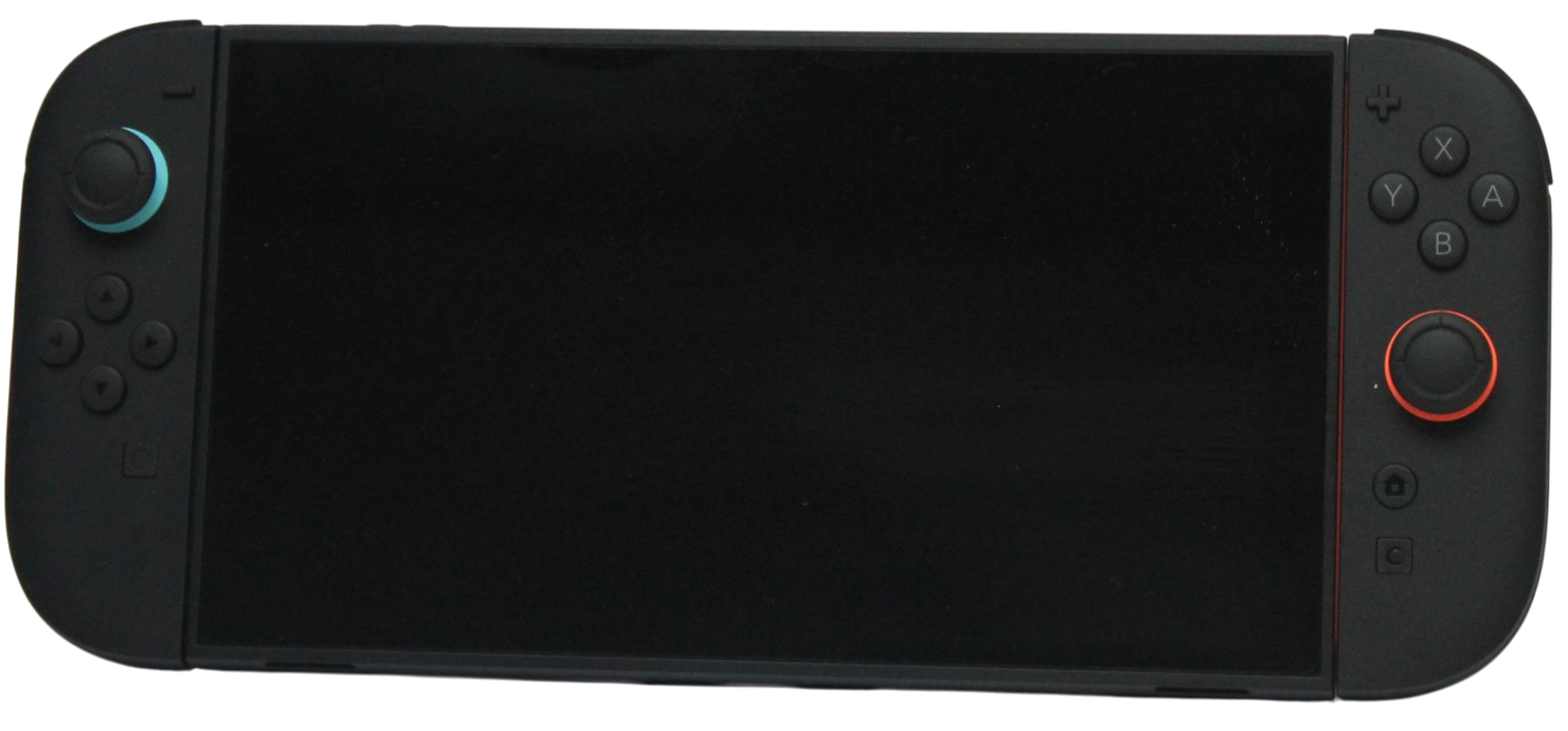
A Nintendo Switch 2 game-key card provides access to a game that must be downloaded before play; it does not contain the full game data. Check the format on the box before choosing between a game-key card, a conventional physical release and a digital purchase.
The useful comparison covers initial downloads, storage, the item needed to launch the game and your access to the relevant account. “Physical” alone does not answer all of those questions.
Read the format before the price
| Format | First thing to verify | Practical consideration |
|---|---|---|
| Game-key card | Required download size and card identification | Internet and enough system or microSD Express space are needed |
| Conventional game card | The exact release’s packaging and download notices | Do not assume every physical edition needs no additional data |
| Digital purchase | Official product requirements and account/library conditions | Plan access through Nintendo’s current digital-game system |
Compare the same game and edition. A bundle with extra content, a different region or a different release format can make two similar prices represent different purchases.
How a game-key card works
Nintendo’s overview says the console downloads the game after the card is inserted, and that sufficient free space and an internet connection are required. The packaging lists the storage requirement; the digital product page can also provide it.
Nintendo specifies internet for the first launch. After that, the game can be started without an internet connection, while the game-key card must remain inserted to play. That launch condition does not remove any online requirement of a particular game mode or service, so read the game’s own listing as well.
Prepare before travel
If you are buying a game for a trip, complete its download and first launch before leaving a reliable connection. Check that the intended mode works in the circumstances where you plan to play. Do not open the box on a train expecting the card alone to contain all the data.
Keep the physical card with the console when it is required for access. A completed download does not establish that you can leave the key card at home. For a digital purchase, review the current account and virtual-game-card instructions rather than applying the physical-card rule.
Storage still belongs in the budget
Add the download requirements of game-key-card titles to the same installed-library budget used for digital games. Include relevant updates and extra content you actually intend to install. More shelf space for boxes does not provide more console storage.
If you expand Switch 2 game storage, check Nintendo’s microSD Express compatibility guidance. Reusing a regular microSD from an older Switch is a separate issue from the game’s release format and will not satisfy that expansion requirement.
Consider sharing and resale from the exact format
For any physical purchase, check the card type and the recipient’s download and storage needs before lending or selling it. For digital games, consult Nintendo’s current sharing and access rules rather than assuming handing over a card and sharing a digital entitlement are identical.
- Confirm the format and edition on the product listing and packaging.
- Check required downloads and available storage.
- Complete setup before any planned offline session.
- Keep the item or account access required for that format.
- Compare price with those practical requirements included.
Choose the format whose download, storage and access routine suits you. The label on the box is the beginning of that decision, not a complete explanation of how the game will run.
Related QGH guides
Sources and methodology
This guide combines manufacturer documentation with QGH buying and setup analysis. Sources were checked on October 6, 2026. Model, software, regional and carrier conditions can change; follow the current linked instructions for your device.
Featured image: Nintendo Switch 2 photograph by AOMAF2024, released under CC0, from the QGH media library.