


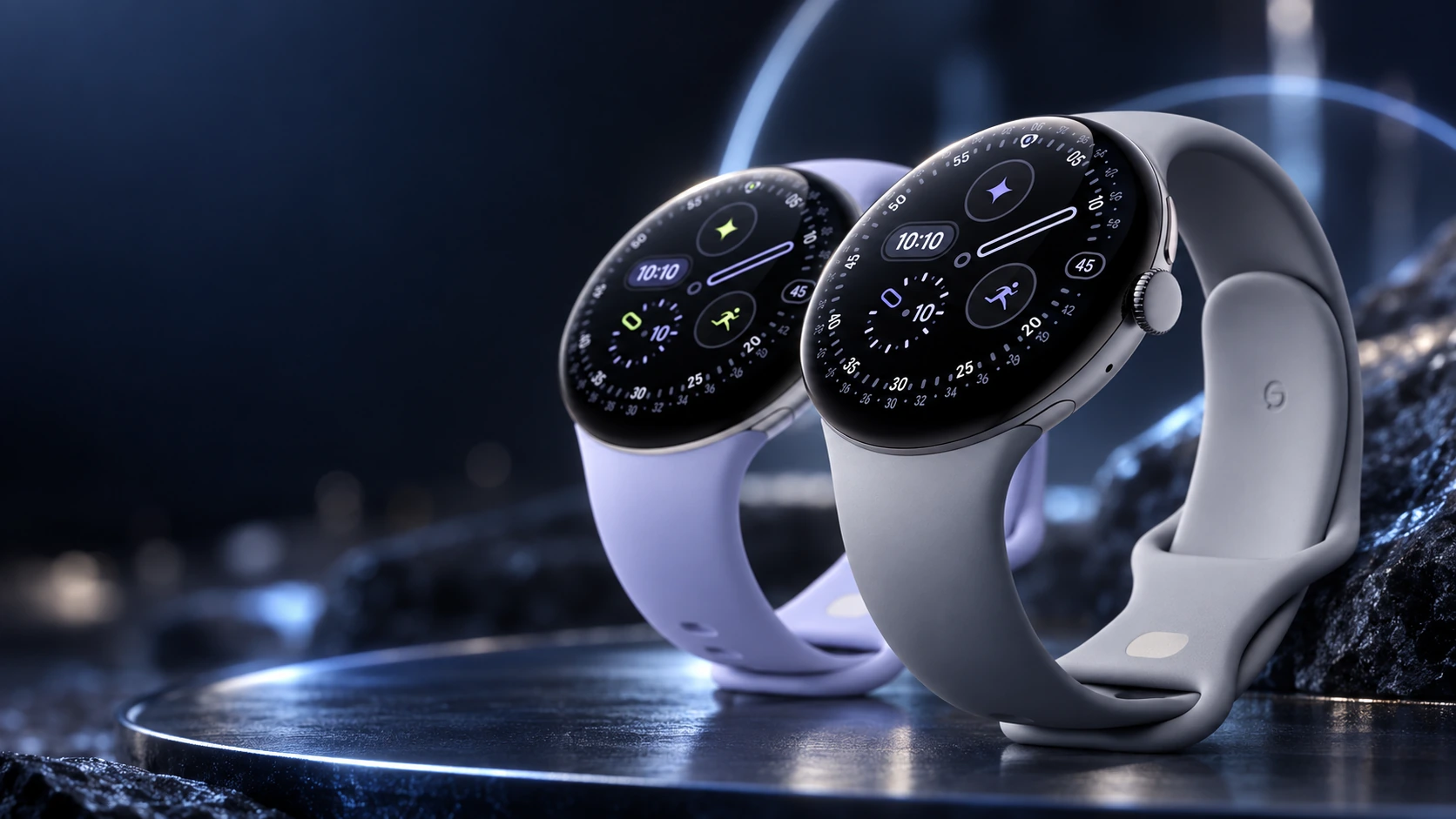
The Pixel Watch 4 LTE is worth choosing when you regularly leave your phone behind and still want connected features. If your Android phone normally stays with you, the Wi-Fi model is the more straightforward purchase. The important distinction is access to a mobile network, rather than a different level of everyday activity tracking.
What cellular changes
Both versions can serve as a watch and activity tracker. With a compatible, activated mobile plan, the LTE version can also connect to a carrier away from the paired phone. Google documents phone-free calls, messages and app connectivity, subject to the carrier and service conditions.
The Wi-Fi version relies on the nearby phone or an appropriate Wi-Fi connection for connected features. Leaving the phone at home therefore changes what you can do once you move beyond Wi-Fi coverage. Check the requirements of the individual app: downloading something beforehand and streaming it live are different tasks.
| Your routine | Sensible starting choice | What to check |
|---|---|---|
| Phone stays in your pocket or bag | Wi-Fi | Normal Bluetooth connection and notification setup |
| Frequent walks or runs without a phone | LTE | Compatible watch plan and coverage on your route |
| Mainly interested in recording workouts | Wi-Fi may be enough | Whether the workout and music need a live connection |
| Want phone-free calling | LTE with an eligible plan | Carrier activation and total ongoing cost |
| Buying an imported watch | Check before choosing | Regional availability and carrier support |
Check the carrier before buying
An unlocked LTE watch does not make every phone plan eligible. Google requires a supported carrier arrangement, and full calling, texting and data functionality normally uses the same carrier network as the Android companion phone. Ask your carrier about the exact Pixel Watch 4 model and your existing account type.
In the United States, Google’s compatibility page lists several supported networks. Use that current list as a starting point, then confirm the actual plan with the carrier. A retailer’s description of an unlocked watch is not the same as approval for your account.
Request the recurring charge, activation cost and any conditions attached to an introductory offer. If an offer mentions free data and texting, check whether calling is included and what happens when the promotional period ends. This article does not assume a temporary promotion applies to every purchase.
Work out whether you will use it
For one week, note each occasion when you wanted to leave your phone behind but needed a call, message or connected app. That is a better buying signal than the possibility that cellular might be useful someday.
You can also compare the extra hardware price and a year of service. For illustration, a hypothetical $10 monthly plan adds $120 over twelve months before any fees. This is a budgeting example, not a quoted Pixel Watch plan.
Before you order
- Confirm that your phone meets the Pixel Watch 4 compatibility requirements. Google specifies Android 11 or later and does not support pairing with iPhone.
- Confirm the watch model with your carrier, including an imported unit if relevant.
- Decide whether you need calling, data, texting or some combination of them.
- Check battery implications for the activities you plan to do without the phone.
- Choose the case size separately from the connectivity version.
Our recommendation is Wi-Fi for people whose phone is nearly always nearby. Choose LTE for a recurring phone-free use case that your carrier actually supports. You can then make the 41mm-versus-45mm decision around fit and battery preferences, rather than mixing two separate buying questions.
Related QGH guides
- Google Pixel Watch 4 Review: Is Google’s $349 Smartwatch Worth It?
- Google Pixel Watch 4 in 2026: 7 Things to Know Before You Buy
Sources and methodology
This guide combines manufacturer documentation with QGH buying and setup analysis. Sources were checked on October 6, 2026. Model, software, regional and carrier conditions can change; follow the current linked instructions for your device.