


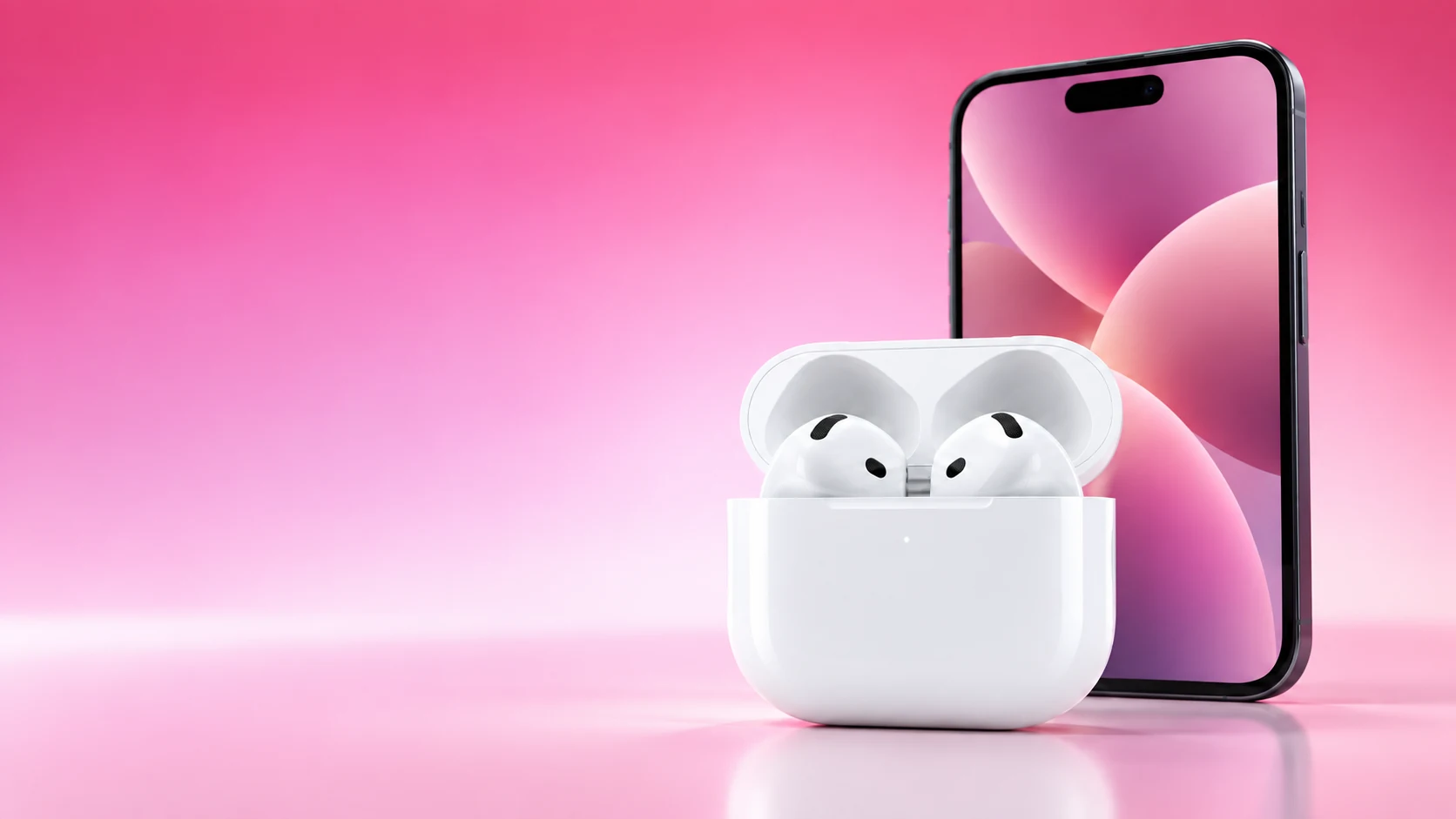
Use Active Noise Cancellation when reducing surrounding noise helps your task, Transparency when you want surrounding sounds passed through, and Adaptive Audio when you want supported AirPods to adjust noise control as conditions change.
The available choices depend on your exact model and software. Before comparing the modes, confirm that the pair offers them and that the relevant controls are enabled on your connected device.
Choose a mode for a task
| Situation | Mode to consider | What to evaluate |
|---|---|---|
| Working beside steady background noise | ANC | Whether reducing the distraction helps at a comfortable volume |
| Listening while interacting with people nearby | Transparency | Whether speech and surroundings are easier to follow |
| Moving between changing indoor environments | Adaptive Audio on a supported model | Whether automatic changes match your preference |
| Media repeatedly quietens when you speak | Check Conversation Awareness separately | Whether that feature, rather than the mode, explains it |
These are QGH usage suggestions, not measured rankings. The most useful mode is the one that fits the setting and leaves you comfortable with the result.
What changes between the modes
Apple describes ANC as reducing external noise, Transparency as letting surrounding sounds through, and Adaptive Audio as combining those approaches with adjustment to the environment. ANC does not guarantee silence, and Transparency does not make every sound perfectly clear.
Compare modes at a similar, comfortable playback level using the same content. If you change volume and mode at the same time, it becomes harder to identify which change improved the experience. On AirPods Pro, a suitable ear-tip seal is another variable to check.
Separate mode from automatic volume features
Conversation Awareness and Personalized Volume are related settings with different purposes. Apple’s guide describes Conversation Awareness lowering media when you start speaking, while Personalized Volume adjusts listening volume based on conditions and learned preferences.
If a podcast unexpectedly drops in volume when you talk, inspect those settings before concluding that ANC is faulty. For a comparison, record which extra features are enabled. Otherwise you may be judging both a mode and an automatic volume adjustment at once.
Find the current control
Apple’s instructions include listening-mode controls through the AirPods and through supported connected devices. On a compatible iPhone or iPad, Control Center’s expanded volume control provides a listening-mode choice while the AirPods are connected.
Physical controls and the modes included in their cycle depend on configuration and model. Check the settings if pressing and holding the stem skips the mode you expected. Do not assume that an option missing on one pair should be present on every generation.
Make a short comparison
- Confirm the exact model and supported modes.
- Check fit and use the same familiar audio.
- Keep playback volume comparable.
- Record Conversation Awareness and Personalized Volume settings.
- Try the modes in the environment where you actually listen.
For situations requiring attention to surroundings, make that need part of the choice rather than assuming a mode guarantees awareness. Noise control is a listening feature whose usefulness depends on the task, fit and environment.
Once you find a preference, keep the relevant control easy to reach. Switching for a conversation or a quieter room is often more useful than choosing one mode permanently because it sounds like the most advanced option.
Related QGH guides
- Apple AirPods 5 Review: Are Apple’s $129 Earbuds Worth It?
- AirPods 5 vs AirPods Pro 3: Which Should You Buy in 2026?
Sources and methodology
This guide combines manufacturer documentation with QGH buying and setup analysis. Sources were checked on October 6, 2026. Model, software, regional and carrier conditions can change; follow the current linked instructions for your device.