


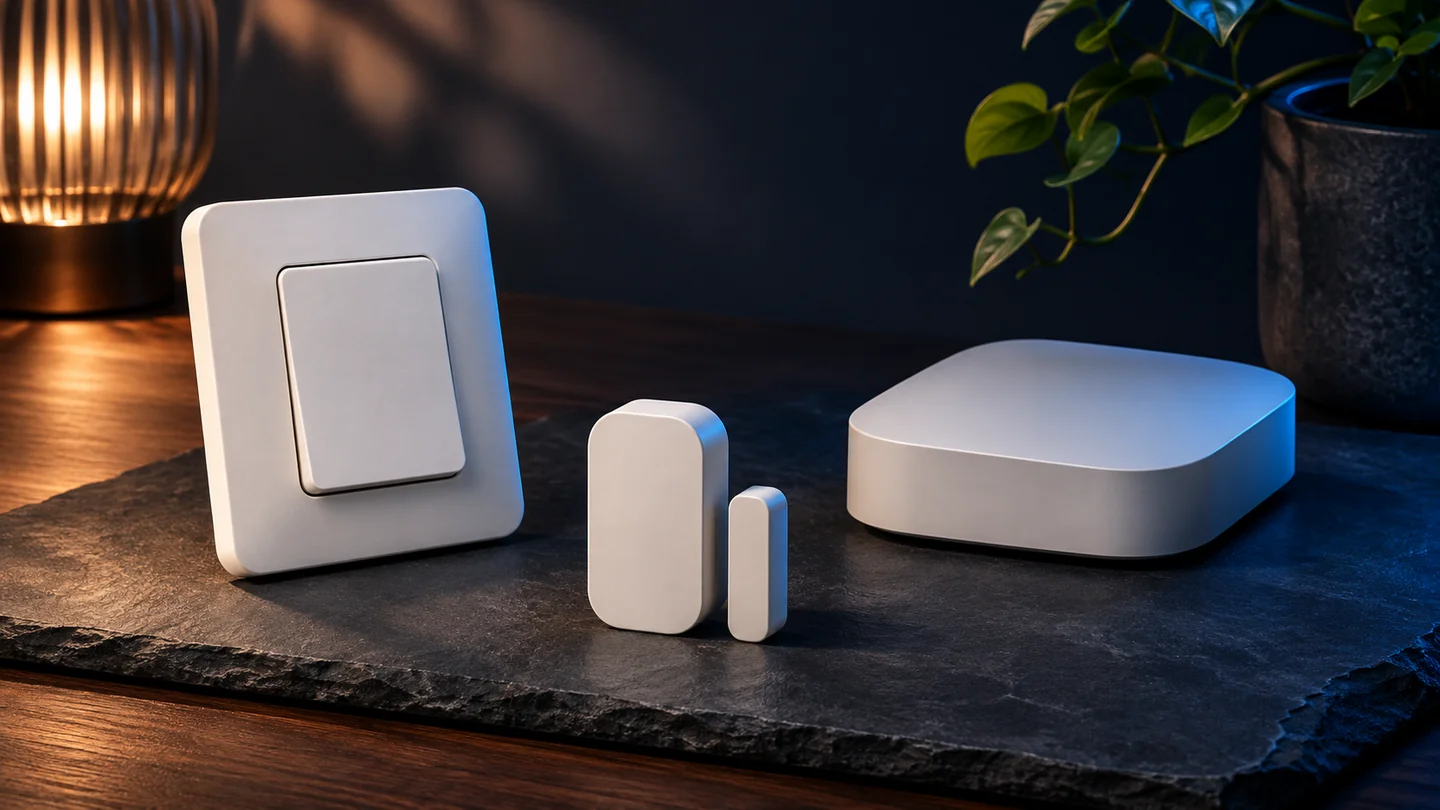
Quantum Gadget Hub · Technology guide
Matter 1.6 gives manufacturers new ways to set up devices, share control across ecosystems and handle thermostat suggestions. The practical question for your home is which of those features your exact accessory and controller both support. Start with the feature you want and work backward to the products and software that enable it.
Check whether NFC commissioning is supported on the accessory and setup device.
Ask whether your controllers support Joint Fabric or another multi-admin route.
Confirm the feature appears in the app and works with the firmware you have.
Technical explainer based on the Connectivity Standards Alliance’s June 17, 2026 announcement, checked November 3. The article distinguishes the specification from features offered by specific products.
At a glance
| Matter 1.6 feature | What the specification enables | What to check at home |
|---|---|---|
| NFC-based commissioning | A bidirectional setup exchange over NFC, including supported pre-power scenarios | Exact accessory, setup device and supported commissioning flow |
| Joint Fabric | Authorized controllers co-administer one shared Matter fabric | Explicit support from participating controllers and the platform |
| Thermostat Suggestions | A thermostat can evaluate recommended changes against preferences and context | Thermostat firmware, ecosystem implementation and user controls |
| Security sensor event history | A common way for supported sensors to expose past events | Sensor support and whether the app actually shows the history |
NFC can do more than pass a setup code
Matter 1.4.1 allowed a setup payload to be read from an NFC tag, with Bluetooth LE still handling the commissioning exchange. Matter 1.6 introduces a way to complete the exchange over bidirectional NFC on compatible equipment. The Alliance describes cases where an accessory can be commissioned before it is fully powered, which could help when it will become hard to reach after installation.
Picture a fixture that will sit high on a ceiling. If the maker documents pre-installation commissioning, confirm that your setup device can run that flow and that the pairing survives the steps the maker specifies. A phone having NFC alone does not tell you which commissioning flow its home app supports. Use the device’s supported setup instructions.
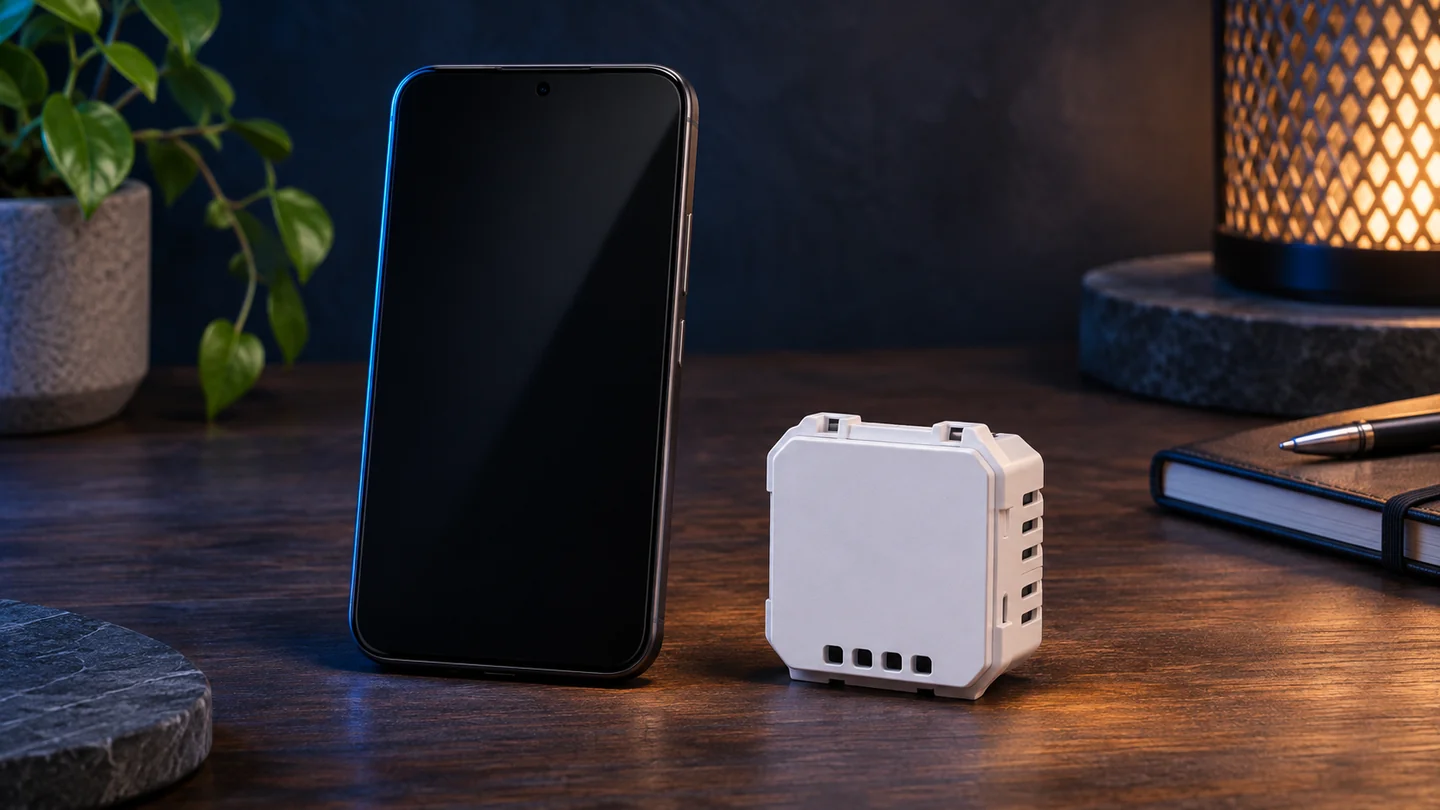
Joint Fabric gives controllers a different way to share
A fabric is the trust domain in which Matter devices and controllers communicate. Earlier multi-admin approaches can share a device across separate fabrics. Joint Fabric allows authorized controllers to manage the same fabric. The Alliance describes a central datastore and the ability to add or remove administrators independently of devices.
For a mixed Apple Home and another ecosystem household, the meaningful question is whether both chosen controllers support that particular mode. A listing that says multi-admin may refer to the separate-fabric approach. That may already satisfy your use case. Check how the product is added, what each household member can do and which features each app exposes.
Thermostat suggestions give devices more context
A conventional automation can send a temperature setpoint directly. Matter 1.6 adds a standardized suggestion that a compatible thermostat can consider alongside user preferences and context. A recommendation from an ecosystem does not itself guarantee the thermostat will apply it. The outcome depends on the feature’s implementation and the preferences available to the device.
The release also includes refinements to status and event reporting. A sensor may be able to expose history through the standard, while an app still needs to present it. If past events matter to your routine, verify that you can see the timestamps and events you need in the specific app you intend to use.

A checklist for a purchase or upgrade
Write down one behavior you need, such as sharing a light with two platforms or setting up a switch before it goes in the wall. Look for that feature by name in the accessory documentation. Check the model number and the minimum firmware version, then do the same for the controller and app. Confirm the network route as well. A Thread accessory may need a compatible Thread border router, while a Wi-Fi accessory uses a different connection.
For products you already own, check the vendor’s release notes before replacing a working device. Certification is useful evidence for the specific model and features covered. An advertised specification version still leaves the question of what your platform exposes. If a promised capability is essential and the current documentation is vague, wait for a named model, software version and supported setup path.
Frequently asked questions
Does Matter 1.6 add new device categories?
The Alliance describes this release as focused on setup, administration and device behavior within existing categories.
Does Matter 1.6 make all existing devices work with NFC setup?
NFC commissioning depends on support in the device and the setup path. Check both the accessory’s instructions and the platform.
Is Joint Fabric the same as older multi-admin sharing?
They are related approaches. Joint Fabric allows authorized controllers to share one fabric, while older approaches can grant access through separate fabrics.
Related QGH guides
Sources and methodology
Official documentation was checked on November 3, 2026. Prices are dated U.S. references where listed. Product images are AI illustrations by QGH.