

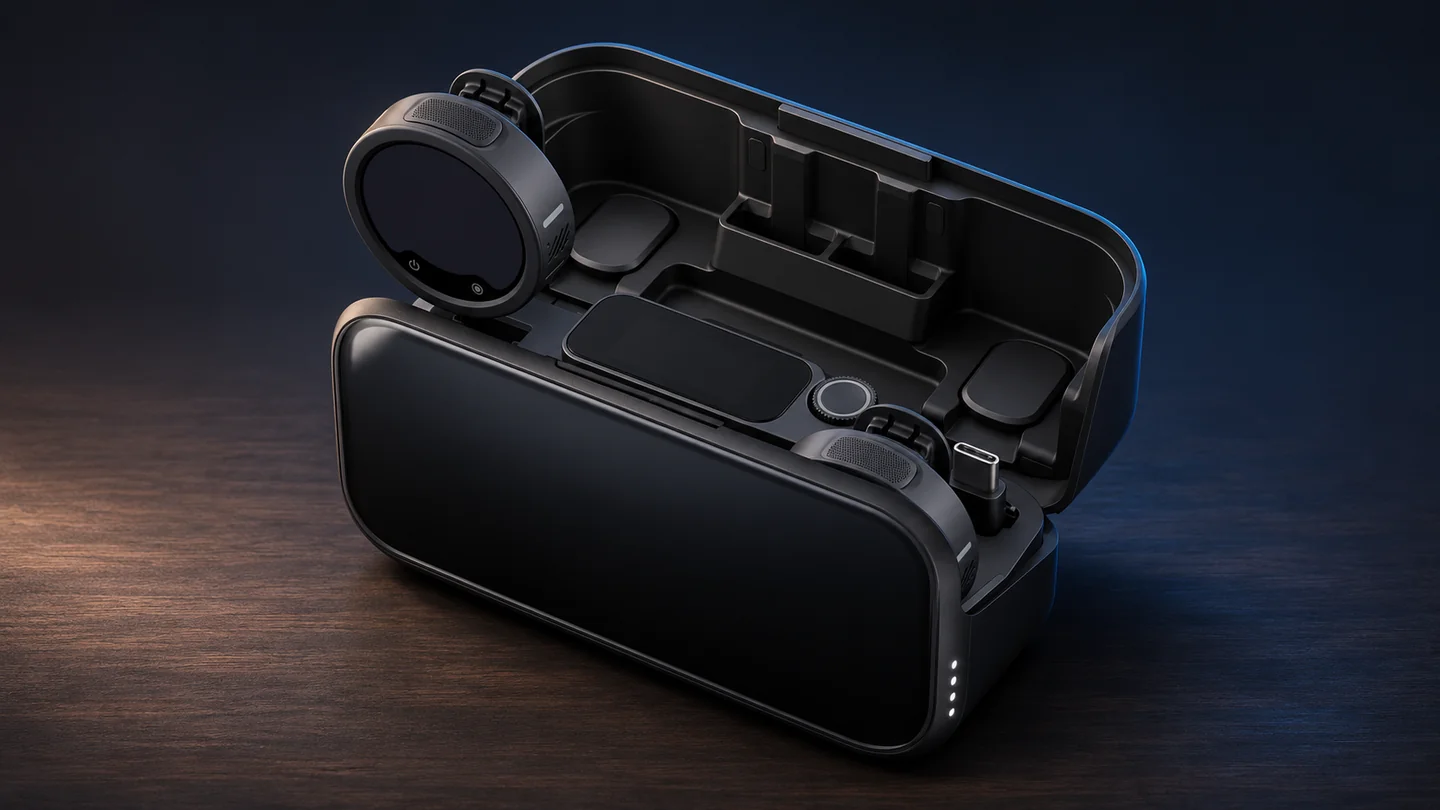

Quantum Gadget Hub · Buying guide
The Insta360 Mic Pro makes the strongest case for creators who need a recording on the camera and a separate backup on the person speaking. Its value depends on whether your camera or phone can receive the signal you need and whether you will actually use the transmitter files in editing.
Check whether a single transmitter can pair directly with your exact camera.
Choose the receiver kit and confirm how the two voices will reach the edit.
Enable internal recording and confirm the file before the interview begins.
Research-based review. QGH compared the manufacturer’s specifications, compatibility matrix and recording manual. Sound, battery life and wireless range were not measured. The QGH editorial score assesses documented features, compatibility, buyer fit and value at the reference price.
At a glance
| Recording route | Where the audio goes | What to check before the shoot |
|---|---|---|
| Internal recording | WAV file on each enabled transmitter | Available memory, selected bit depth, record indicator and export |
| Receiver to phone | External audio input in a supported recording app | Phone port, supplied adapter, input selection and app behavior |
| Receiver to camera | Audio recorded by a camera with a compatible input | Cable or accessory, input gain and channel assignment |
| Direct camera connection | Wireless input on a compatible Insta360 model | Exact model, firmware, connection method and number of transmitters |
A separate file can save a good take
Insta360 lists 32 GB of built-in storage per Mic Pro transmitter and internal WAV recording in 24-bit or 32-bit float at 48 kHz. Think of that file and the camera track as two separate recordings. The receiver can feed the camera for a convenient edit, while a locally recorded file can cover a moment when the wireless link drops.
The distinction matters when setting levels. The manufacturer's 32-bit float specification applies to recordings saved by the transmitter. A camera or app receiving the wireless feed still has its own input level and recording format. A float file gives you room to adjust levels in post, while placement, wind and overload at the microphone still affect the capture.
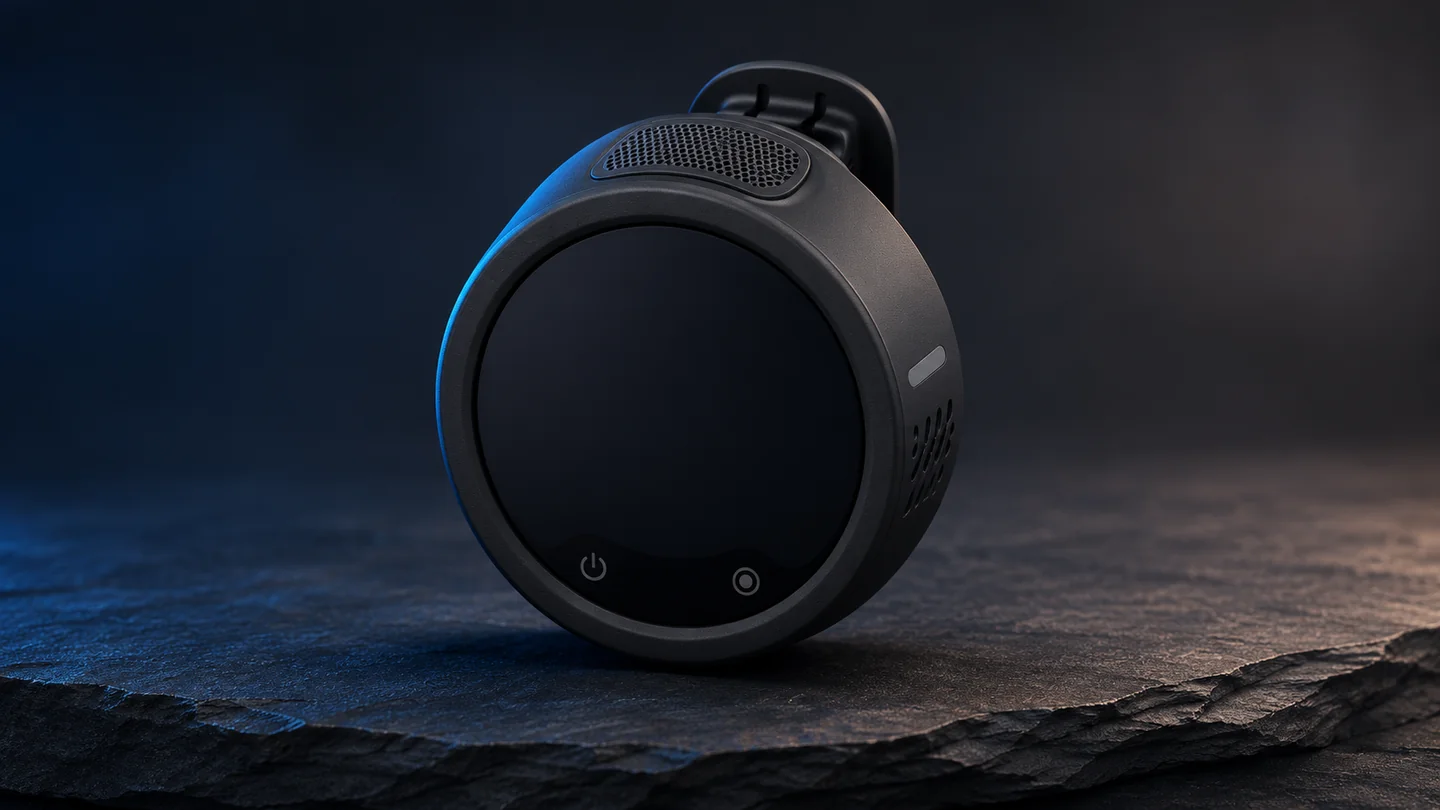
Pick a route before buying the bundle
For a mirrorless or DSLR body with a microphone input, start with the receiver and the documented 3.5 mm connection. Listen back to a clip from the actual camera with the gain you intend to use. An audio meter that moves tells you there is a signal. Playback tells you whether the dialogue is clean and assigned where you expect it.
On a phone, start with the official compatibility list and the receiver adapter for that port. USB-C and Lightning are different purchase decisions. Test the exact camera or streaming app, since microphone routing and supported channel count depend on the app. A clip recorded in the native camera app does not verify a separate livestream setup.
The current Insta360 matrix lists both Bluetooth and receiver connections for the X6. Verify the camera and transmitter firmware and the number of microphones supported by your chosen route. The product launch announcement covers fewer cameras than the living support matrix.
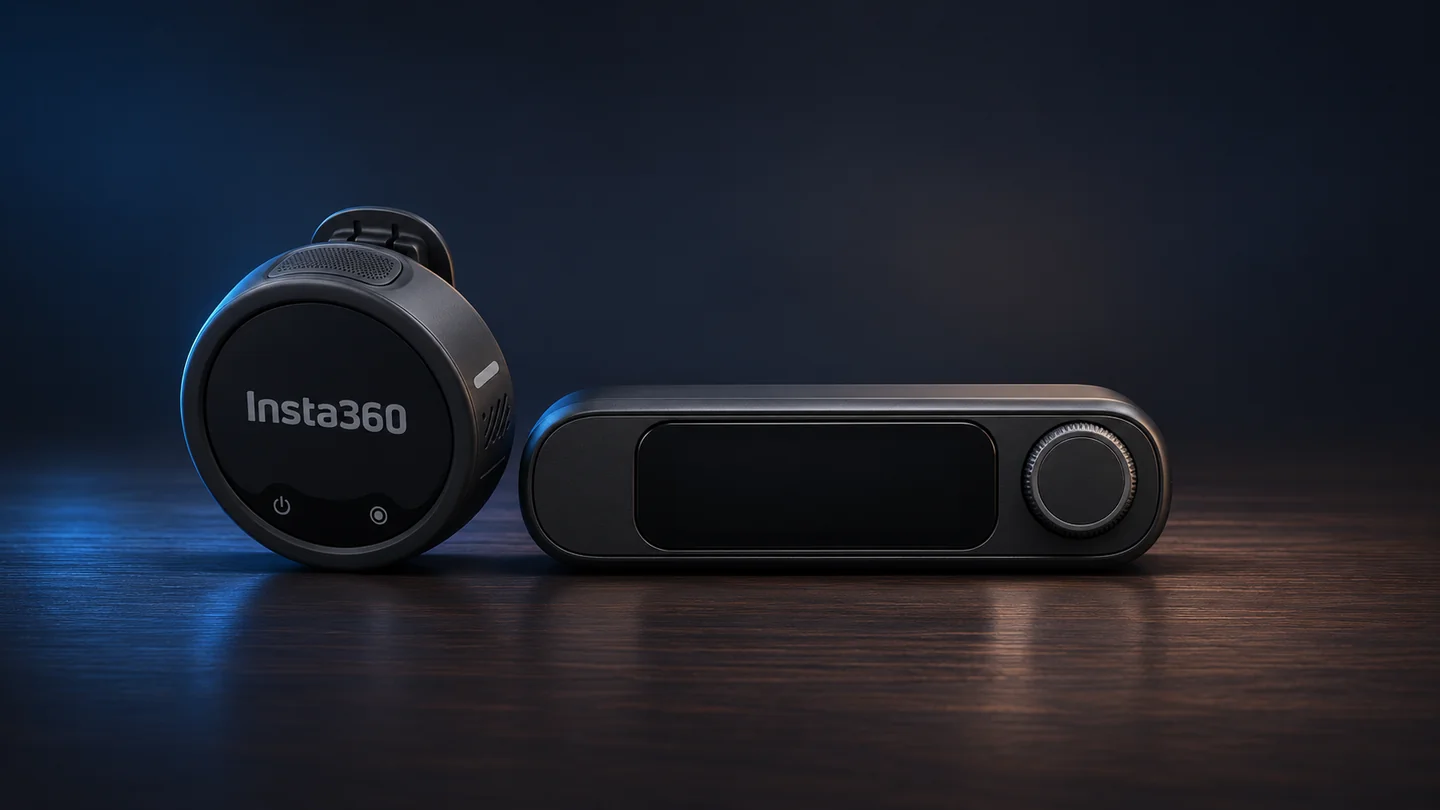
Pickup modes and the display
Insta360 specifies a three-microphone array and four selectable pickup patterns. For a lavalier clipped to a moving subject, an omnidirectional pattern is a reasonable starting point. For a stationary subject or a camera-mounted setup, compare the more directional options with a short recording in the room where you will shoot. Clothing rub, distance and reflective walls can outweigh a menu setting.
The circular E-Ink display can help identify transmitters assigned to different speakers. It is a workflow convenience. The internal file, the connection path and a repeatable check before rolling are the larger reasons to buy this model.
Value depends on the complete kit
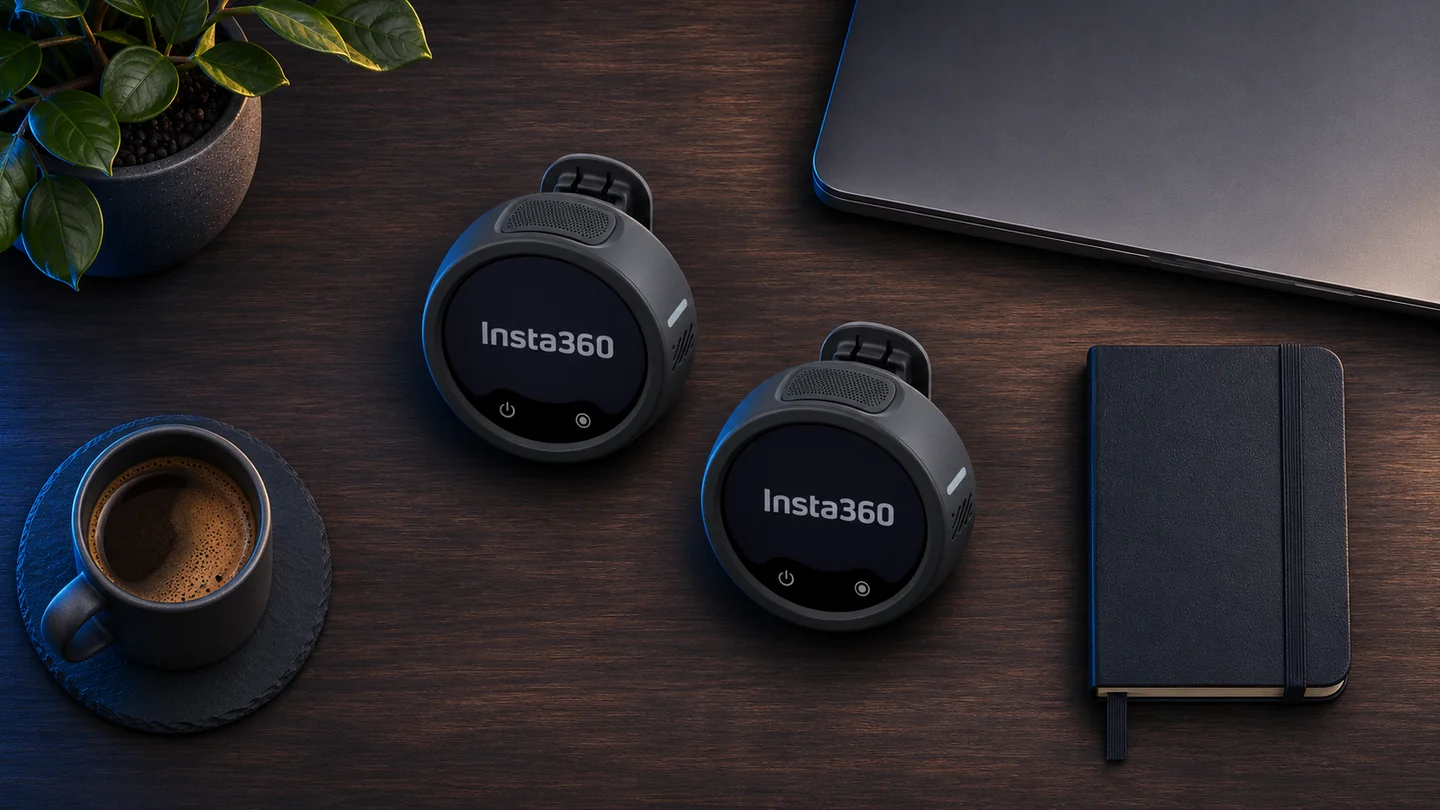
The support matrix identifies kits with one, two or four transmitters and a receiver. Compare the actual product listing for the case, mounts, wind protection, adapters and any separately sold cable. A solo setup and a two-person interview can have different total costs even when both listings say Mic Pro. The official U.S. store listed the solo receiver kit at $199.99 and the two-transmitter receiver kit at $329.99 when checked on November 12, 2026.
Choose the Pro when you will use local files, more than one pickup pattern or a receiver that moves between devices. A simpler mic may make sense for short solo clips recorded on a single device. Check how you will copy and sync the WAV files before treating internal recording as insurance for every shoot.
Frequently asked questions
Does the camera receive 32-bit float?
The Mic Pro specification applies 32-bit float to internal transmitter recordings. The camera or app determines the format of its own track.
Can the Mic Pro pair with an Insta360 X6?
Insta360 lists Bluetooth and receiver options for the X6. Check the current firmware, microphone count and connection instructions for the setup you intend to use.
Should I choose one or two transmitters?
Choose based on how many people need their own mic. Compare the full package and verify that the receiver and required adapters are included.
Related QGH guides
Sources and methodology
Official documentation was checked on November 3, 2026. Prices are dated U.S. references where listed. Product images are AI illustrations by QGH.