


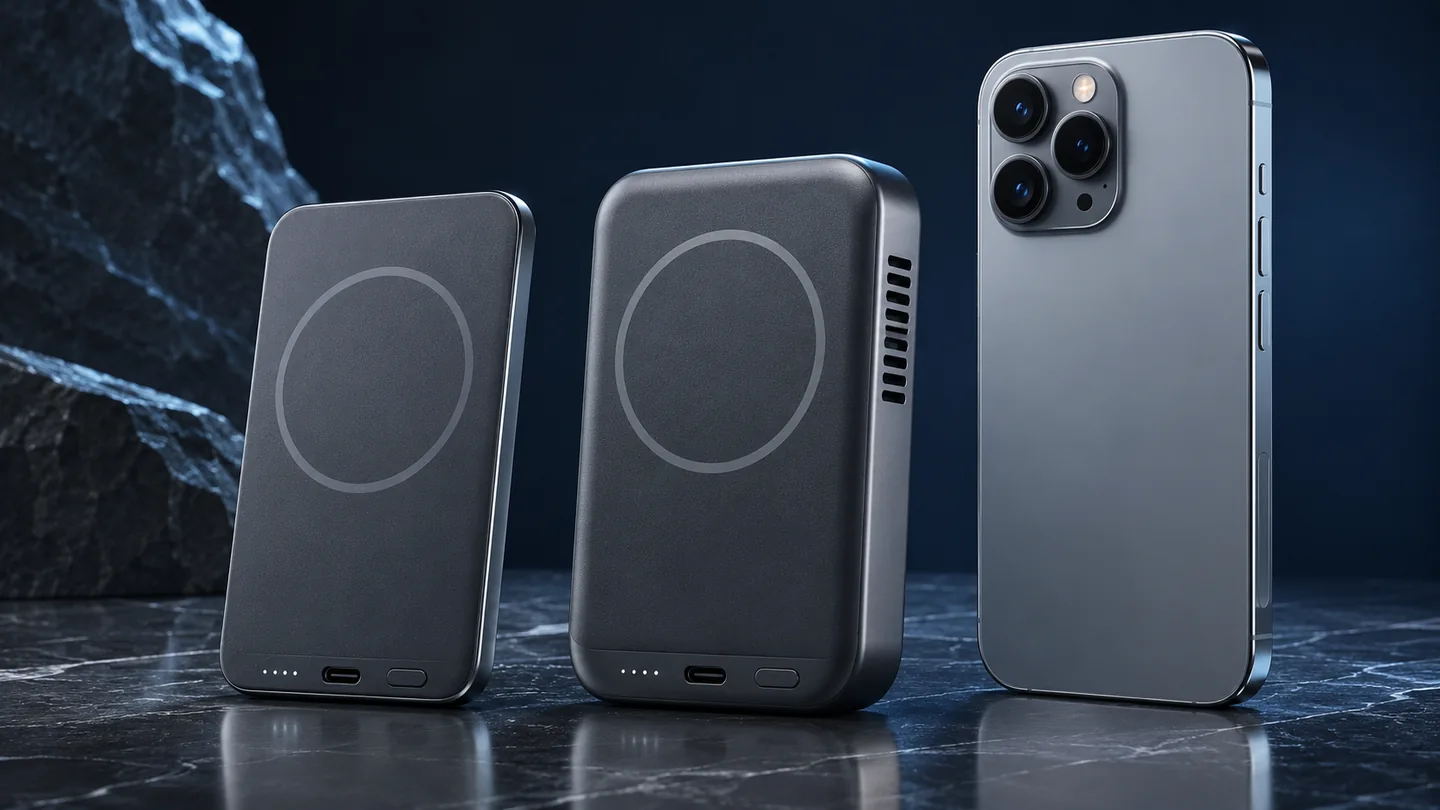
The three images are AI-generated QGH illustrations of generic charging hardware, not photographs of the Anker model or evidence of a product test.
A cooled 25W Qi2 power bank is worth considering when your exact phone supports its faster wireless mode and you value cable-free top-ups. If your phone is limited to 15W with that particular bank, choose on price, size and convenience before paying extra for the larger power rating.
Method: this is a document-based buying guide, checked on November 2, 2026. QGH has not performed a hands-on charging, temperature or noise test for this article. The recommendations below are editorial judgments based on the linked documentation.
What changes between 15W Qi2 and Qi2 25W
The Wireless Power Consortium distinguishes the original 15W Qi2 standard from Qi2 25W. Both use magnetic alignment; the newer version raises the supported maximum power. Certification concerns the tested product, so match the exact model rather than treating every magnetic battery as equivalent.
The arithmetic is useful: 25 ÷ 15 is about 1.67. That means roughly 67% more rated peak power, not twice the wattage. It does not establish a matching improvement in time to a full battery. Actual phone charging behavior matters, and Google explicitly says the phone must support the charger’s higher speed.
| Buying question | 15W Qi2 bank | Qi2 25W bank |
|---|---|---|
| Maximum wireless rating | Up to 15W | Up to 25W on a supported combination |
| What the label settles | The bank’s advertised capability | A higher available ceiling, not every phone’s actual rate |
| What to verify separately | Phone support and the exact product | Phone support, firmware and the bank’s compatibility notes |
| Cooling fan | Check the individual design | Check the individual design; a 25W label alone does not describe cooling |
Check the phone-and-bank pair before comparing speed
Start with the exact model you own. Apple’s MagSafe instructions publish different peak rates for different iPhones and charger combinations. Those are instructions for Apple’s charger setup; they are not a universal compatibility table for third-party power banks.
For Pixel, use Google’s model-specific charging guidance and then read the battery maker’s restrictions. A phone’s own maximum and a power bank’s maximum are two separate specifications. The purchase decision needs a documented combination that supports the speed you want.
QGH’s phone, case and charger compatibility guide covers the broader setup check. This comparison focuses on whether moving to a higher-power portable battery—and potentially a fan—adds value to your routine.
A concrete cooling example: Anker MagGo 2 Pro
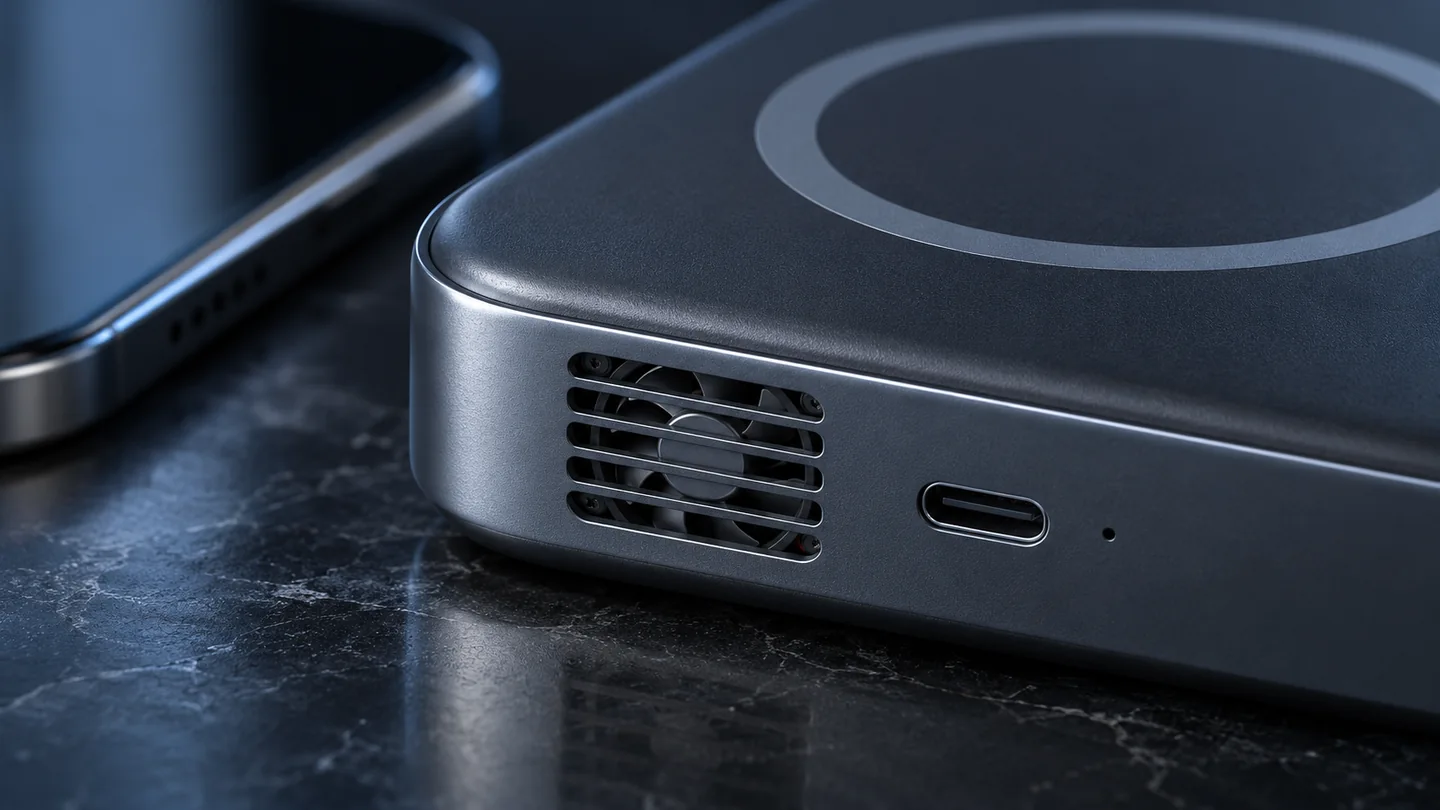
Anker’s US listing identifies model A110R as a 10,000mAh bank with up to 25W wireless charging and 45W USB-C input/output. Its FAQ says the fan primarily cools the pack, with an indirect effect on the phone, and Silent Mode disables the fan. These are manufacturer specifications and explanations, not QGH measurements.
Read the restriction: the same FAQ limits its advertised 25W wireless mode to the listed recent iPhone series and states 15W for Android. That product-specific statement is a reason to verify your pairing with Anker before buying for a Pixel’s higher charging capability. Do not generalize the restriction to every Qi2 bank.
What active cooling can—and cannot—prove
A fan gives the product a way to manage heat, but its presence is not evidence of a particular charging time, acoustic level or long-term battery-life improvement. Those claims require a relevant test. A quiet setting is useful only if its resulting charging behavior also suits you.
Apple notes that wireless charging can warm the phone and software can restrict charging when the battery gets too warm. That supports checking the charging conditions. It does not establish one universal temperature threshold or guarantee that an accessory fan overrides the phone’s protective behavior.
Before paying more, look for evidence that answers your actual question: the same phone, comparable starting charge, the same case and an appropriate environment. A temperature shown on the power bank should also be identified correctly; do not automatically treat it as the phone battery’s internal temperature.
Choose by your charging routine
| Your situation | Practical choice | Evidence to check |
|---|---|---|
| You already have a satisfactory 15W setup | Keep it until you identify a specific problem worth solving | Whether the new bank supports a faster mode on your exact phone |
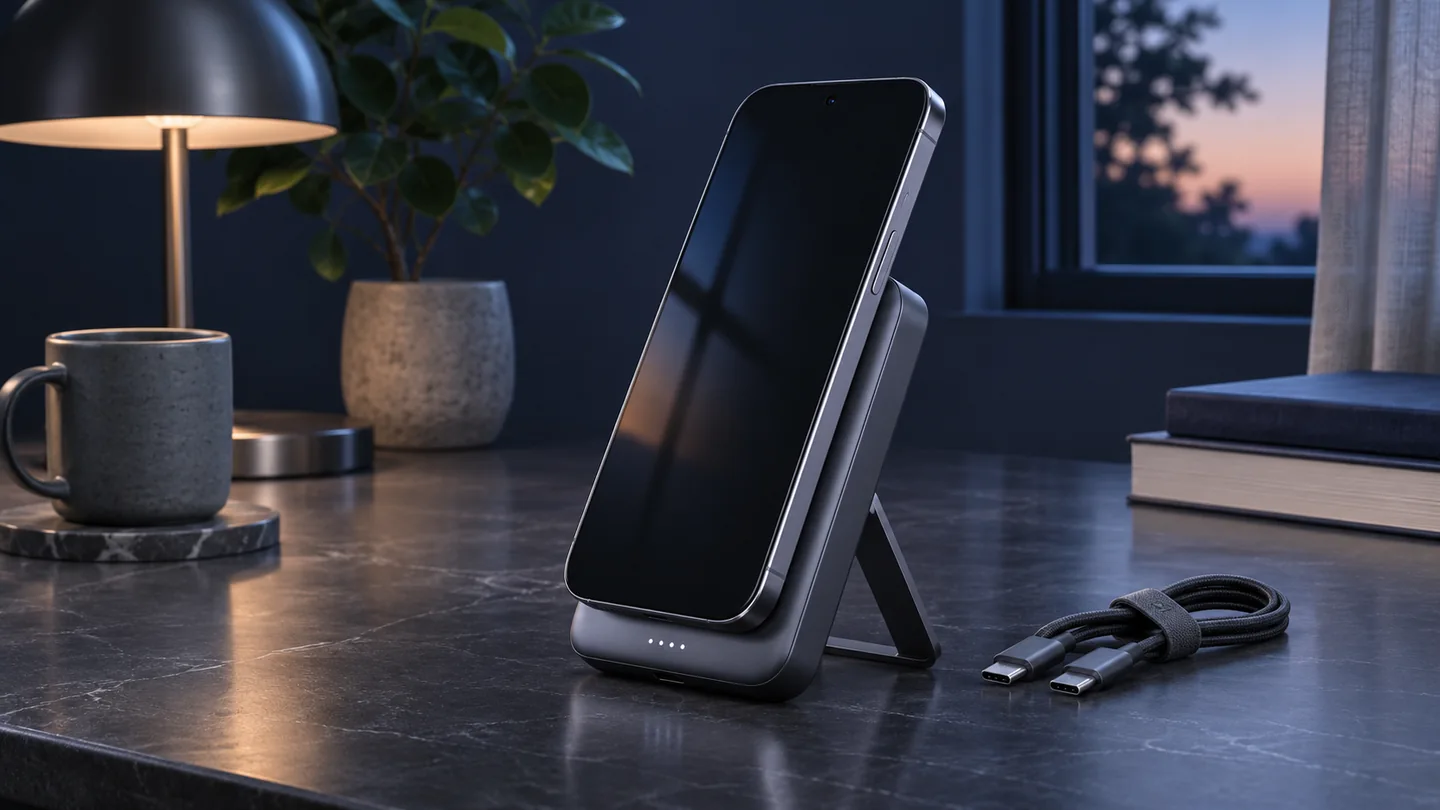
| You need short, cable-free top-ups | Consider a compatible 25W model | Comparable short-session results, not only a peak wattage |
| You work in a quiet room | Check the fan controls before paying for active cooling | Noise and charging behavior in the mode you will actually use |
| You prefer a cable when charging quickly | Compare USB-C options alongside wireless ones | Phone protocol, cable and port output; see the QGH USB-C PD/PPS guide |
These are selection criteria, not a ranking of tested products. A faster wireless standard can be valuable without making every older bank obsolete. Decide what the extra purchase would improve: less waiting, a more comfortable hold, a better stand or a more useful display. Ask for evidence specific to that benefit.
A simple comparison you can run during the return period
Use this as a practical check, not a laboratory efficiency test. Follow both manufacturers’ instructions and stop using equipment that reports a warning or behaves abnormally.
- Use the same phone, software settings and case for both comparisons. Keep the room conditions similar.
- Start each session at the same battery percentage. For example, choose 20% and record the result after 15 minutes. These are proposed test settings, not measured results.
- Start with the phone and power bank in comparable conditions. Avoid deliberately heating either device.
- Keep screen activity consistent. Record battery percentage gained, comfort and whether the fan bothers you.
- If the cooled bank offers a documented quiet mode, repeat the same procedure in that mode.
- Repeat the comparison before drawing a conclusion. Keep a note of the phone model, case and charging mode with each observation.
A comparison between two different banks cannot isolate the fan’s contribution because their other hardware also differs. A same-bank mode comparison is more targeted, but any associated mode changes still matter. Neither exercise establishes long-term battery health or energy-conversion efficiency.
Questions to settle before ordering
Does a higher rating guarantee a faster charge?
No. Check the supported phone-and-bank combination and the conditions of any speed claim. For an evidence-based choice, compare the charging result you care about rather than converting a peak-power ratio directly into minutes saved.
Is a fan worth paying for without a matching-phone test?
Treat the benefit as unverified for your setup. Prefer a product whose documented compatibility, controls and return terms let you evaluate the feature you are paying for. Choose a simpler option if its known behavior already meets your needs.
Sources and update notes
Primary documentation checked November 2, 2026. Product details can change with firmware, model or region. This article makes no claim of independent product certification verification, measured performance or guaranteed savings.