


QGH COMPARISON · TWO DIFFERENT BRIEFS
MacBook Neo vs Air M5: buy for your workload
Shortlist Neo for a defined everyday routine; consider Air M5 when more memory or a more capable desk setup answers a real requirement. This is a comparison of documented features, not a QGH benchmark.
The useful MacBook Neo vs MacBook Air M5 question is what you need your laptop to do. The lower starting price gives Neo a clear budget role. Air offers a different configuration and connection options. We compare the 13-inch Neo with the 13-inch M5 Air, and link each fact to Apple rather than promising measured performance. See the full QGH Neo review for its buying verdict.


MacBook Neo vs MacBook Air M5 at a glance
| Feature | MacBook Neo | 13-inch Air M5 |
|---|---|---|
| Chip | A18 Pro | M5 |
| Starting memory / storage | 8GB / 256GB | 16GB / 512GB |
| Memory options | 8GB listed | 16GB, 24GB or 32GB |
| Screen | 13-inch, sRGB | 13.6-inch, P3 and True Tone |
| USB-C connectivity | USB 3 + USB 2 | Two Thunderbolt 4 ports |
| Charging connection | USB-C | MagSafe 3 or USB-C |
| Native external displays | One, up to 4K at 60Hz | Up to two |
| Keyboard authentication | Verify selected option | Touch ID |
Configuration and display details come from the Neo specifications and Air M5 specifications. The Air column refers to its 13-inch model. Native display limits do not promise compatibility with every cable, hub or screen.
Compare current prices, not launch headlines
| U.S. starting price, checked October 11 | Neo | Air M5 |
|---|---|---|
| Regular Apple store | $699 | $1,299 |
| Eligible education pricing | $599 | $1,199 |
These are advertised starting prices from the regular Apple store and Education Store. The $600 gap compares entry models with different memory and storage. It is not an equal-configuration comparison. Check a live quote if you want 512GB on Neo; we have not verified that configuration’s current price.
Set a complete budget before deciding. Add the accessories and software that each option requires for your routine. If the cheaper machine needs equipment you do not own, include it. If the more expensive machine adds capabilities you will never use, that also matters.
Memory and storage answer different questions
Memory is about the demands of your applications and simultaneous work; storage is about the files and software you keep locally. Buying a larger Neo SSD does not add memory. Buying an Air solely for its base storage may be poor value if your files do not require it.
List your essential applications and typical simultaneous tasks. For a specialist course, ask for the supported platform and configuration. For professional work, look for independent testing of the exact model in your actual workflow. A chip name or core count cannot establish a particular export time, frame rate or number of browser tabs.
Start with one real work session
Write down the documents, apps, peripherals and external screens you need open at once. Mark the non-negotiable requirements. Choose between the laptops against that list, rather than a longer specification sheet.
The desk setup can decide before the processor does
Apple documents one native external display for Neo and up to two for M5 Air. Neo’s display support page says closing its lid does not increase that limit. If two external screens are essential, do not budget around an ordinary hub adding a second native display to Neo.
Air’s separate MagSafe charging connection can leave its USB-C connections available for accessories. That is a useful design difference for a busy desk, although it does not mean every Thunderbolt device or multi-screen setup will work without checking its requirements.
Compare the monitor resolution and refresh rate you intend to use, the required connection and any dock’s Mac compatibility. Count the desk as a complete system. A connector that fits physically is only the start of the compatibility check.
What the display difference means
A larger diagonal, a different color specification and True Tone are documented differences. Whether you notice or need them depends on your work. For color-sensitive projects, check your workflow’s requirements and relevant independent display measurements. We have not measured either screen’s accuracy, glare or usable brightness.
For routine reading and documents, also consider the workspace you prefer and the screen you already use at a desk. Do not treat one manufacturer’s display term as a substitute for testing your own comfort.
Shortlist Neo when…
Your required apps run on macOS, the fixed memory configuration fits their requirements, one external screen is enough and the complete setup stays within budget.
Consider Air M5 when…
You can identify a need for its memory options, native multi-screen support or connection flexibility. Confirm any expected performance gain through relevant testing.
When neither is the right purchase
If your essential software requires a different operating system, your organization specifies another configuration, or your budget does not cover a suitable setup, compare another computer. Staying within the Apple range is not a requirement. A laptop that cannot meet an essential task is poor value at either starting price.
MacBook Neo vs Air M5 FAQ
Is Air M5 twice as fast as Neo?
We have not benchmarked these laptops, and their chip names or specifications do not establish a universal speed ratio. Compare measured results for the exact applications and configurations you will use.
Is Neo with 512GB the same as a base Air?
No. Matching storage would not make the memory, chip, ports and display capabilities identical. Compare the complete selected configurations and current quotes.
Which should a student buy?
Choose against the course’s supported software and hardware requirements, then the complete budget. Education pricing is a cost check after suitability, not a substitute for it.
Sources and editorial method
Neo specifications · Air M5 specifications · Regular U.S. starting prices · Education starting prices · Neo display limits
Official sources checked October 11, 2026. QGH has not tested these laptops or measured performance, battery life or accessory compatibility. Buying recommendations are editorial interpretations of the published specifications. Prices can change; confirm the selected configuration and checkout total.
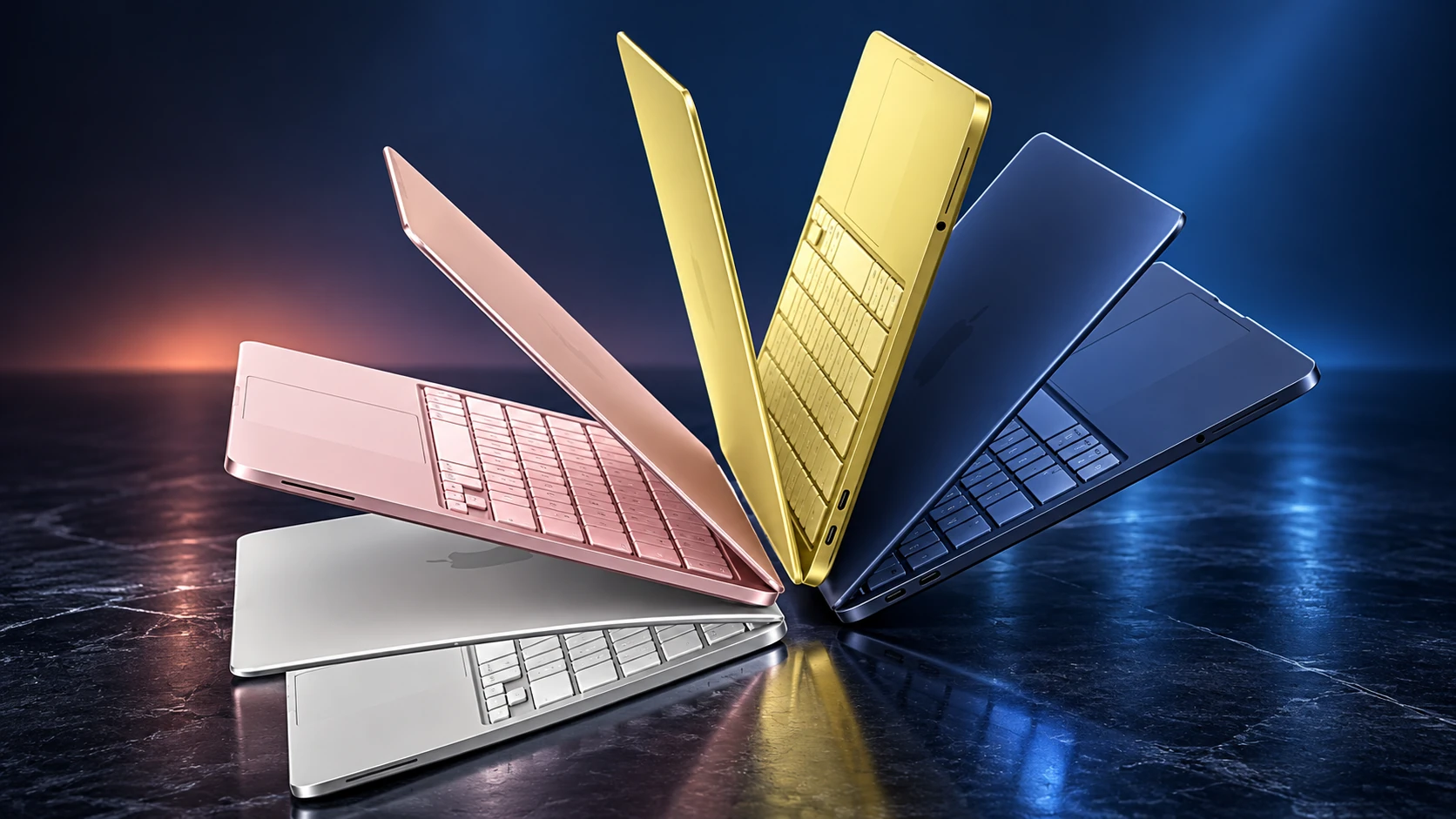
Visuals: the QGH featured image is an AI-generated editorial illustration. Product photographs in this guide are credited to Apple; they are not photographs of a QGH test unit.