


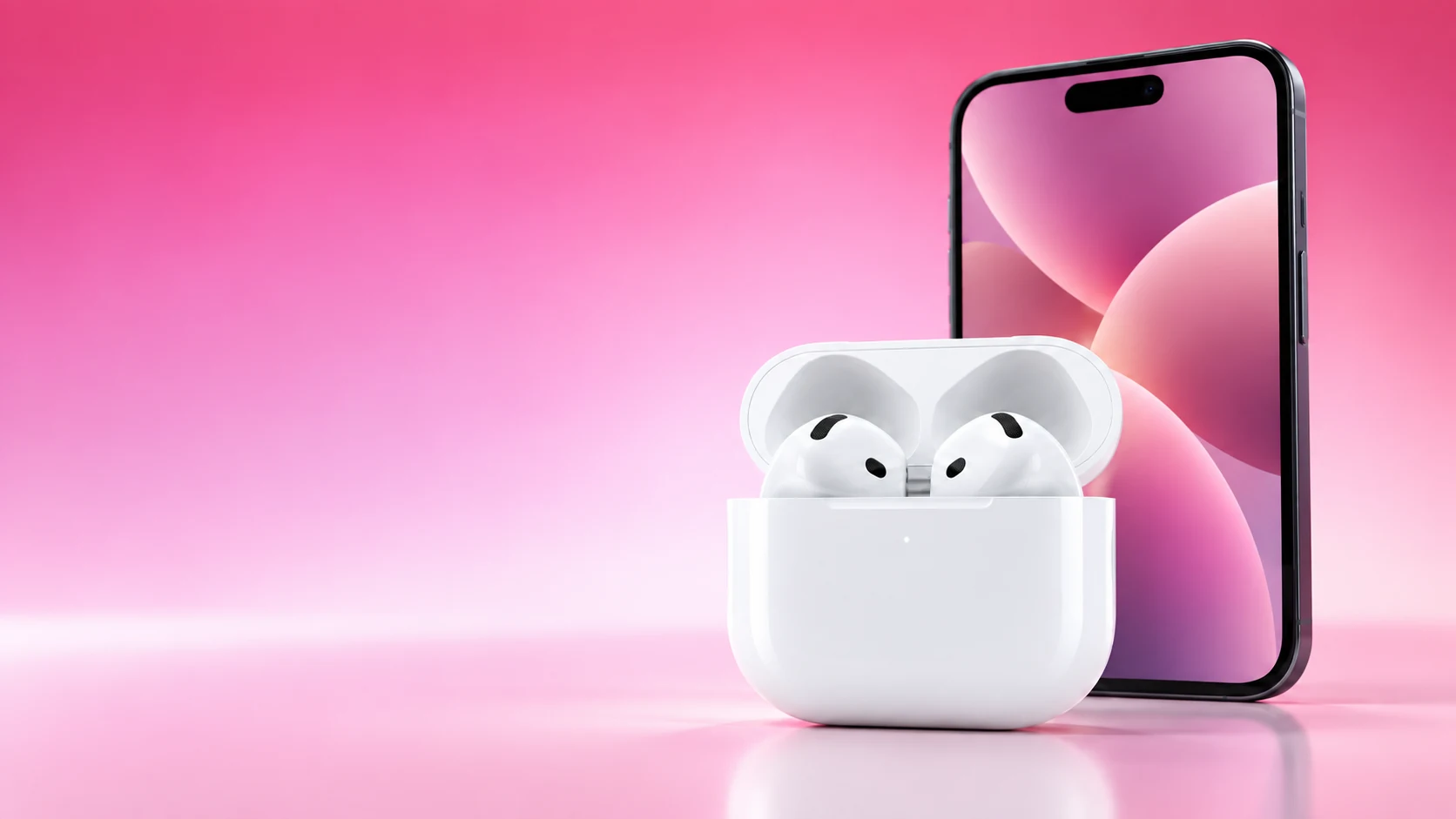
Clean AirPods using the instructions for the exact model and the specific part you are cleaning. The earbud body, meshes, removable tips and charging case do not all use the same method.
Identify the pair first, read the current diagram and gather the required tools before starting. That prevents a generic cleaning trick from being applied to a component the manufacturer handles differently.
Separate the parts
| Part | First check | Practical boundary |
|---|---|---|
| Earbud body | Model-specific exterior cleaning instructions | Avoid sharp or abrasive tools |
| Speaker and microphone meshes | The diagram showing permitted areas | Do not scrub every opening indiscriminately |
| AirPods Pro ear tips | Correct removal and tip-cleaning procedure | Dry fully before reattaching |
| Charging case exterior | The case’s prescribed cloth method | Keep liquid away from ports |
| Charging port | Manufacturer’s debris-removal guidance | Do not insert tools against internal contacts |
Apple has separate support pages for AirPods and AirPods Pro. Use the matching one rather than assuming a procedure shown for a newer generation applies to an older pair.
Prepare a small workspace
Disconnect charging power and work on a clean surface where the earbuds and removable tips are easy to distinguish. Keep left and right tip sizes separate if you use different ones. Read the drying requirement before you begin, especially if you need the pair again soon.
For mesh cleaning, Apple’s current instructions specify particular materials and illustrated areas. Consult those instructions directly for the full procedure and sequence. A cosmetic wipe of the body and a prescribed mesh-cleaning process are different jobs; do not substitute one for the other.
Handle the case carefully
Apple describes a soft, lint-free cloth for the case exterior and a dry, soft-bristled brush for debris at the charging port. Its guidance warns against liquid in ports and inserting anything that could damage the contacts.
If the case already has a charging fault, record that before cleaning and retest only after it is dry. Cleaning away visible debris does not establish that a damaged connector is repaired. Persistent power problems should follow the manufacturer’s support route.
Give drying its own step
Apple’s relevant earbud cleaning procedures specify complete drying, including at least two hours after the described wet-cleaning steps. Follow the exact procedure’s requirement before using the earbuds or returning them to the case.
Do not shorten that period because the outside looks dry. Set the cleaned parts aside in an appropriate place and keep them separate from the powered case. If you need audio immediately, use another device while the required drying process finishes.
Inspect before reassembly
Check that removable tips are clean, fully dry and securely attached using the model’s instructions. Reconnect the pair and test ordinary playback at a comfortable level. Compare with the original symptom rather than judging only the appearance.
If one earbud is still quiet, check balance and charging as well as the cleaned area. If something has become loose or damaged, stop using improvised fixes and obtain support for that component.
A repeatable routine
- Identify the model and the part that needs attention.
- Use the current manufacturer diagrams and specified materials.
- Preserve the correct tip sizes and orientation.
- Keep liquids away from charging ports and contacts.
- Complete the required drying time before charging or use.
Cleaning is most useful when it removes debris while preserving the device’s condition. A careful, model-specific routine is easier to repeat than an aggressive treatment chosen because it appears faster.
Related QGH guides
- Apple AirPods 5 Review: Are Apple’s $129 Earbuds Worth It?
- Best Workout Audio in 2026: Earbuds vs Headphones for the Gym
Sources and methodology
This guide combines manufacturer documentation with QGH buying and setup analysis. Sources were checked on October 6, 2026. Model, software, regional and carrier conditions can change; follow the current linked instructions for your device.