


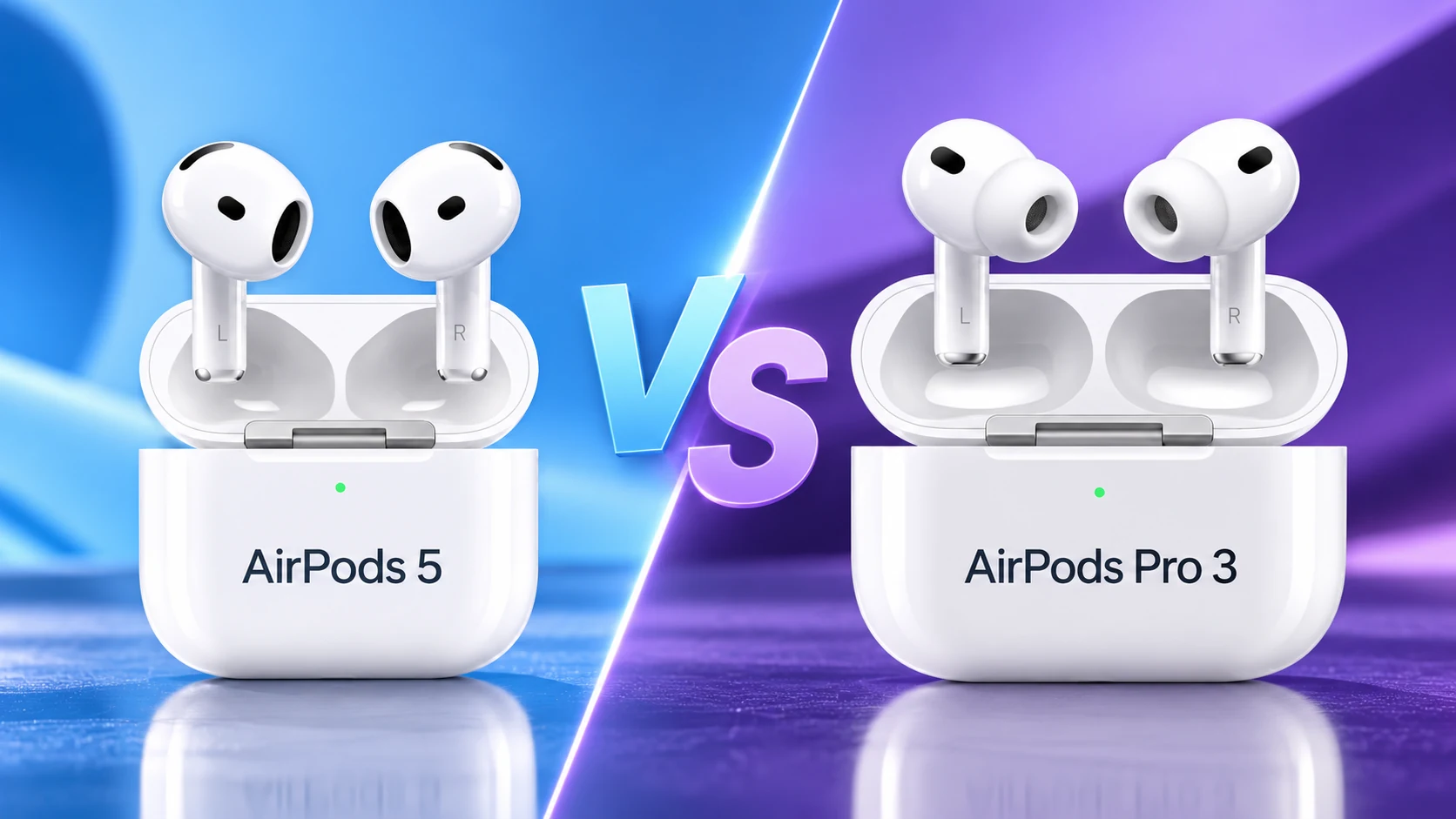
Choose AirPods Pro ear tips by exact model, comfortable fit and a good seal in each ear. The medium tips attached in the box are a starting point, not a rule that both ears must use that size.
Before ordering replacements, identify the AirPods Pro generation and check the tips designed for it. Apple’s guidance describes differences between generations, so a similar-looking connector is not enough to establish the intended compatibility.
Start with a comfortable fit
Try the supplied medium tips and position the earbuds normally. If the fit feels loose or the seal is poor, adjust the earbud and compare another supplied size. If the tip feels too large or uncomfortable, try a smaller one.
Make the comparison in a quiet setting with the same familiar audio. Avoid turning the volume up to compensate for a poor seal; it becomes harder to compare the fit when you change both the tip and listening level at once.
| What you notice | What to compare | What to record |
|---|---|---|
| Comfortable but weak seal | Position, then another compatible size | Whether the seal improves without pressure |
| Pressure or discomfort | A smaller compatible tip and normal positioning | Comfort during your typical listening session |
| Left and right behave differently | Each ear independently | The preferred size for each side |
| Tip seems loose on the earbud | Correct model and secure attachment | Whether it clicks into place as instructed |
Use the model’s fit test
Apple provides the Ear Tip Fit Test for AirPods Pro 1 and 2 and the Acoustic Seal Test for AirPods Pro 3 on supported software. Open the connected pair’s Bluetooth information and follow the test for your model.
Treat the result alongside comfort. A test can suggest repositioning or a different size, but it does not mean that discomfort should be ignored. Repeat after an adjustment so you can compare the same ear and setup rather than several changed variables.
Evaluate the two ears separately
It is possible to prefer different sizes in the left and right ears. Keep a simple note of those sizes, particularly if you are ordering replacements. The letter on an unused tip is more reliable than remembering that one side was “the bigger one.”
After an initial fit check, try a normal listening session and the movements typical of your use. This is a practical comfort check, not a claim that one tip size guarantees retention during every activity. If the fit changes, revisit positioning and the compatible sizes available to you.
Attach without improvising
Follow Apple’s instructions for gripping a tip near its base when removing it and aligning the oval connector when attaching the replacement. Confirm the instructed click and secure fit before wearing the pair.
Do not cut, glue or modify a tip to make the wrong accessory fit. If a replacement listing does not clearly identify your AirPods Pro model, ask the seller for the exact compatibility before buying. Include return options in the decision if you cannot inspect the accessory first.
Before ordering replacements
- Identify the AirPods Pro generation.
- Record the preferred size for each ear.
- Complete the available fit test on supported software.
- Check that replacement tips are intended for that model.
- Compare the set’s contents with the sizes you actually need.
Choose the accessory that preserves a comfortable, secure seal on your pair. Buying the largest pack or forcing identical sizes on both sides does not make the fit better. The useful outcome is a repeatable setup you can wear comfortably and replace accurately.
Related QGH guides
- AirPods 5 vs AirPods Pro 3: Which Should You Buy in 2026?
- Best Workout Audio in 2026: Earbuds vs Headphones for the Gym
Sources and methodology
This guide combines manufacturer documentation with QGH buying and setup analysis. Sources were checked on October 6, 2026. Model, software, regional and carrier conditions can change; follow the current linked instructions for your device.