


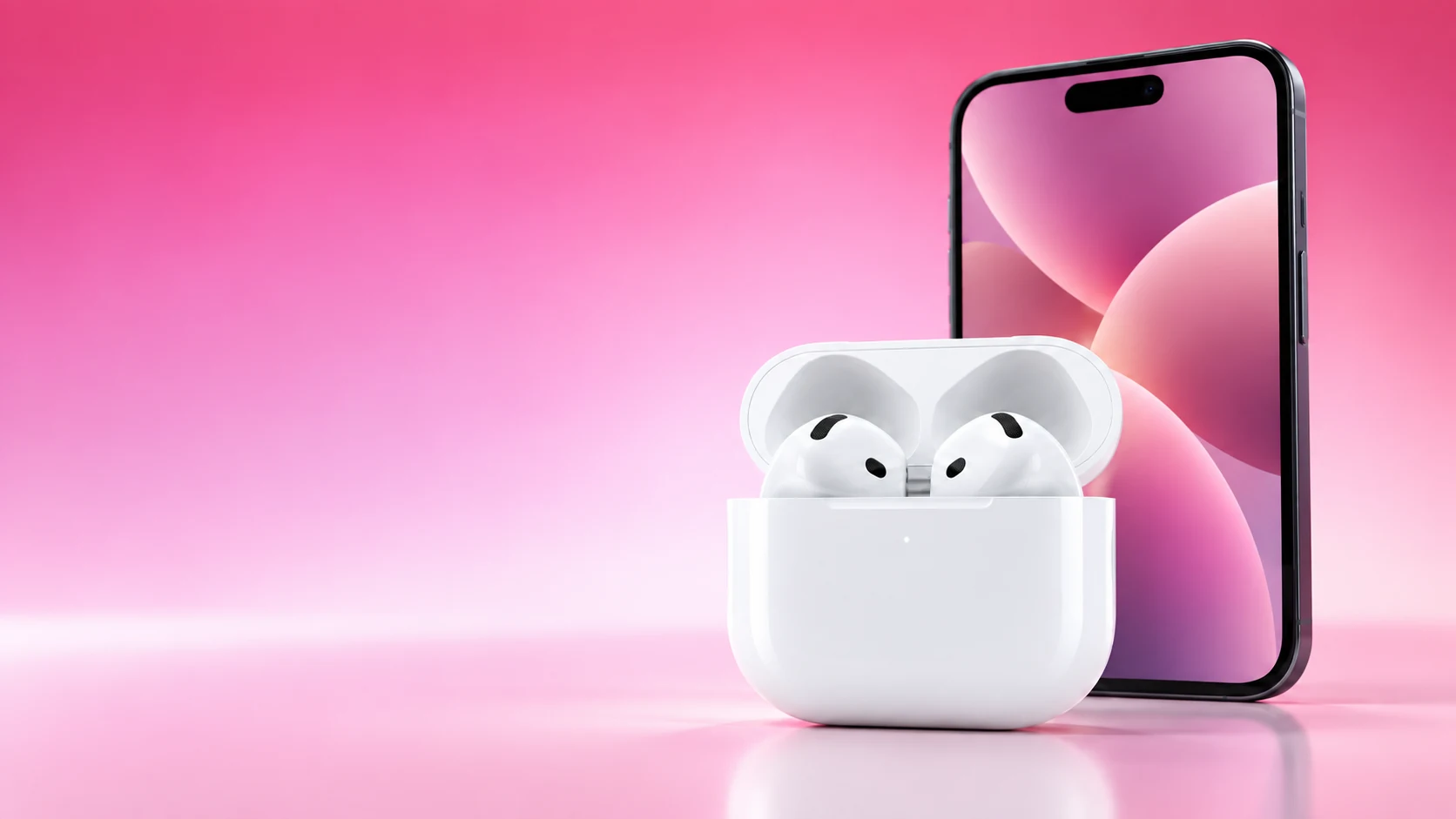
AirPods can work with an Android phone as a Bluetooth headset for listening and calls. The buying question is whether that core use is enough for you once Apple-dependent features and maintenance requirements are considered.
Start with the exact AirPods model. Case controls, available listening features and software requirements differ across generations, so a demonstration of one pair is not a complete compatibility guide for another.
Pair the actual model
Open the Android phone’s Bluetooth settings and put the AirPods into pairing mode using Apple’s instructions for that generation. Some recent cases use a front double-tap; other models use the rear setup button. Select the AirPods when they appear in the phone’s device list.
If the connection succeeds but a particular app still uses the phone speaker, check the app’s audio output and the phone’s Bluetooth connection. Pairing and selecting the desired output are separate checks.
| Task | What to expect or verify | Buying implication |
|---|---|---|
| Music and ordinary calls | Standard Bluetooth headset use is supported | Test your normal apps and call quality |
| Siri | Apple’s guide says it is unavailable on non-Apple devices | Do not buy primarily for Siri on Android |
| Apple-device automatic switching | Requires the supported Apple-device setup | Separate it from ordinary Android pairing |
| Advanced settings and features | Check the exact model’s Apple requirements | A feature on the box may need an Apple device |
| Firmware maintenance | Apple’s documented update route uses a compatible Apple device | Decide how you will keep the pair updated |
Evaluate your real routine
List the five tasks you use most often: perhaps music, calls, laptop meetings, switching between devices and changing listening mode. Mark which are ordinary headset functions and which depend on an app, account or ecosystem integration.
This is more informative than saying the earbuds “work” or “do not work” with Android. A person who wants basic playback has a different requirement from someone buying specifically for Apple-device handoffs or a feature advertised alongside a particular iPhone.
Test the controls you will rely on
After pairing, try playback, a normal call, microphone selection and the physical controls documented for your model. For an ANC-capable pair, consult its instructions for changing listening modes and distinguish the controls on the earbuds from settings available only through a supported device.
Do not infer that every advertised function carries over because play and pause work. Conversely, the absence of Apple’s settings screen is not evidence that basic Bluetooth listening is broken. Record the specific missing function before considering a different pair.
Plan maintenance before purchase
Apple documents automatic firmware delivery through a compatible iPhone, iPad or Mac under the required connection and charging conditions. Its support page offers an Apple Store or authorized service-provider route when an Apple device is not available.
If you have no regular access to that setup, include maintenance convenience in the comparison with Android-focused alternatives. Avoid depending on an unofficial app to reproduce all Apple features or install firmware unless its capabilities have been independently established.
Who should consider this combination?
- Existing AirPods owners who mainly need music and calls can try pairing first.
- Buyers using both Apple and Android devices should test each important handoff.
- Android-only buyers should compare the available controls and update process with alternatives.
- Anyone purchasing for one advanced feature should verify that feature’s complete requirements.
Choose from the functions you will actually receive on your devices. AirPods being usable over Bluetooth and AirPods providing the full Apple experience are two different purchasing propositions.
Related QGH guides
- Apple AirPods 5 Review: Are Apple’s $129 Earbuds Worth It?
- AirPods 5: 7 Things to Know Before You Buy in 2026
Sources and methodology
This guide combines manufacturer documentation with QGH buying and setup analysis. Sources were checked on October 6, 2026. Model, software, regional and carrier conditions can change; follow the current linked instructions for your device.