


Buying guide · Portable charging
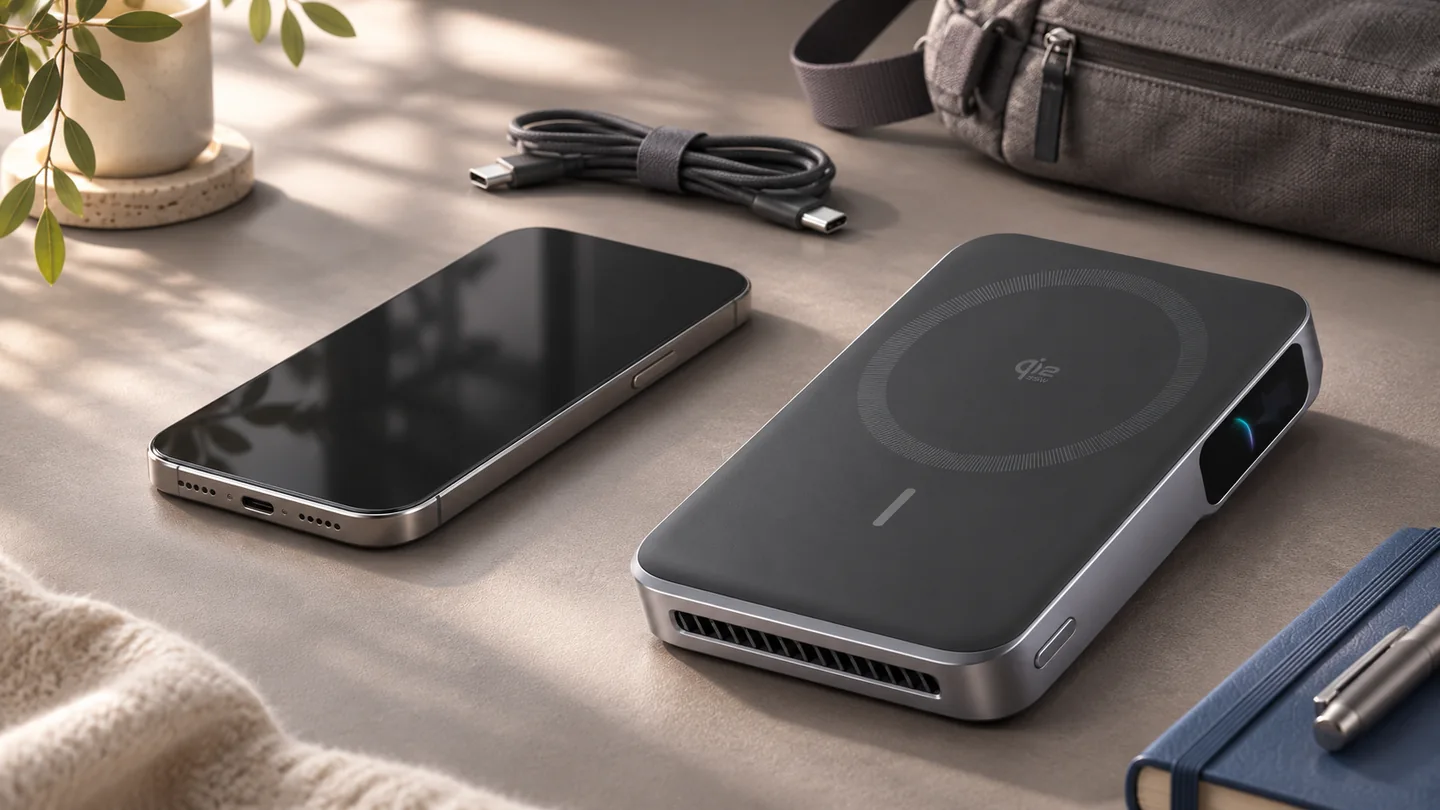
Choose the power bank for your phone and your day. Start with exact-model compatibility and certification, then compare the size you will carry, the charging modes you need and the complete checkout cost.
Source-based buying guide checked November 20, 2026. QGH has not measured charging speed, usable capacity, heat or fan noise. Prices below are dated reference points, not a promise for the publication date or Black Friday.
Make a five-line shortlist before comparing prices
A useful Qi2 power bank shortlist starts with the equipment you already own. Write down your phone model, software version, case, normal time away from a socket and whether a cable is acceptable. Add your maximum spend for a complete working setup. This makes a low headline price easier to judge.
| Decision | Record for each candidate | Reject or investigate when… |
|---|---|---|
| Compatibility | Exact phone, case and stated wireless support | The listing only says magnetic or universal |
| Certification | Brand, model number and WPC record | The certificate does not match the item |
| Carry | Dimensions, weight and how you will hold it | It interferes with your grip or intended pocket |
| Charging modes | Wireless, USB-C input/output and shared-use limits | You need two devices but the split is undocumented |
| Total cost | Pack, required cable/adapter, delivery and tax | The price assumes accessories you do not own |
Verify the product, not just the magnetic attachment
The Wireless Power Consortium distinguishes 15W Qi2 from the newer Qi2 25W standard. A magnetic fit does not establish the supported charging rate for your phone. Check the pack’s compatibility statement and your phone maker’s instructions, including any software and case requirements.
WPC’s certification guidance says that phrases such as “Qi compatible” are different from certification. Use the certified-product database and match the brand, product name, model number and product appearance. A logo printed on a sales image alone is insufficient evidence.
Be cautious with a seller that groups several capacities or generations under one listing. Save the exact variant in your notes. If you cannot reconcile the model on the order page with the documentation, resolve that before paying rather than assuming that a familiar family name covers every version.
Compare capacity with a carry requirement
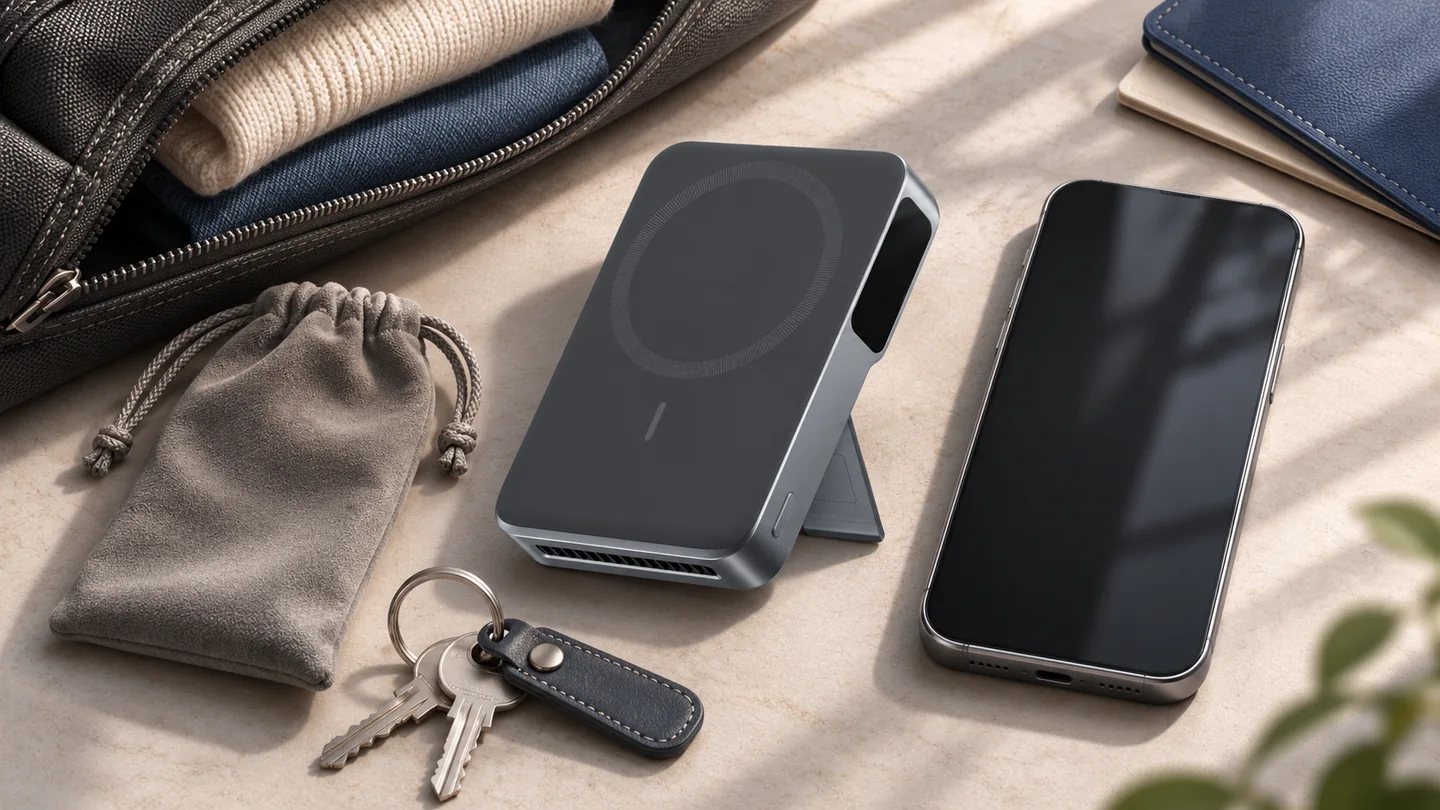
Decide whether you need a small top-up between appointments or a longer reserve. Then compare dimensions and weight alongside the battery specification. A pack that stays at home because of its bulk does not solve a commuting problem, even if its headline capacity is attractive.
Do not turn the pack’s mAh number directly into a promised number of phone recharges. Record the stated energy in Wh where available, the conditions behind the manufacturer’s recharge estimate and the charging mode used. If comparable information is missing, keep the result as unknown. QGH has not measured delivered energy for this guide.
Short daily carry
Prioritize a comfortable phone-and-pack grip, a documented compatible case and a size that fits the bag or pocket you actually use.
Several devices or a long day
Check the USB-C output and simultaneous-use table, then decide whether one larger pack or your existing wired setup covers the requirement.
Read input, output and simultaneous charging separately
A wattage can describe recharging the power bank, charging a phone by cable or charging it wirelessly. These are separate specifications. If you plan to recharge the pack overnight, compare its input requirement with your existing wall adapter. If you want to charge a tablet, inspect the wired output instead of relying on the wireless number.
As an example, Anker’s A110R MagGo 2 Pro page lists 10,000mAh, up to 25W wireless and up to 45W USB-C input/output. It lists specific iPhone compatibility and an exception for iPhone 16e. Those individual maximums do not establish the output when several charging paths are used together. Check the sharing rules for the exact configuration.
For the narrower question of wireless power and active cooling, use our Qi2 25W vs 15W comparison. The Anker MagGo 2 Pro review examines that individual product. This buying guide adds the complete-kit and daily-carry decision, rather than treating a larger wattage as an automatic upgrade.
Use a dated price as a reference, then check the cart
| Reference checked November 20 | Observed on the US product page | What remains to confirm |
|---|---|---|
| Anker MagGo 2 Pro A110R, selected variant | $85.99 displayed; $109.99 reference price also shown | Final variant, stock, delivery, tax, accessories and return terms |
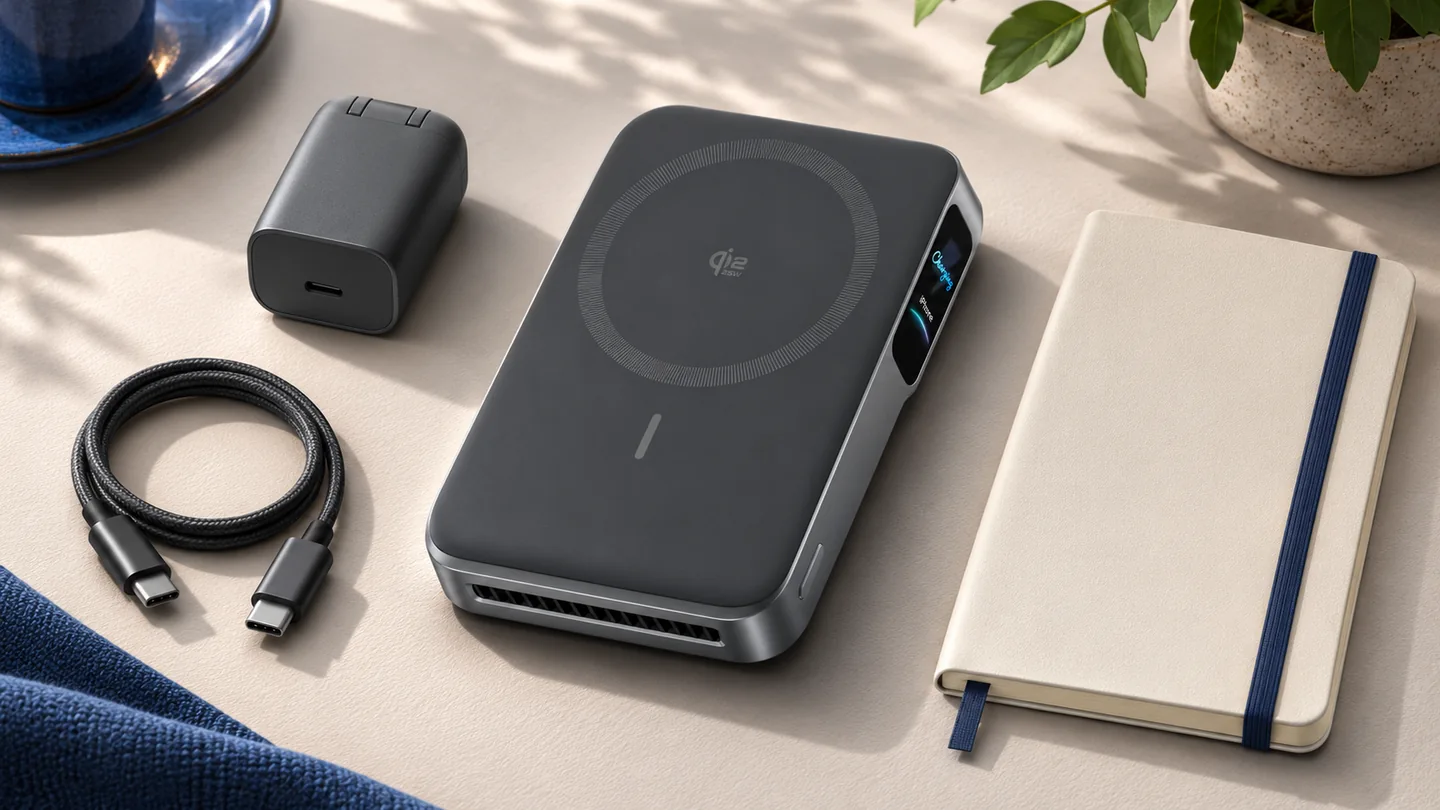
This is a documented example, not a tested winner or a live deal tracker. A displayed reference price does not prove the lowest historical price. Reopen the product page when ordering and compare the final amount with another setup that meets the same requirements. Keep the invoice and the relevant return conditions with your model notes.
Frequently asked questions
Does any magnetic battery provide Qi2 charging?
Magnetic attachment alone does not establish certification or charging rate. Match the exact product to the WPC record and check the phone and case requirements.
Will a 25W power bank charge every phone at 25W?
No. The phone, pack, case, software, temperature and charging mode affect the result. Treat the number as a supported maximum under the stated conditions.
Should I compare only the battery price?
Compare the complete setup. Include any required cable, suitable wall adapter, delivery and tax, and read the return terms before ordering.
Sources and method
- WPC Qi and Qi2 standards
- WPC certification and certificate matching
- Anker A110R specifications, compatibility and dated US price
Official documentation checked November 20, 2026. QGH has not performed a hands-on test for this guide. Manufacturer links are direct, non-affiliate links.