


Comparison · Creator audio
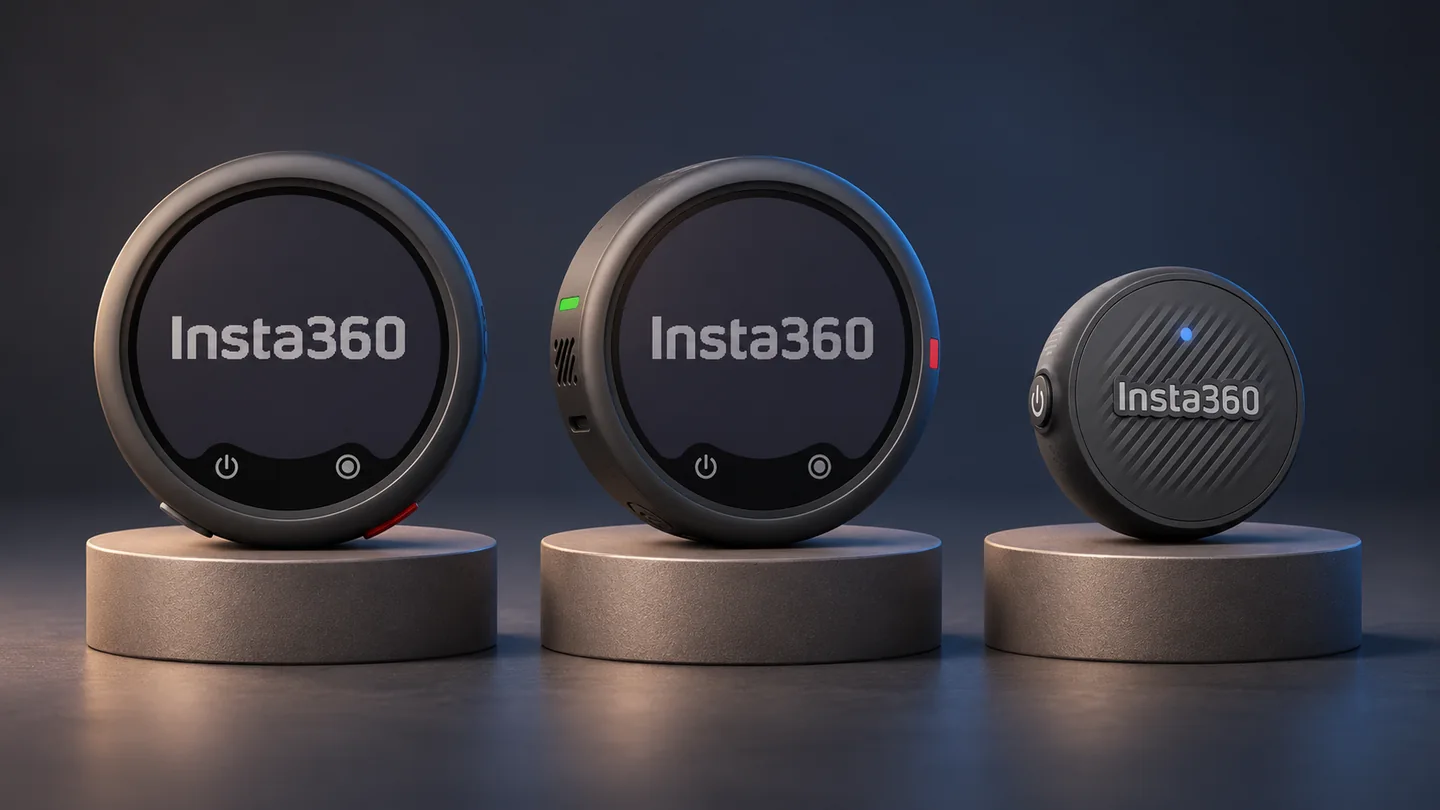
Choose the recording workflow before the kit. Mic Air suits a compact setup that does not require a local backup. Standard Mic adds memory-card recording; Mic Pro combines built-in recording with selectable pickup modes. The connection to your camera or phone still decides which kit will work.
Documentary comparison checked November 20, 2026. QGH has not compared microphone sound, noise reduction or wireless range in a hands-on test. The table summarizes manufacturer features, not measured audio rankings.
The main differences in the official hardware table
| Feature | Mic | Mic Pro | Mic Air |
|---|---|---|---|
| Internal recording | Memory card | Built-in storage | No internal recording |
| E-ink display | Yes | Yes | No |
| Selectable directional pickup | No | Yes | No |
| Auto gain | Yes | Yes | No |
| Lavalier support | Yes | Yes | No |
These distinctions come from Insta360’s shared hardware documentation. The practical question is whether the additional function solves a problem in your own recording process. A feature you never configure, monitor or use in editing contributes less than its place in a specification list suggests.
Pick a backup workflow you will actually use
Mic: plan for the card
Confirm the supported memory-card requirements, record a short sample and establish where the files go after the shoot.
Mic Pro: plan for the files
Built-in recording avoids a separate recording card, but the files still need to be transferred, checked and organized in editing.
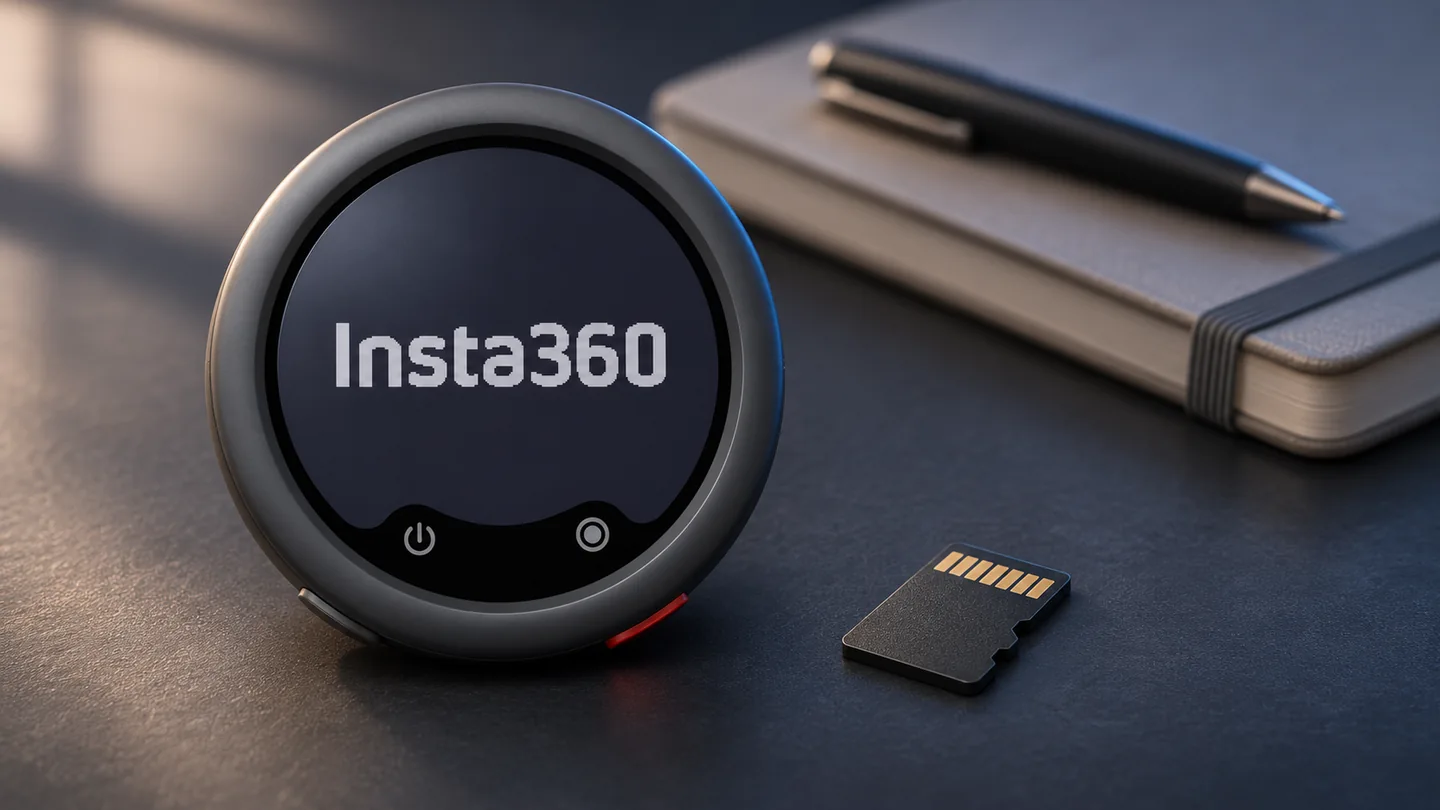
If a separate transmitter recording is part of your reason to upgrade, test the full recovery process before an important session. Make a short clip, locate the transmitter file and practice matching it to the video. Owning backup-capable hardware is only the first step in having a usable backup.
For the Pro model’s documented recording and kit options, read our Insta360 Mic Pro review. This comparison concentrates on the choice between the three families rather than repeating that individual assessment.
A Bluetooth pairing is not the whole compatibility check
Use the current device compatibility matrix for the exact microphone, camera or phone and connection route. Insta360 distinguishes transmitter-only Bluetooth use from a receiver connection; some older cameras need a receiver and an audio adapter.
For direct Bluetooth use with Mic or Mic Pro on a phone, Insta360 says the native camera does not capture that microphone audio and a supported third-party recording app is needed. Mic Air’s phone route uses its USB-C receiver. Check the app as well as the phone connector before buying.
| Your recording plan | Check first | Why it matters |
|---|---|---|
| Phone video | Exact app, OS and receiver or Bluetooth route | A successful pairing does not prove the video app is using the microphone |
| Insta360 camera | Exact camera model and firmware | Support varies across models and connection methods |
| Digital camera | Supported receiver, cable and any required adapter | The complete signal path must reach the camera |
| Several speakers | Supported transmitter count and intended output tracks | Count the people speaking and the tracks you need in editing |
Do existing Mic-series accessories carry over?
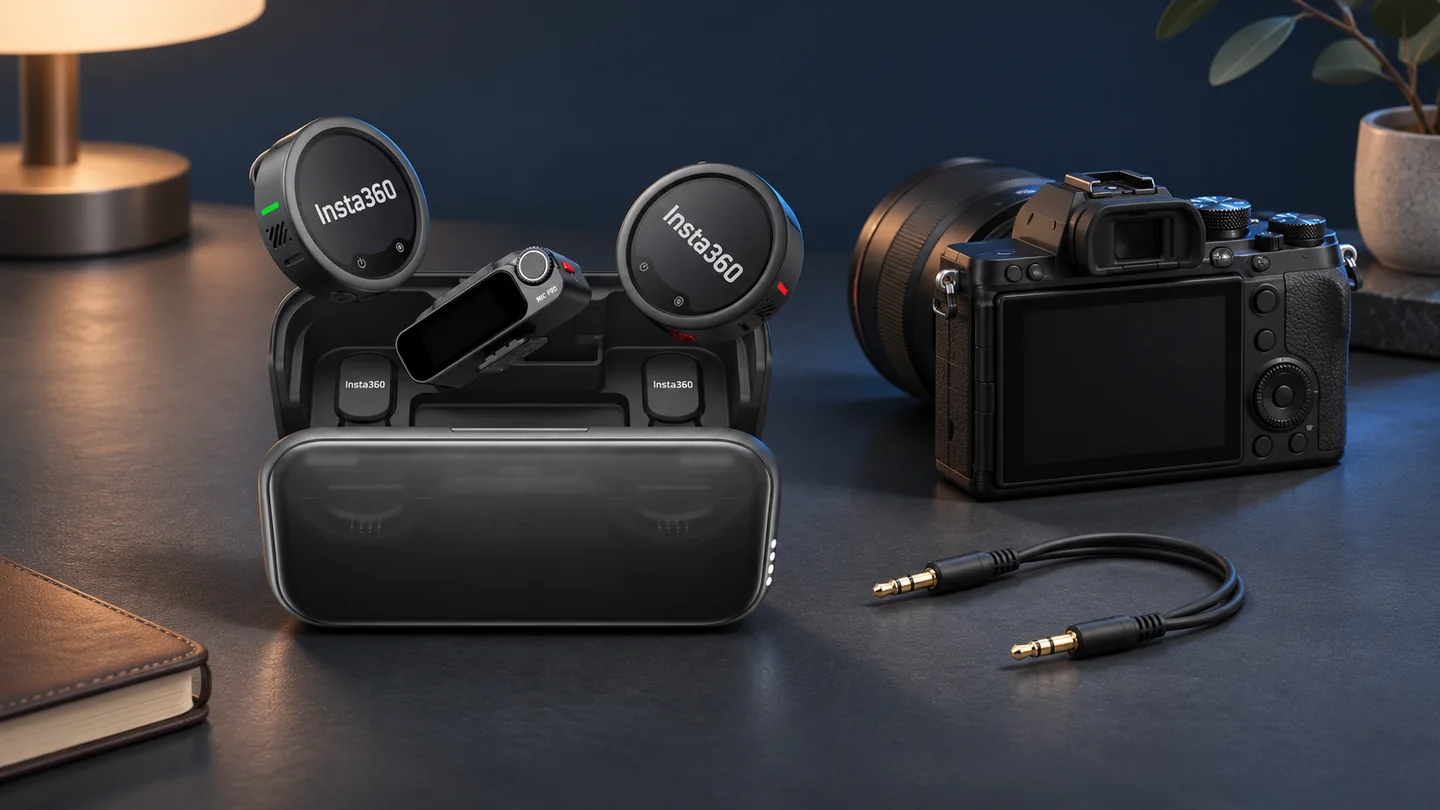
Insta360 documents interchangeability between Mic and Mic Pro receivers, cases and transmitters, with firmware requirements for mixed pairing. It explicitly excludes Mic Air transmitters from pairing with Mic or Mic Pro receivers. Recheck the listed versions before combining hardware from different kits.
Write down the equipment you already own before comparing checkout totals. A transmitter-only purchase may be sufficient for one supported camera route, while another workflow needs a receiver, adapter or additional transmitter. Compare complete working setups rather than the lowest visible starting price.
A three-question buying decision
- Do you need a separate recording on the person speaking? If yes, investigate Mic or Mic Pro and the file-handling process.
- Do selectable pickup patterns solve a specific recording task? If yes, examine Mic Pro’s documented modes and learn how you will select them.
- Is compact capture your main requirement? Check Mic Air against the exact camera or USB-C phone route, while accepting its lack of internal recording.
For an X6 setup, start with the relevant row of the compatibility matrix and our Insta360 X6 review. Record and play back a sample through the actual device and app before relying on the kit for an interview or trip.
Frequently asked questions
Does Mic Air record a backup inside the transmitter?
The official feature comparison lists no internal recording or recording-card support for Mic Air. Mic and Mic Pro provide local recording through different storage methods.
Can I use Mic Air transmitters with a Mic Pro receiver?
Insta360 says Mic Air transmitters are not compatible with Mic or Mic Pro receivers. Mic and Mic Pro have their own documented cross-pairing firmware requirements.
Can I choose a kit just because my phone has Bluetooth?
No. Confirm the exact app and connection route. Insta360 lists restrictions for direct Bluetooth recording and different receiver requirements across the families.
Sources and method
Official documentation checked November 20, 2026. QGH has not performed a hands-on test for this guide. Manufacturer links are direct, non-affiliate links.