


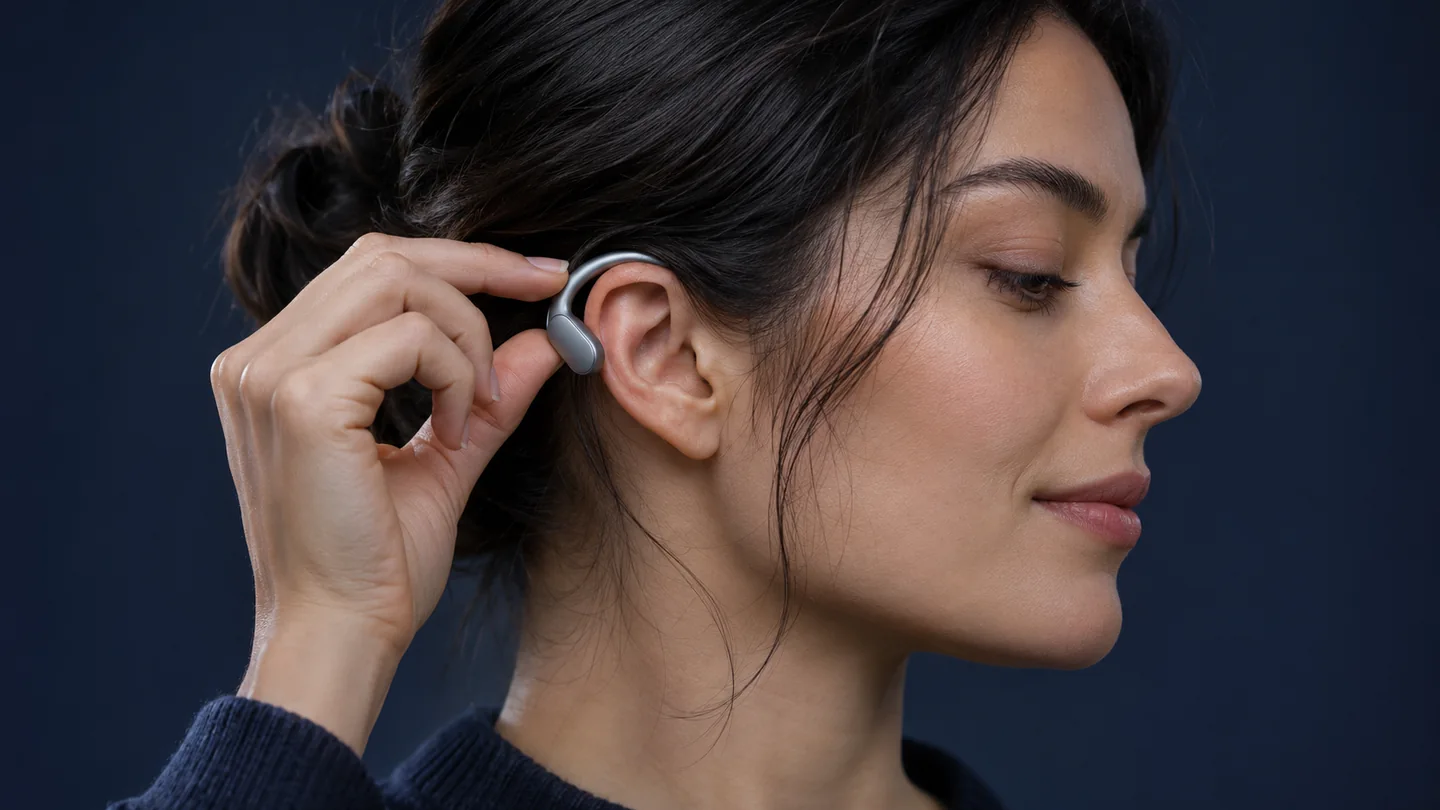
Learning how to wear open-ear earbuds is easier when you stop treating every open design like an in-ear bud without its tip. Some wrap around the edge of your ear. Others use a hook or a fitting supporter. The goal is a stable position with the speaker arranged as the manufacturer intends, rather than forcing the device deeper.
This guide combines manufacturer instructions with a QGH fit-check routine. Checked November 2, 2026. Examples refer to the original Bose Ultra Open, original Shokz OpenFit and Sony LinkBuds Open; verify your exact generation. AI-generated images illustrate use and do not replace model-specific fitting diagrams.
Start by identifying your design
| Design | First check | Avoid |
|---|---|---|
| Cuff / clip | The correct side and the maker’s orientation | Copying a hook-style placement or bending the clip to force a fit |
| Ear hook | How the hook rests around the ear and where the speaker sits | Pushing the speaker into the canal like a sealed tip |
| Open ring + supporter | The position of both the ring and its support | Treating the support as an optional decoration |
| Sealed in-ear tip | The model’s ear-tip and seal instructions | Using open-ear positioning advice to solve a seal problem |
Before making adjustments, identify the controls, speaker opening and left/right markings using the manual. Note which parts are meant to move and which are fixed. If your model has interchangeable supporters or fit accessories, use only the options its maker specifies.
Clip-on example: original Bose Ultra Open
Bose’s wearing guide for the original Ultra Open Earbuds describes a specific orientation: the control button faces up, with the barrel behind the ear. The guide places the earbud at roughly a 45-degree angle and suggests small upward or downward adjustments to find a suitable position.
Those directions belong to that product. They do not establish a universal 45-degree rule for every cuff-shaped earbud. Compare the guide’s illustrations with your own unit, then make small adjustments rather than applying pressure to copy the look of another model.
Ear hooks and open rings need their own method
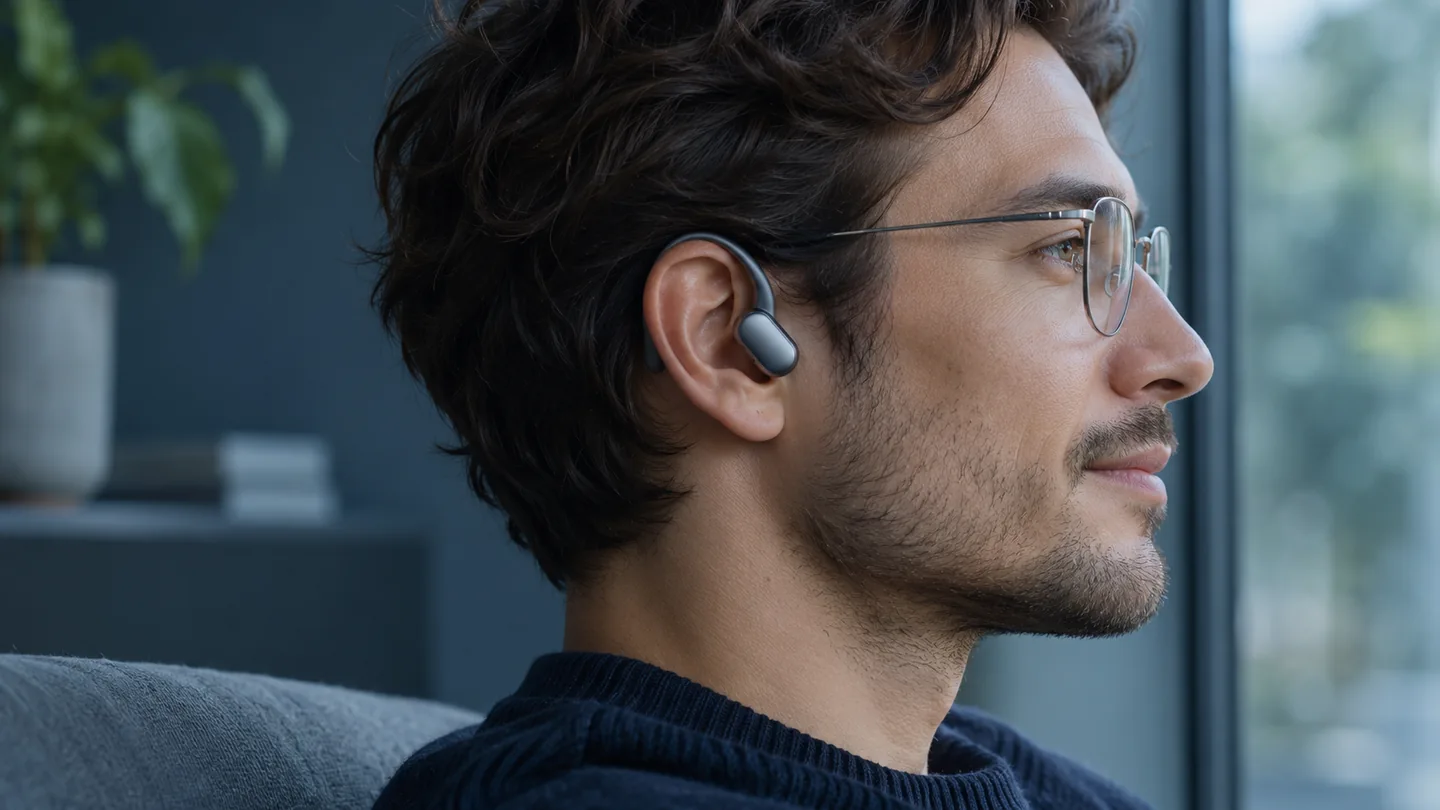
For an ear-hook design such as the original OpenFit, use the Shokz wearing demonstration for the exact product. Shokz also addresses use with glasses and headwear in its FAQ. The useful next step is to try the combination you actually wear; frame thickness and the space around your ear are part of that practical check.
Sony’s LinkBuds Open instructions provide a different example. The ring-shaped driver rests at the lower ear opening, while the housing and supporter help hold the unit in place. Sony recommends a gentle head movement check and small rotational adjustments if the earbud feels unstable. Follow its support guidance if a different fitting supporter is needed.
Check the fit with glasses, hats and normal movement
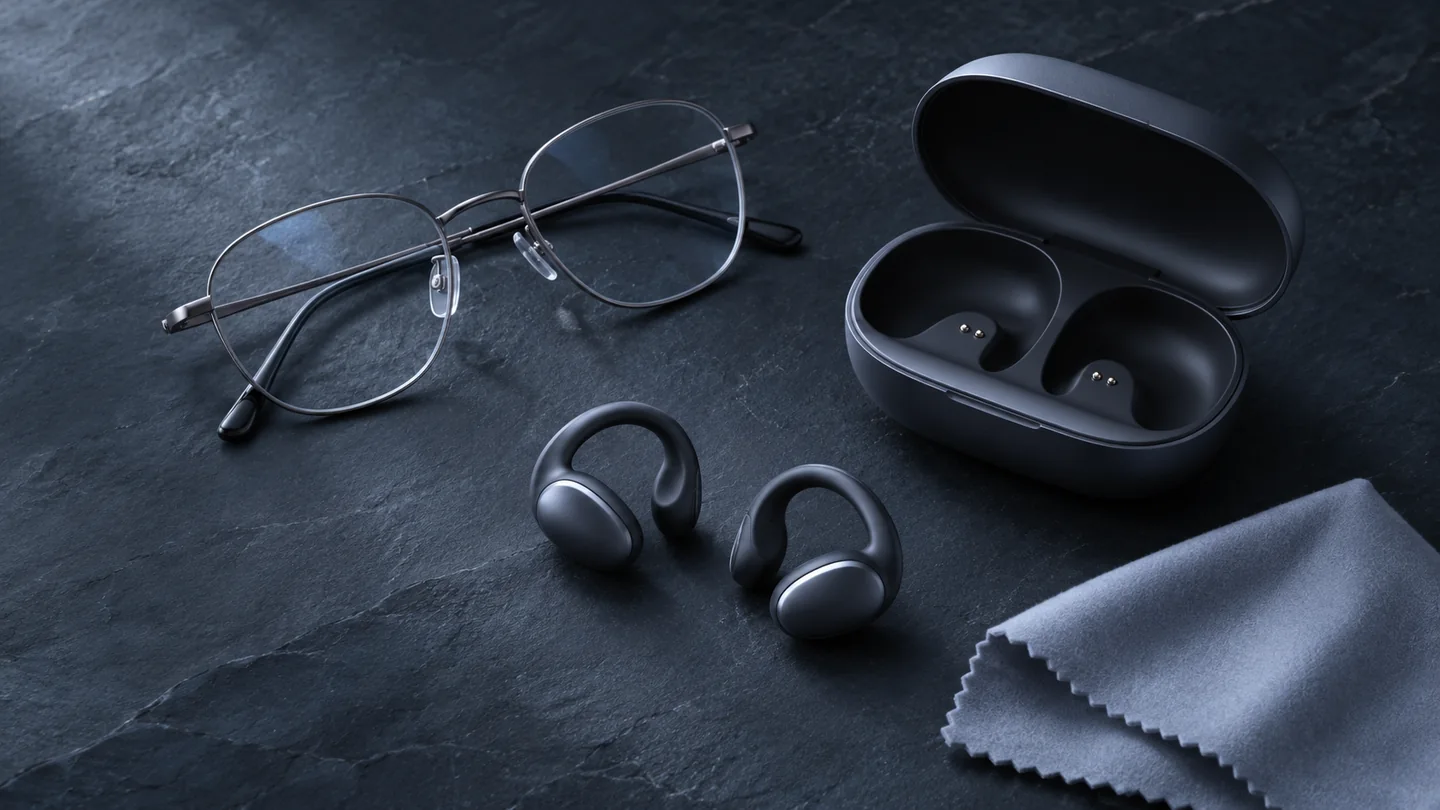
Put on the glasses you normally use, rather than evaluating the earbuds alone and adding a different frame later. Look for a comfortable arrangement around the ear. Check whether a temple arm displaces a hook, a clip contacts jewelry, or headwear changes the position. Do not force the frame or earbud into place.
Then try ordinary movements in a calm setting: turn your head gently, look down and speak a few sentences. Use a control once to see whether touching it shifts the unit. These are QGH’s suggested observations. They are not a sports-retention test, a comfort score or a claim that one design fits everyone.
A repeatable fit check
- Confirm the side and orientation. Compare the markings and shape with the manual.
- Adjust one thing at a time. Note the change in position before making another.
- Listen at a comfortable level. Check both sides with familiar audio and keep the phone’s settings consistent.
- Try your glasses and controls. Notice movement or contact pressure during ordinary use.
- Recheck after a short normal session. Record comfort and stability in your own words rather than assigning a universal score.
If the result still feels wrong
| What you notice | Useful next step |
|---|---|
| The unit shifts when touched | Recheck its orientation and the intended support position before changing settings |
| One side sounds different | Confirm left/right placement and phone balance settings. If the issue remains, use the maker’s troubleshooting |
| Glasses displace the earbud | Try the documented adjustment range with your usual frames. Consider a different fit format if the conflict remains |
| Pressure or discomfort persists | Remove the earbuds and consult the manufacturer. Do not bend fixed parts or force a deeper position |
If you actually use silicone-tip earbuds, our AirPods Pro ear-tip fit guide covers a different problem: selecting and checking a seal. That procedure should not be transferred to a cuff or hook design.
Common questions
Should I push an open-ear speaker into my ear canal?
Use the placement specified for the model. A hook or cuff should not be treated like a sealed in-ear tip.
Does louder audio prove I have found the right position?
No. Check comfort, intended orientation, controls and stability as well. Avoid using higher volume to hide an unresolved fit issue.
Will an open-ear model definitely work with my glasses?
A manufacturer may design for glasses, but your frame and the earbud still need to work together. Try that exact combination within the seller’s return terms.
Sources and update notes
The manufacturer examples explain different wearing methods. QGH’s checklists help organize your observations and do not substitute for the instructions for another model or generation.