


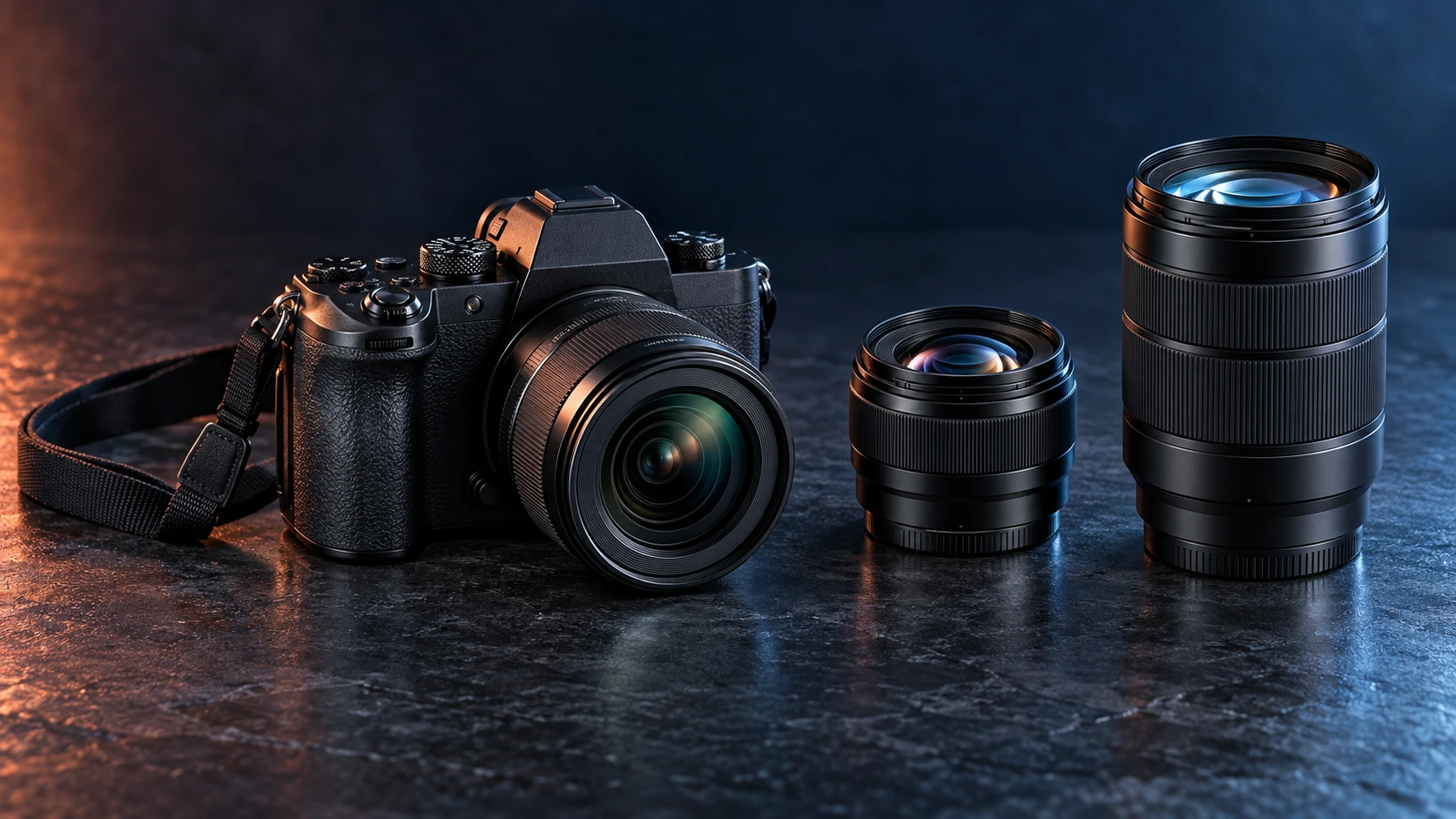
A mirrorless interchangeable-lens camera uses a digital sensor and an electronic display to show the scene, while letting you change lenses for different subjects. It removes the reflex mirror used in a DSLR. That describes the camera design, not a guarantee that every model will suit your photography.
For a first purchase in 2026, choose around three things: what you photograph, the lens you need, and the cost of a complete working kit. This guide gives you a decision table and a checklist you can take to a store or use while comparing specifications. It is a research-based buying guide, without QGH hands-on performance measurements.
Start with the pictures you want to make
Write down the problem your current camera or phone cannot solve. Perhaps you need a longer lens for school sports, more control over portraits, or a dependable setup for filming yourself. A specific problem makes comparison easier than starting with the highest megapixel count.
| Your main use | Prioritize | Question before buying |
|---|---|---|
| Family, children and pets | Continuous autofocus, suitable subject detection, comfortable controls | Does tracking work in the photo or video mode you will use? |
| Travel and everyday photography | Total kit weight, useful zoom range, battery plan | Will you carry the camera with its lens attached? |
| Portraits and product photos | Appropriate lens, lighting options, reliable focus | Can the first lens deliver the framing you need? |
| Self-recorded video | Screen position, audio options, video crop and recording conditions | Can you frame yourself and monitor the result in the chosen mode? |
| Sports and wildlife | Telephoto lens options, tracking, burst restrictions and storage | What remains enabled at the advertised burst rate? |
QGH’s recommendation is to select your most frequent use first and one secondary use next. A camera that meets those needs comfortably is more useful than one bought for a demanding activity you may never try.
What changes when a camera is mirrorless?
A DSLR routes light through a mirror to an optical viewfinder. A mirrorless camera displays the sensor feed on its rear screen, an electronic viewfinder, or both. Some models offer an exposure preview, which can help you see how settings affect the image before taking it. Nikon explains the design difference here.
An interchangeable lens lets you choose a different field of view or a lens suited to a particular task. The body still needs a compatible mount, and the lens remains part of the size, weight and price of the system.
A smartphone may remain the easiest tool for instant sharing and situations where carrying a camera would be inconvenient. Consider a separate camera when you want interchangeable optics, direct controls or a workflow you are willing to learn.
1. Choose the lens system before the body
A body is one purchase. A lens system can shape several purchases over time. Identify the first lens you will use and one plausible future lens, then check their combined cost, size and compatibility.
For example, Nikon Z and Canon RF are different mounts. An unfamiliar lens listing should be checked against the camera manufacturer’s compatibility information. A lens being described as mirrorless does not identify which body it fits.
Mount compatibility and sensor coverage are separate questions. Canon documents that its RF-S 18–150mm lens fits APS-C and full-frame EOS R-series cameras, but a full-frame camera automatically crops to APS-C when using it. A lens fitting physically does not necessarily mean you use the entire sensor.
If you already own DSLR lenses, price the appropriate adapter and read the exact lens compatibility notes. Supported functions can vary. Nikon discusses adapting F-mount lenses to its Z system; check autofocus and other functions for your particular lens instead of assuming that every adapted combination behaves alike.
2. APS-C or full-frame: compare the complete kit
Full-frame and APS-C describe sensor formats. Nikon calls its formats FX and DX respectively. A smaller sensor records a narrower portion of the image projected by a lens. Nikon gives the example of a 24mm lens on DX producing an approximately 36mm-equivalent field of view. The lens itself does not become a different focal length. See Nikon’s format explanation.
| Compare | What matters for the buyer |
|---|---|
| Body plus first lens | Compare a usable combination, including grip and balance. |
| Your usual light and subjects | Consider the lens, exposure and focus requirements alongside the sensor. |
| Framing | Check equivalent field of view, especially for interiors and self-recorded video. |
| Future lenses | Price the lenses you may genuinely need, rather than the whole catalog. |
Our practical starting point: consider a manageable APS-C kit when it meets your needs and leaves money for the right lens. Consider full-frame when the complete kit solves a specific need within your budget. There is no requirement to move to full-frame simply because you are taking photography seriously.
3. Pick a first lens that matches your subjects
Focal length helps describe the field of view. A zoom offers a range of focal lengths, while a prime uses one fixed focal length. Nikon’s focal-length guide explains how shorter and longer focal lengths change framing.
A kit zoom is a sensible place to learn which framing you use most. Before choosing a specialist lens, ask whether you need a wider view, more reach, a closer focusing distance or a different aperture. Those are different problems.
For portraits, leave room in the budget for suitable lighting or a reflector if you need one. For distant subjects, check the cost and carrying weight of a telephoto lens. For close-up product shots, check minimum focusing distance instead of assuming any lens can frame a small object tightly.
4. Decide whether you need an electronic viewfinder
A viewfinder is a handling choice worth trying. Hold a camera to your eye, then compose the same scene on its rear screen. Notice which position feels steady and comfortable, and how easy the display is to read in the conditions you normally use.
Screen-first cameras can suit someone accustomed to composing on a phone or filming themselves. A photographer who prefers eye-level composition should make an electronic viewfinder a shortlist requirement. Check the exact model: being mirrorless does not guarantee that a viewfinder is included.
A 2026 example: Nikon Z5IIC
Nikon announced the Z5IIC on September 24, 2026 with a 24.5-megapixel full-frame sensor and a screen-first design that omits a viewfinder. Its U.S. announcement schedules availability for mid-October. As of this guide’s October 8 source check, that is an announced release window, rather than confirmation that a retailer has stock.
The official announcement also illustrates why footnotes matter: 4K/60p uses a DX crop, and Nikon recommends V90 SD cards for N-RAW recording, with restrictions on supported formats. Choose the mode and lens together, then budget for the appropriate card.
Our Nikon Z5IIC review examines those buying trade-offs in more detail. It is a document-based assessment, rather than a hands-on test.
5. Read autofocus and burst specifications together
For moving subjects, read which subjects the camera recognizes, which focus modes are supported, and what changes between stills and video. Look for a demonstration or independent test using your type of subject, light and lens.
A headline burst rate is only the start of the comparison. Check whether it requires an electronic shutter or a particular file format, whether focus and exposure continue updating, and how many images can be recorded before the buffer slows the camera. Record those conditions beside the number on your shortlist.
If children or pets are your main subjects, prioritize evidence of usable tracking and handling over a burst figure you cannot use in your preferred mode. This guide does not rank autofocus performance from specification sheets.
6. Understand what stabilization can do
Optical lens stabilization and in-body image stabilization address camera shake. Some supported body-and-lens combinations coordinate the two. Canon describes these approaches in its camera-shake compensation guide.
Subject movement remains a separate source of blur. A stabilization rating does not tell you that a moving child or animal will be sharp at a slow shutter speed. For action, consider shutter speed and focus as well as steadiness.
Read the conditions attached to a manufacturer’s stabilization claim. For video, also check whether electronic stabilization changes the crop. Assess the mode you intend to use rather than carrying a still-photo rating over to every recording situation.
7. Check the entire video workflow
Before paying for a more advanced recording option, follow a clip through your planned workflow: framing, recording, transferring, editing and sharing. Your existing computer and software are part of that decision.
- Resolution and frame rate: check the crop and autofocus behavior for the exact combination.
- Screen and audio: check whether a microphone or cable interferes with the screen position.
- Recording conditions: read the manufacturer’s duration, temperature and power notes.
- Storage: check the approved card type and speed for the chosen format.
- Editing: check support for the codec, bit depth and RAW or log format you plan to use.
If you want straightforward family clips, choose a mode you can edit and share comfortably. If you specifically need log or RAW, confirm the additional storage, software and learning involved. A feature you cannot use in your workflow adds little practical value.
8. Set a budget for a working kit
Use this formula before comparing body prices: camera + first lens + required card + power or charging needs + carrying protection + any essential adapter or audio equipment + tax and delivery.
Here is a hypothetical $1,500 planning worksheet. The amounts are allocations for discussion, not prices for actual products, and should be replaced with current quotes.
| Budget line | Illustrative allocation |
|---|---|
| Camera and first lens | $1,200 |
| Required memory card | $50 |
| Spare battery or charging needs | $100 |
| Bag or protection | $50 |
| Reserve for tax, shipping or another essential | $100 |
| Total spending cap | $1,500 |
Tax and delivery may use more than the reserve in this example. If your actual quotes exceed the cap, revise the kit before buying. Compare body-only and kit bundles with the same required items included.
For a new or used purchase from sellers such as MPB or Adorama, read the current policy for the listing and your region. Check condition, included accessories, return costs, warranty exclusions and seller identity. This guide makes no claim that every seller or listing offers the same protection.
The five-minute buying checklist
- Write your main use and one secondary use.
- List the body, first lens and all required accessories, with a complete quote.
- Confirm mount compatibility, sensor coverage and any adapter restrictions.
- Choose whether an electronic viewfinder is essential.
- Write down autofocus and burst conditions for your preferred mode.
- Check video crop, audio, card and editing requirements if you will record video.
- Hold the camera with the intended lens, or use a return policy that lets you assess handling.
- Check regional warranty, return terms and any announced-versus-in-stock distinction.
A useful store exercise is to locate the controls you will need most often and compose from eye level and waist level. If permitted, record a short clip in your intended mode and confirm that your editing software opens the file. These are suggested checks for the buyer, not tests conducted by QGH.
Frequently asked questions
Does every mirrorless camera have an electronic viewfinder?
No. Some models use a rear screen without an integrated viewfinder. Check the exact model and decide whether screen-only composition fits your use.
Do I need full-frame for a first camera?
No. Start with the photographs and video you want to make, then compare complete kits. Sensor format is one part of the choice alongside the lens, controls, focus and budget.
Can I use my existing lenses?
Possibly. Confirm the lens mount, sensor coverage and required adapter, then check which functions remain supported. An adapter should be chosen for the exact body-and-lens combination.
Should I choose the newest camera?
Choose a camera whose verified capabilities meet your needs within the total kit budget. For a newly announced 2026 model, separate manufacturer specifications from independent testing and confirm the actual availability before ordering.
QGH recommendation
Build a shortlist of two or three complete kits that solve your main photography problem. Compare the first lens, handling, essential shooting modes and total cost. Make the viewfinder and video-workflow decisions before choosing a brand or paying for a larger sensor.
Sources and methodology
This guide combines manufacturer explanations and documentation with QGH buying analysis. Sources were checked on October 8, 2026. Product features, prices, availability and seller policies can change. Model-specific capabilities should be confirmed against the current documentation before purchase. We have not conducted hands-on camera tests for this guide.
- Nikon — Mirrorless vs. DSLR: key differences
- Nikon — DX and FX sensor formats
- Nikon — Understanding focal length
- Canon — RF-S 18–150mm compatibility and specifications
- Canon — Camera-shake blur compensation
- Nikon — DSLR-to-mirrorless transition and lens adaptation
- Nikon — Z5IIC announcement, September 24, 2026