


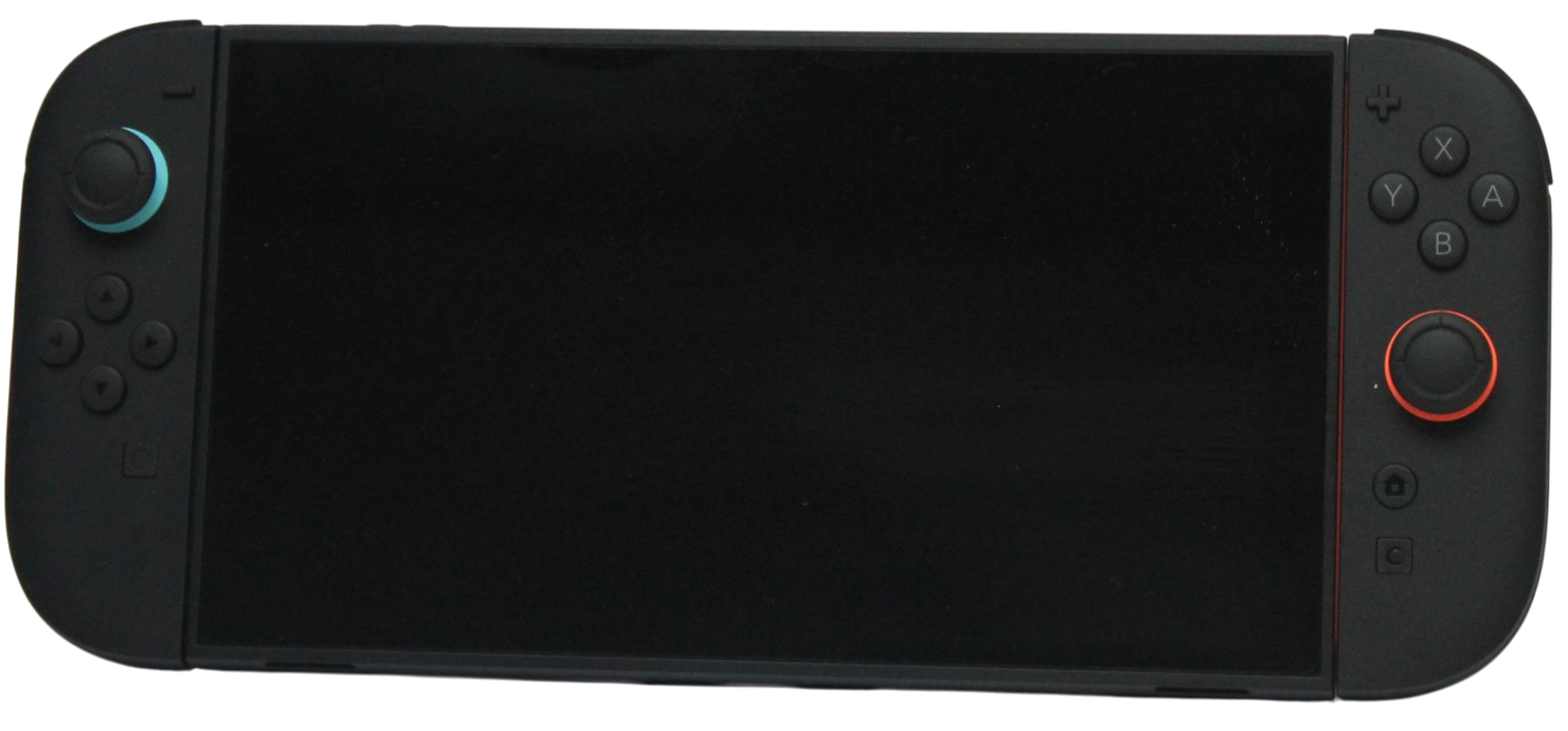
If you will have both consoles together, Nintendo recommends a local system transfer to Switch 2. If the old console must leave before the new one arrives, a server transfer is a separate option with important deletion and expiry conditions.
Decide which situation applies before starting. Both routes affect more than downloading games, and some source data can be removed during the process.
Choose the route deliberately
| Your situation | Route to examine | Consequence to understand first |
|---|---|---|
| Both consoles available together | Local system transfer | Some user and save data is moved off the source |
| Source console must leave first | Server system transfer | Upload is followed by initializing the source console |
| Switch 2 setup already completed | Nintendo’s alternatives or setup guidance | Do not reset the target without assessing its existing data |
| Shared household console | Whole-console transfer with all users prepared | The operation includes other users’ data |
Nintendo documents system transfer as part of the target console’s initial setup. If you have already used the new console, read the relevant section rather than treating it as an empty destination.
Inventory the users and important saves
List every user on the old console and the games whose progress matters. Note linked Nintendo Accounts and any title-specific transfer needs. Ask other household members to verify their priorities before committing to a whole-console operation.
Nintendo’s local-transfer guidance distinguishes save data by account linkage and Save Data Cloud compatibility. Some data remains on the source, while other data moves and is deleted there. Do not assume that “local” means every original item stays untouched.
Prepare access and connections
Have the relevant Nintendo Account credentials available, update the consoles as instructed and arrange a reliable connection. Follow the on-screen steps and the current linked Nintendo guide for the actual transfer sequence.
Plan the time for software downloads afterwards. Nintendo explains that digital software can be downloaded to the target after transfer and setup. The transfer completion screen therefore does not mean every game is already installed and ready to launch.
Understand the server option before uploading
Nintendo’s server route initializes the source console after upload and stores the transfer for a limited period. Record the expiry date shown during setup and retain access to the Nintendo Account used to initiate it.
Do not choose this route simply to experiment while the old console is still being used by the family. Its deletion consequence is part of the method. When both consoles will be available, review the recommended local route before deciding that a server upload is necessary.
Verify the result before handover
- Confirm every intended user appears on the target.
- Open the games whose saves matter and inspect the correct progress.
- Check captures you expected to transfer.
- Finish the software downloads needed for normal play.
- Recheck settings and accessories identified as separate by Nintendo’s guide.
Use an inventory and a written result for each important item. “The console turned on” is not sufficient evidence that all users and saves are ready. If something is missing, consult the transfer guide and support while the source and account information are still available.
Keep transfer separate from storage expansion
A new microSD Express card can provide compatible game-storage space, but installing it is not a user or save-data migration. Likewise, Nintendo’s capture-import use for an old microSD does not make that card suitable for Switch 2 game storage.
Complete the chosen transfer, verify the essential results and only then follow the appropriate handover process. Careful preparation makes the change of console much easier to assess than relying on the game icons alone.
Related QGH guides
Sources and methodology
This guide combines manufacturer documentation with QGH buying and setup analysis. Sources were checked on October 6, 2026. Model, software, regional and carrier conditions can change; follow the current linked instructions for your device.
Featured image: Nintendo Switch 2 photograph by AOMAF2024, released under CC0, from the QGH media library.