


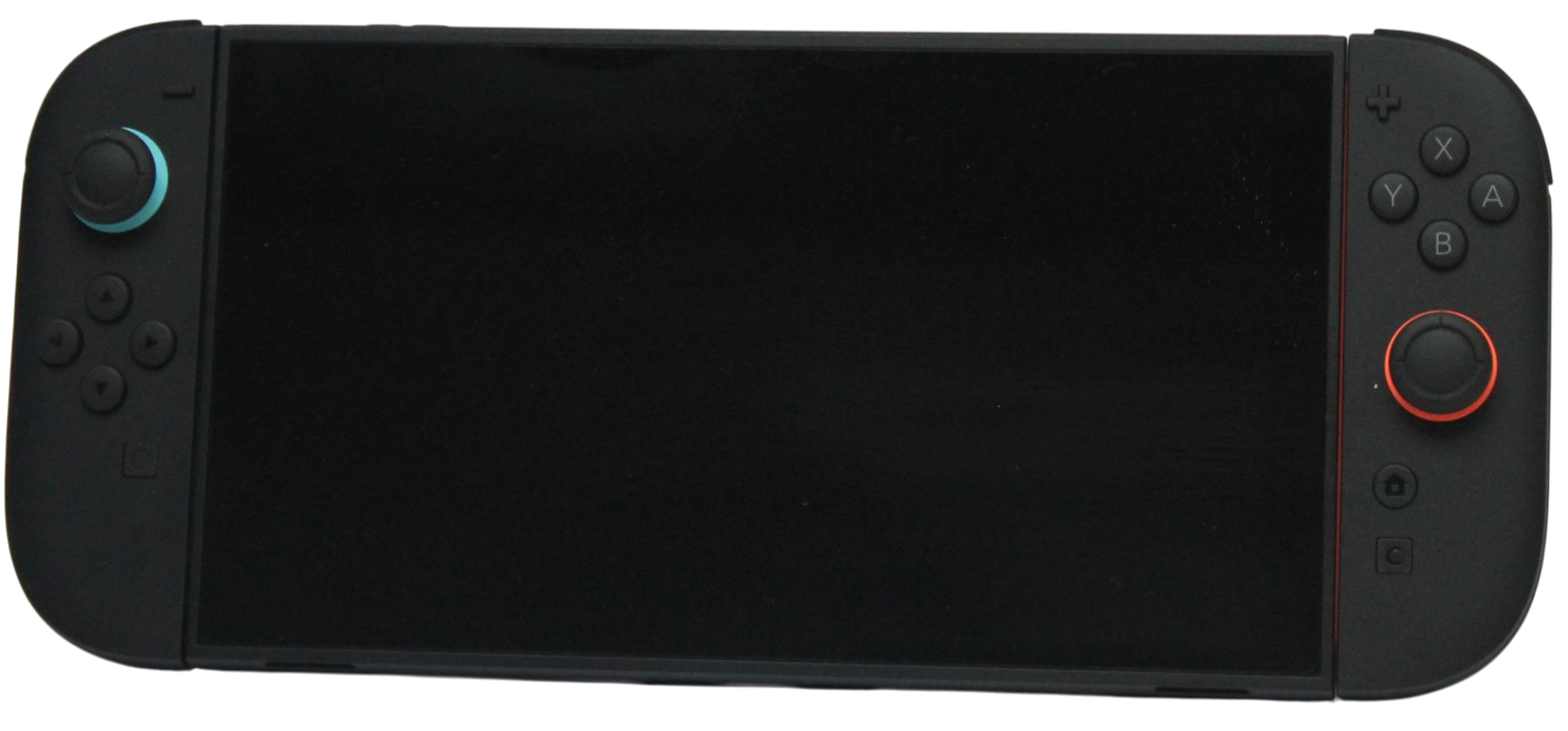
For Nintendo Switch 2 game-storage expansion, buy a microSD Express card. A regular microSD card from an older Nintendo Switch is not a substitute for the required format, even if its advertised speed or capacity looks attractive.
Check the exact product reference and packaging for the Express designation before comparing capacities. A capacity recommendation is useful only after the card format is correct.
Separate compatibility from capacity
Nintendo’s support page specifies microSD Express for Switch 2 and currently lists support for capacities up to 2TB. It also requires an internet-delivered system update the first time a microSD Express card is used.
| Item you already own or may buy | Switch 2 implication | What to do |
|---|---|---|
| Regular microSD from an original Switch | Not compatible for Switch 2 game storage | Do not buy or reuse it for this purpose |
| microSD Express card | Correct required format, subject to current compatibility limits | Check the exact reference and capacity |
| Old card holding screenshots or videos | Nintendo provides a separate capture-import use | Follow the capture or transfer instructions |
| Card chosen only for a large capacity label | Format still unresolved | Confirm Express before comparing the price |
The old card’s usefulness for captures does not mean it can carry the game library into the new console in the same way.
Estimate the installed library
List the games you want installed together and use their current storage requirements from the packaging or official product listings. Include games supplied on game-key cards, because those require a download and free space rather than containing the full game data on the card.
Allow for updates, downloadable content you actually plan to use and future purchases. This is your personal budget, not a fixed number of gigabytes that every owner must buy. A person rotating two games has a different need from a household maintaining a large shared library.
Compare capacity with management effort
Decide whether you are happy to remove and redownload software you do not currently play. If downloads are slow or inconvenient, keeping more of the library installed may have practical value. If your active library is small, buying the largest supported card can leave substantial space unused.
Use current local prices to compare suitable capacities from sellers with clear product references and return terms. Avoid choosing a card from a speed claim alone or treating a familiar brand name as proof that the listed item is the required Express model.
Prepare the console and existing card data
Follow Nintendo’s current installation and system-update instructions. If you are moving from an older Switch, review the system-transfer process separately from card installation. Buying storage and migrating users or saves are different tasks.
Do not format an old card containing captures you still need before checking the import process and preserving a usable copy. The goal is additional compatible space without accidentally removing the material you intended to keep.
Before buying
- Confirm microSD Express on the exact item and packaging.
- Check the current supported capacity limits.
- Budget the games that should remain installed together.
- Include downloads required by game-key cards.
- Plan the first-use update and any existing-data transfer.
Choose the capacity that serves your library and download routine. The most important compatibility decision comes first: a large regular microSD card is still the wrong format for Switch 2 game-storage expansion.
Related QGH guides
Sources and methodology
This guide combines manufacturer documentation with QGH buying and setup analysis. Sources were checked on October 6, 2026. Model, software, regional and carrier conditions can change; follow the current linked instructions for your device.
- Nintendo — microSD and microSD Express compatibility
- Nintendo — Switch 2 game-key cards
- Nintendo — System transfers to Switch 2
Featured image: Nintendo Switch 2 photograph by AOMAF2024, released under CC0, from the QGH media library.