


A smartwatch marked 5ATM or IP68 is not automatically suitable for every activity involving water. Those labels describe different forms of resistance, while the manufacturer specifies the uses it supports. Read the instructions for the exact watch and band before swimming, showering or choosing a water-sports activity.
What the labels tell you
ATM ratings relate to water-pressure resistance under specified test conditions. A number expressed as a depth is not a universal permission to use the watch at that depth. Movement, temperature, the activity and the device’s condition all affect the practical decision.
An IP rating describes protection against dust and water under its own conditions. The two digits have separate roles; an X means that the corresponding rating is not specified in that label. IP and ATM therefore should not be treated as interchangeable scores on one scale.
For a buyer, the useful question is whether the manufacturer approves the activity you intend to do. The label starts that investigation but does not finish it.
| Planned use | What to verify |
|---|---|
| Rain or sweat | Manufacturer’s everyday-use guidance and band material |
| Pool swimming | Explicit support for shallow-water swimming on that model |
| Showering | Guidance on soap, hot water and the particular watch |
| High-speed water sports | Specific approval, not an assumption from a 5ATM label |
| Diving | Exact model, depth and activity requirements |
Examples: Apple Watch and Pixel Watch
Apple distinguishes the regular Series models from Ultra models in its guidance. It permits shallow-water swimming for Series 2 and later, while activities such as recreational diving have separate requirements for Ultra. Do not transfer the Ultra instructions to a regular Series watch.
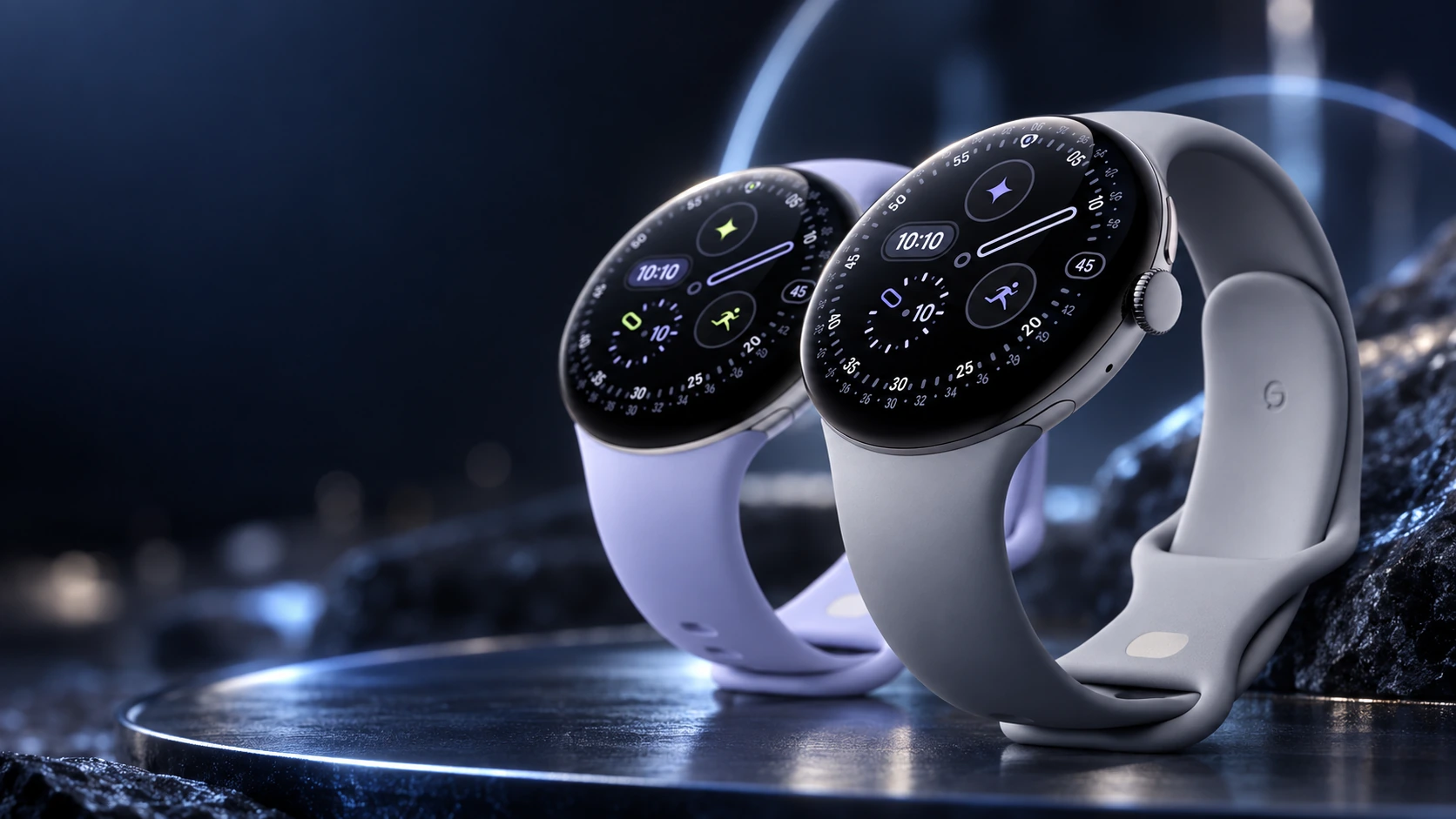
Google lists 5ATM and IP68 for Pixel Watch 4, and describes Pixel Watch use in shallow water. Its guidance excludes high-speed or high-impact water activities and exposure to soapy water. The purpose here is to show why the actual instructions matter more than comparing two numbers.
Is Pixel Watch 4 waterproof?
No: water resistant does not mean waterproof. Google lists 5ATM and IP68 for Pixel Watch 4. Its cleaning and water-use guidance allows shallow-water use, excludes soapy water and high-speed or high-impact water sports, and warns that resistance can decline with wear or damage.
| Situation | What to do |
|---|---|
| Shallow-water swimming | Check the band is also suitable; dry the watch and band afterward. |
| Showering | Keep it away from soap and hot water. |
| Diving or fast water sports | Do not interpret 5ATM as permission for these activities. |
Can I shower with Pixel Watch 4?
A shower can expose the watch to soap and high-temperature water, which Google’s guidance excludes. Remove it for that use.
Can I swim with Pixel Watch 4?
Google permits shallow-water use. Follow the conditions for the watch and its band; a damaged watch or an unsuitable band changes the decision.
The band has its own limits
A water-resistant watch can be attached to a band that should not get wet. Apple and Google both identify limitations for some leather and metal accessories. Check the band reference as carefully as the watch model if you plan to swim or exercise in it.
This also matters when changing to a third-party band. A seller’s claim about the material does not establish how the watch manufacturer treats that accessory. Confirm fit, permitted use and care instructions before relying on it in water.
Resistance changes with condition
Manufacturers warn that resistance is not permanent. Wear, impact, repair or other damage can change the protection. A watch surviving an accidental splash in the past does not validate a more demanding activity later.
Inspect for visible damage and follow the support route if the case, display or seals may be compromised. Do not improvise a home pressure test or assume that drying the outside restores the original rating.
A useful pre-swim checklist
- Identify the exact model and read its current water-use instructions.
- Confirm that the activity is specifically supported.
- Use an appropriate, securely fitted band.
- Review the manufacturer’s cleaning and drying guidance.
- Understand any water-lock control on that model. It manages interaction or water in the speaker; it does not upgrade the case’s resistance rating.
Choose a smartwatch for the activity you actually do, not the highest-looking label. When its instructions do not clearly approve that activity, use a device designed and documented for it.
Related QGH guides
- Apple Watch Series 12 Review: Is Apple’s $399 Smartwatch Worth It?
- Google Pixel Watch 4 Review: Is Google’s $349 Smartwatch Worth It?
Sources and methodology
This guide combines manufacturer documentation with QGH buying and setup analysis. Sources were checked on October 6, 2026. Model, software, regional and carrier conditions can change; follow the current linked instructions for your device.