


Pixel Watch 5 is an upgrade to consider for its newer platform and additional capacity, rather than an automatic replacement for every Pixel Watch 4. Google’s published specifications give both generations the same headline battery estimates for each case size. Owners should identify a feature they will actually use before paying to change watches.
The documented differences
The following comparison uses Google’s technical specifications. Launch software entries describe the platforms listed for the products; they do not establish which updates a particular existing watch has received.
| Specification | Pixel Watch 4 | Pixel Watch 5 |
|---|---|---|
| Case sizes | 41mm and 45mm | 41mm and 45mm |
| Minimum Android version listed | Android 11 | Android 12 |
| Listed software platform | Wear OS 6 | Wear OS 7 |
| Listed storage | 32GB | 64GB |
| Manufacturer estimate, 41mm with always-on display | Up to 30 hours | Up to 30 hours |
| Manufacturer estimate, 45mm with always-on display | Up to 40 hours | Up to 40 hours |
Google also lists touchless one-handed gestures for Watch 5. Confirm the controls and feature availability in the current product documentation for your region. A comparison of specifications is not a measurement of speed, gesture reliability or tracking accuracy.
Who should keep Pixel Watch 4?
Keep it if it remains comfortable, gets through your normal day and performs the tasks you bought it for. Moving from a functioning Watch 4 to Watch 5 solely for the name change is difficult to justify from the battery estimates above.
If battery life is your concern, distinguish a change of generation from a change of case size. Compare the same size first. A 45mm-versus-41mm comparison can otherwise attribute a size-related advantage to the newer generation.
Before replacing the hardware, review your display settings, charging routine and the apps using the watch. If the battery has a fault, compare the support or repair route with the cost of replacing the whole device.
Who has a clearer reason to upgrade?
Consider Watch 5 if the documented additional storage or interaction options solve a limitation you encounter repeatedly. More listed storage can matter to a collection of offline content, but available space is lower than the headline capacity after system software and apps.
People upgrading from a much older Pixel Watch should compare both Watch 4 and Watch 5 as purchases. The current selling prices, return policy, device condition and remaining support can matter as much as the generational differences. This article does not assume a particular discount or trade-in offer.
Check the phone and accessories
Google lists Android 12 or later for Watch 5, compared with Android 11 or later for Watch 4. Neither supports pairing with iPhone. Check the phone’s actual software version before choosing a watch around a discounted hardware price.
Verify the exact band’s case-size compatibility and the charging dock’s approved models separately. Similar shapes and a USB-C cable do not, by themselves, establish cross-generation compatibility. For LTE, confirm your carrier’s support for the new watch before transferring service.
Our buying approach
Write down the limitation of the existing watch, the Watch 5 feature that addresses it and the net cost after any verified offer. If the second item is unclear, keep the Watch 4. If it is specific and worthwhile, compare the correct Watch 5 size and connectivity version.
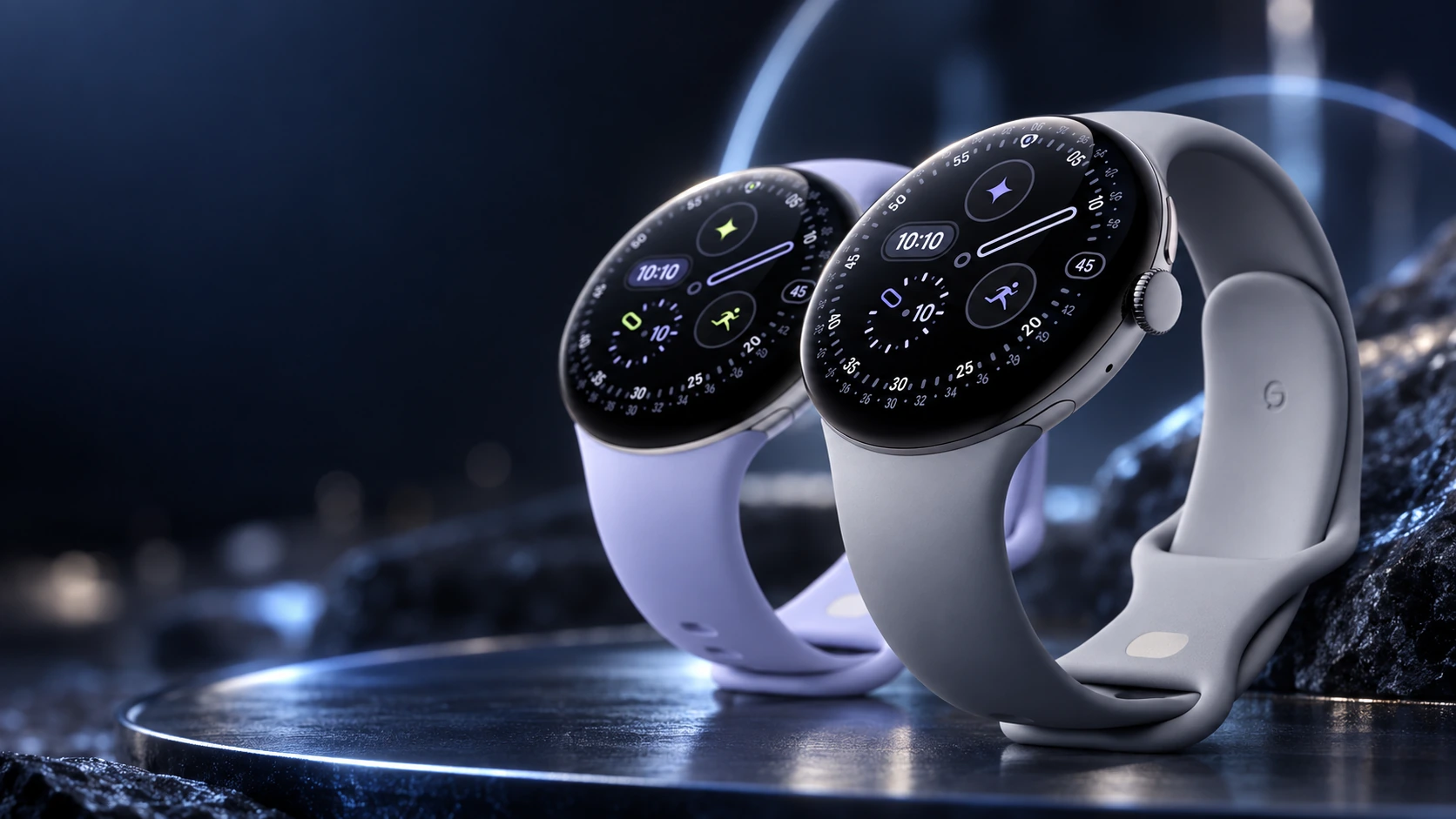
The editorial image accompanying this article shows Pixel Watch 4. The comparison itself is based on manufacturer documentation, not a hands-on side-by-side test.
Related QGH guides
- Google Pixel Watch 4 Review: Is Google’s $349 Smartwatch Worth It?
- Google Pixel Watch 4 in 2026: 7 Things to Know Before You Buy
Sources and methodology
This guide combines manufacturer documentation with QGH buying and setup analysis. Sources were checked on October 6, 2026. Model, software, regional and carrier conditions can change; follow the current linked instructions for your device.